Access TikTok Shop analytics

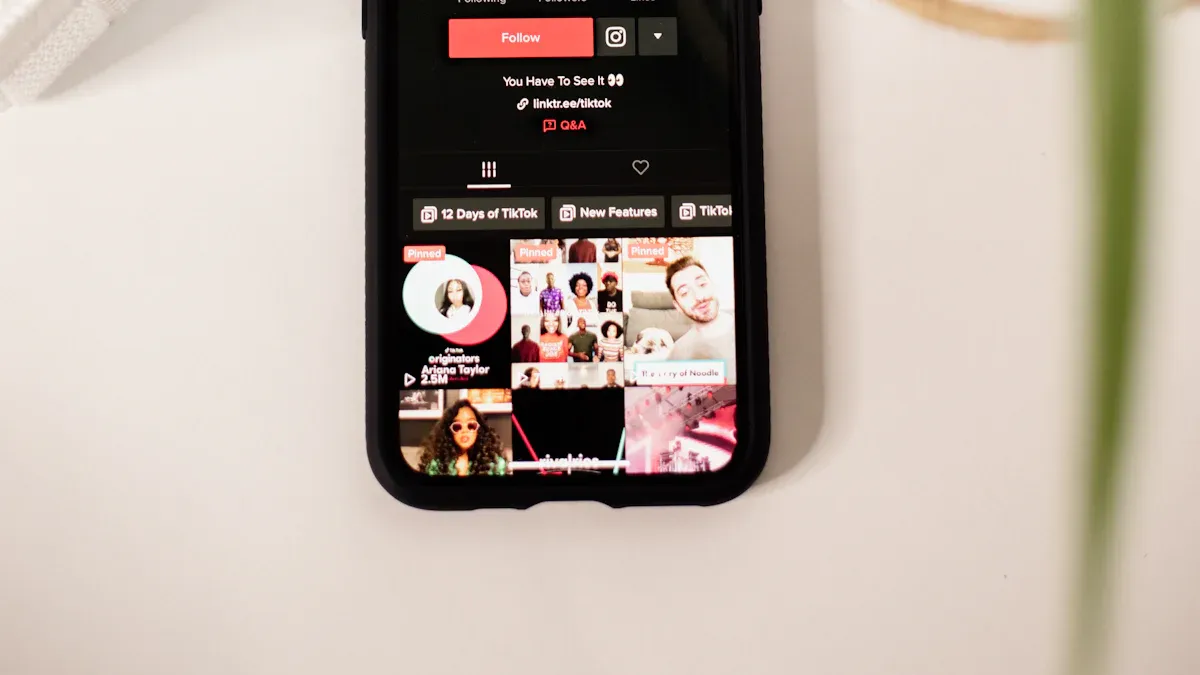
You can access TikTok Shop analytics by going to your Profile. Tap the three-line icon. Then pick TikTok Studio under Monetization. Analytics help you know how your shop is doing. They help you make good choices quickly. TikTok gives you tools like FastMoss, EchoTik, and Shoplus. These tools help you track sales, find influencers, and see market trends right away.
EchoTik helps you find influencers and check how products sell.
Shoplus lets you follow top products and see what others are doing.
Key Takeaways
You can see TikTok Shop analytics in your profile. Choose TikTok Studio under Monetization. This lets you check how your shop is doing.
Use tools like FastMoss, EchoTik, and Shoplus. These tools help you learn about sales. They help you find influencers. They show market trends fast.
Look at your analytics dashboard often. It helps you see what customers do. You can spot sales trends. This helps you make smart choices for your shop.
Change your analytics dashboard to show the most important numbers. This makes your work easier and saves time.
Use what you learn about customers to change your marketing plans. Knowing what your audience likes can help you sell more.
Access TikTok Shop
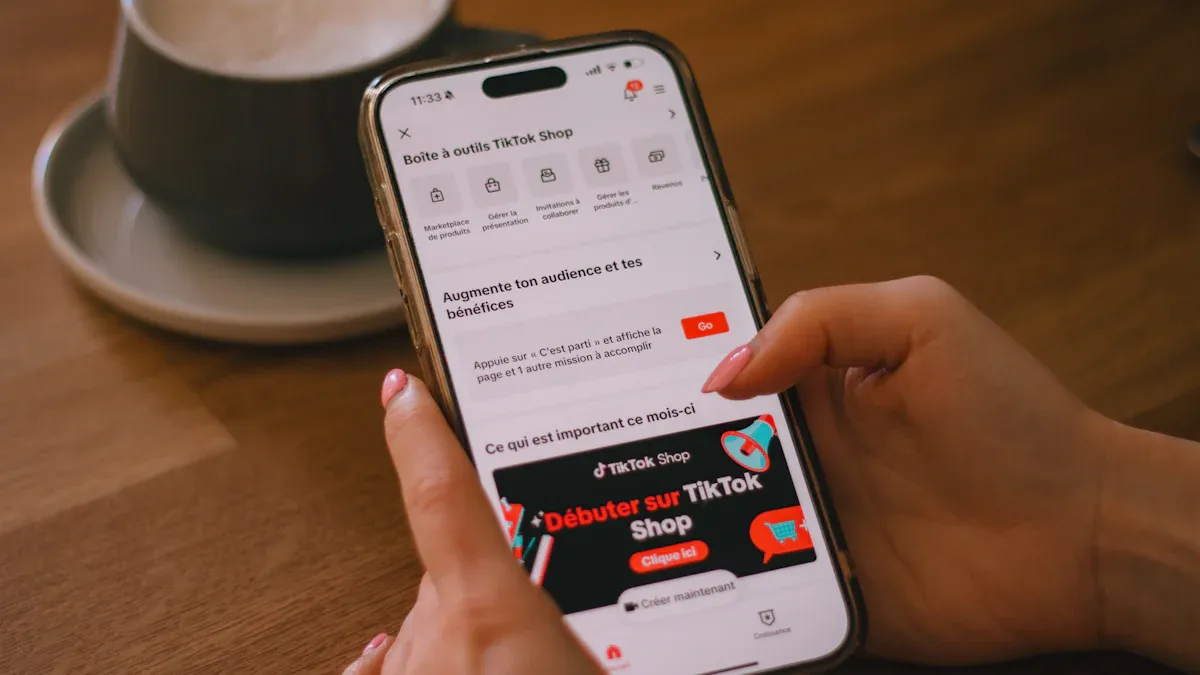
To see TikTok Shop analytics, start at your profile. Open TikTok and tap your profile picture. Look for the three lines in the top right. Tap those lines. Pick TikTok Studio under Monetization. Here you find tools and data to check your shop’s results.
You can also use Seller Center to get to TikTok Shop. Seller Center shows you live data about your shop. You can see your total money made, profit, and conversion rates. You can also see how customers act and what is trending. Seller Center helps you make smart choices fast.
TikTok Shop Analytics Tools
TikTok Shop analytics tools help you learn more about your shop. These tools show what works and what needs to get better. You get tips for your products, store page, and marketing. Here are the main features and how they help you:
Feature | Benefit for Seller Decision-Making |
|---|---|
Specialized analytics functions | Give useful tips for better campaigns |
E-commerce performance tracking | Help you improve listings and content with data |
Influencer discovery and analysis | Find real creators for good partnerships |
Trend detection systems | Use trends to get more people to your shop |
Cross-platform integration | Show full results across different channels |
You can use these TikTok Shop analytics tools to help your shop grow. They help you see trends, find influencers, and make your content better.
Product Analytics
Product analytics let you see how each item is doing. You can track views, click rates, and conversion rates. You also see sales trends and how customers act. This data helps you know which items sell best and when people buy most.
Track product views and click rates
Watch conversion rates and sales trends
Study customer actions and group shoppers by likes
Guess when demand will rise and spot top sellers
Check refund and return rates to make products better
With product analytics, you can see TikTok Shop data that shows what makes people buy fast and when your shop is busy. You can use this to plan your stock and ads.
Store Page Performance
Your store page is where people choose to buy. TikTok gives you analytics to see how your page does. You can check GMV, EMV, and your Shop Performance Score. You also get numbers for impressions, page views, and visitors.
GMV and EMV show your shop’s value and media reach
Customer satisfaction helps you find bad reviews and returns
Shop Performance Score lets you compare your shop to others
Impressions, page views, and visitors show how many people see your shop
If you check TikTok Shop analytics often, you can find problems early and fix them. You can also use the data to make your shop look and work better. TikTok lets you track everything in one spot.
Tip: Look at your analytics every day. You will see patterns and trends that help your shop grow faster.
Analytics Dashboard
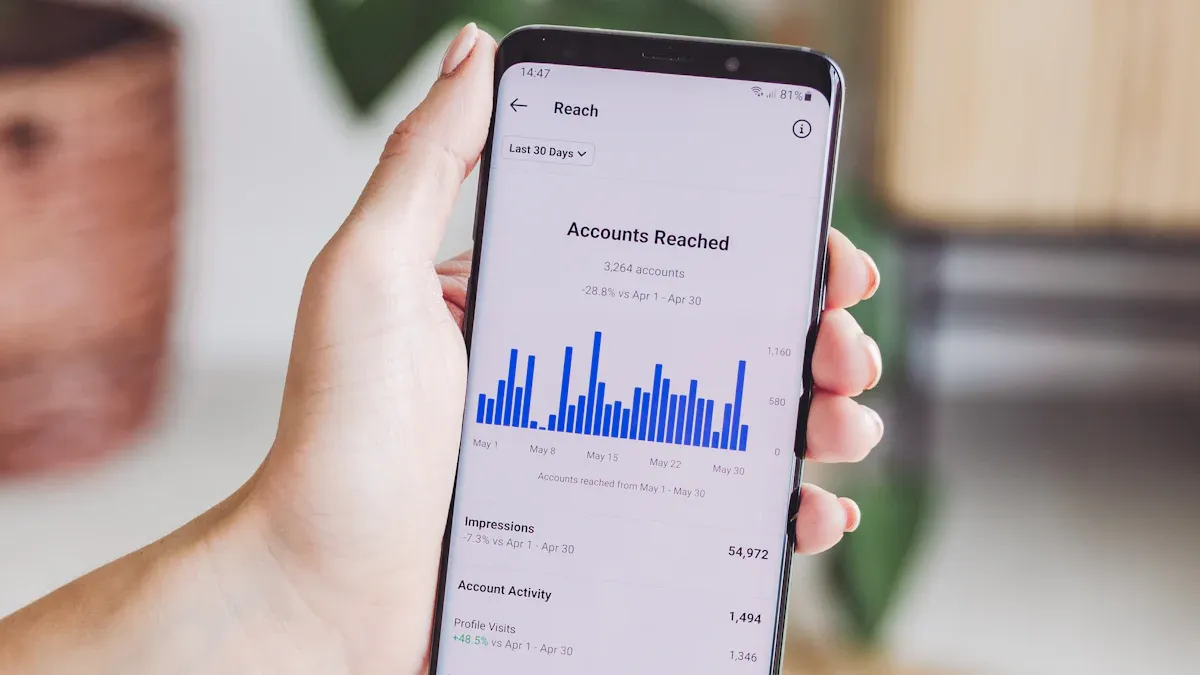
When you open your TikTok Shop Analytics Dashboard, you see a lot of useful information. The dashboard helps you understand how your shop is doing. You get a clear view of your shop’s performance, customer behavior, and sales trends. TikTok makes it easy for you to find the right data for your analysis.
Key Metrics
The dashboard has different sections. Each section gives you special insights into your shop. Here’s a table that shows what you can find in each part:
Section | Description |
|---|---|
Analytics | See customer behavior, sales trends, and overall shop performance. |
Tracking Sales Performance | Track sales by product, category, and time. Find best-sellers and items that need improvement. |
Customer Insights | Learn about your customers. See their age, location, and what they like to buy. |
Conversion Rates | Check how well your marketing works. See how many visitors become buyers. |
You can use these sections to guide your analysis. TikTok gives you the tools to track your shop’s progress and spot new opportunities. You can look at traffic, sales, and trends to see what’s working.
Here are some of the most important metrics you’ll find in the dashboard:
Metric | Description |
|---|---|
Impressions | Shows how often your ad appears. |
Reach | Tells you how many people see your content. |
Clicks | Counts how many times users click on your ad. |
CPC | Shows the cost for each click. |
CTR | Measures the percentage of people who click after seeing your video. |
Conversions | Tracks how many times your ad leads to a sale or other goal. |
CPA | Shows the average cost for each conversion. |
Landing Page View | Counts how many people visit your landing page from the ad. |
Cost per LPV | Shows the cost for each landing page visit. |
In the Product tab, you can also track these popular metrics:
CTR (Click-Through Rate)
VTR (View-Through Rate)
Coupon Redemption Rate
ROAS (Return on Ad Spend)
Violation Rate (Policy Compliance)
You can use these metrics for deeper analysis. TikTok lets you see which products get the most attention and which ads bring in sales. You can compare your performance over time and find patterns in your data.
Tip: Check your dashboard often. You will spot trends and make better decisions for your shop.
Customizing View
TikTok lets you customize your analytics dashboard. You can focus on the data that matters most to your business. You get more control over your analysis and can dig deeper into your shop’s performance.
Here’s a table that shows how you can change your dashboard view:
Customization Aspect | Description |
|---|---|
Control | Build your own dashboard. Pick the metrics you want to see. |
Insights | Get deeper insights that match your business goals. |
Filtering | Filter data by product, time, or customer type. |
You can also use these options to make your analysis easier:
Use custom date ranges to see trends over time.
Filter by days of the week to find busy periods.
Segment by regions to see where your customers live.
Analyze demographics to learn about your audience.
When you set up your dashboard, keep these best practices in mind:
Start with a clear goal. Know what you want to learn from your analytics.
Pick only the most important metrics. Too much data can be confusing.
Keep your charts and graphs simple. Easy-to-read visuals help you spot trends fast.
TikTok organizes metrics into four tiers. You can focus on the most important ones, like revenue and profitability. You can also look at customer metrics to predict long-term value. This helps you use your analytics for smart decision-making.
Note: Customizing your dashboard helps you save time. You see only the data you need for your analysis and performance review.
You can use TikTok analytics to track your shop’s growth, spot problems, and find new ways to improve. The dashboard gives you real-time data and insights for better analysis. You get a full picture of your shop’s performance and can make changes that help your business grow.
Use Analytics
Sales Performance
You want your TikTok Shop to stand out. Analytics help you see what works and what needs a boost. When you look at your sales data, you get a clear picture of your shop’s performance. Start by checking your sales tracking tools. These show you which products sell fast and which ones need more attention.
Here are some tips for using analytics to improve your sales:
Focus on engagement metrics like video views, likes, comments, shares, average watch time, and completion rate. These numbers show how well your content connects with shoppers.
Track audience metrics. Watch your follower growth, see when your audience is most active, and learn about their interests. This helps you post at the right time.
Keep an eye on sales metrics. Check click-through rates, conversion rates, cart abandonment, and average order value. These numbers tell you if your shop is turning visitors into buyers.
After each LIVE session, review your live shopping analytics. Look at reach, engagement, and conversion. Set goals for your next session and try new ideas.
Use content optimization. Find your best-performing videos and repeat what works. Try new styles to see what your audience likes.
Tip: Use real-time data to spot trends. Make quick changes to boost your TikTok Shop performance.
Analytics give you the power to make data-driven decisions. You can see patterns in your sales and adjust your strategy. Social media analytics help you understand what your audience wants. With regular analysis, you keep your shop growing.
Customer Insights
Customer insights help you connect with your audience. TikTok gives you data about who shops with you and what they like. Use this information to shape your marketing and boost your sales.
Try these strategies to use customer insights:
Analyze trends in your data. Create marketing that matches what your customers want.
Use user-generated content and honest reviews. These build trust and make your shop feel real.
Offer TikTok-only deals and promotions. Shoppers love special offers and act fast.
Watch for patterns in your analytics. See which products get the most attention and why.
Use social media analytics to learn about your audience’s age, location, and shopping habits.
Note: When you use insights from your analysis, you make smarter, data-driven decisions. You can improve account performance tracking and reach more shoppers.
Keep checking your analytics dashboard. Real-time updates help you spot changes in performance. With the right analysis, you can turn insights into action and grow your sales. TikTok makes it easy to use data for better results.
Troubleshooting
Running into trouble with TikTok Shop analytics? You’re not alone. Many sellers face login issues or missing data in their reports. Let’s walk through some common problems and easy fixes so you can get back to tracking your sales and performance.
Login Issues
Sometimes, you can’t get into your TikTok Shop analytics. Here’s a quick table to help you spot the problem and find a solution:
Login Issue | Solution |
|---|---|
Forgotten Password | Use ‘Forgot Password’, check your email, and set a new password. |
Account Locked | Wait 30 minutes, try ‘Forgot Password’, or reach out to TikTok Shop support. |
Browser Compatibility Issues | Clear your cache, update your browser, or switch to another browser. |
Region Restrictions and VPN Conflicts | Use the right regional link, turn off your VPN, and make sure your account is approved. |
You might also see issues like using the wrong email, not verifying your account, or trouble with two-factor authentication. Always double-check your login details. If TikTok’s servers are down, wait a bit and try again.
Tip: If you still can’t log in, reach out to TikTok Shop support through online chat, email, or their Facebook group. They can help you get back into your reports fast.
Data Problems
Missing data in your analytics or sales reports can be frustrating. Here’s what you can do:
Check which product details are missing, like size or price.
Make sure every field in your product listing is filled out.
Double-check your data entry for mistakes.
Use the latest templates for your uploads.
Validate your bulk upload files before sending them.
Clear your browser’s cache and cookies to see the newest data.
If nothing works, contact TikTok Shop support for help.
Sometimes, your reports don’t sync right away. Try clearing your app cache, logging out and back in, or updating your TikTok app. Make sure you have the right account type for full analytics access.
Note: Keeping your data and reports up to date helps you spot sales trends and improve your shop’s performance.
You now know how to get TikTok Shop analytics and use strong tools for your shop. TikTok lets you see sales as they happen. You can learn about your audience and compare your shop with others.
Use analytics to help you make choices and find trends quickly.
Look at your data often to make your shop better and help it grow.
Watch how your shop is doing and change your plan if needed.
Try these smart ways to make your TikTok Shop better:
Post when your audience is online the most.
Use data to make your listings and prices better.
Keep using TikTok analytics. Checking your data often helps you make good choices and get better results.
FAQ
How do you start tracking with TikTok Shop analytics?
You open TikTok, tap your profile, and go to TikTok Studio under Monetization. You find tracking tools for your shop. These tools help you see audience activity, sales, and trends. You get quick access to data for easy analysis.
What audience insights can you get from TikTok Shop analytics?
You see what your audience likes, their age, and where they live. TikTok Shop analytics show audience interests and shopping habits. You use this data for tracking and analysis. You learn how to reach more people and grow your shop.
Why is tracking audience important for your shop?
Tracking audience helps you know who visits your shop. You see what your audience wants and when they shop. TikTok Shop analytics give you audience insights for better tracking. You use this data to improve your products and marketing.
Can you track sales and audience at the same time?
Yes! TikTok Shop analytics let you track sales and audience together. You see which products your audience buys most. You use tracking tools for analysis. You get data about sales, audience, and trends all in one place.
How often should you check TikTok Shop analytics for tracking?
You should check TikTok Shop analytics every day. Daily tracking helps you spot changes fast. You see audience patterns and sales trends. Regular analysis keeps your shop growing. You use data for smart decisions and better results.
See Also
Essential Tools For Analyzing TikTok Performance Metrics
Understanding TikTok Analytics For Better Content Strategy
A Guide To Accessing TikTok Analytics Effectively
