What to Do When Your TikTok Shop Account Gets Suspended

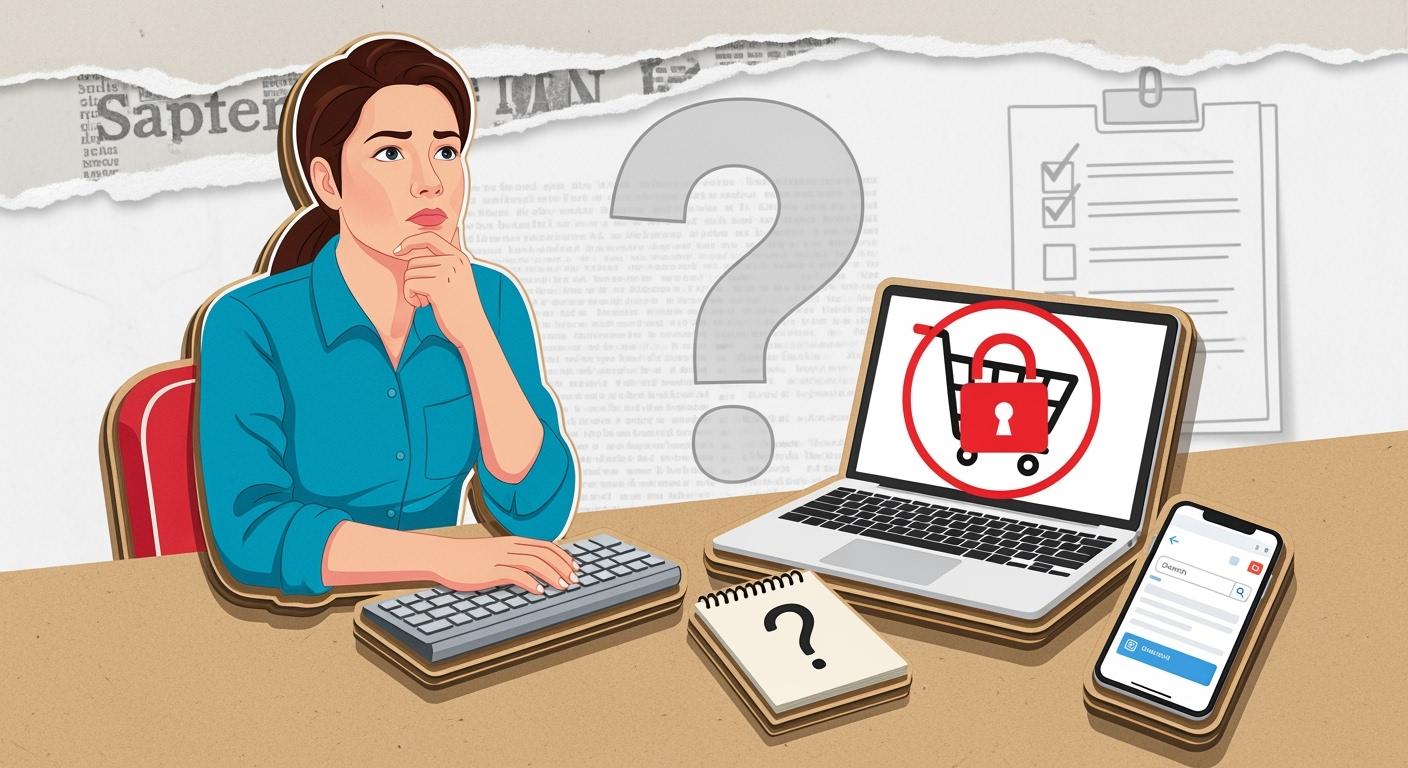
A suspended TikTok Shop account can seem scary. You may get a sudden alert or see your store is gone. First, look at your TikTok notifications and check your email for support messages. Some common reasons are:
Breaking rules like wrong product details or banned keywords
Selling banned items or fake goods
Strange activity, like fake orders or weird patterns
You need help and clear steps to Fix TikTok Shop Policy Violations. If your store is suspended, act fast. Follow the right steps to get your store back quickly.
Key Takeaways
Look at your TikTok notifications and email right after suspension. This lets you know why you got suspended and what to do next.
Fix policy problems fast. Get the needed papers, change your listings, and make a clear appeal. This can help you get your account back.
Keep your account healthy by checking your shop often. Follow TikTok's rules and keep your info current to stop future suspensions.
Immediate Steps After Suspension
If your account gets suspended, you may feel upset. Try to stay calm. You can fix this if you act quickly and keep things neat. Here are the first things you should do:
Check TikTok Notifications
Go to your TikTok Shop Seller Center. Look for alerts about your account. Also, check your email for messages from TikTok. These alerts tell you why your account is suspended and what products are involved. If you get a message, read it closely. Make sure the alert is real by logging in and checking the details.
Tip: Save every alert and message you get. Take screenshots or keep the emails. This will help you if you need to appeal later.
Review Account Health
Now, check your account health in the Seller Center. Look for warnings or red flags. The dashboard shows which rules you broke or which products caused trouble. Write down what you find. If you see complaints about intellectual property or product issues, note them. Sellers who write down their account status quickly often get their account back faster.
Look for:
Policy violations
Product complaints
Unusual activity
Avoid Multiple Logins
Do not log in from many devices or places at once. This can make things worse and cause more security checks. Use only one device while you fix your account. Do not change or delete any listings until you know what is wrong.
Act fast. Sellers who respond quickly can get their account back in days, not weeks.
Fix TikTok Shop Policy Violations
Identify Violation Reason
When your TikTok Shop account gets suspended, you might feel lost. You want to fix tiktok shop policy violations fast, but you must know why you got suspended. First, check your email for a message from TikTok. The email will say what happened and which rule you broke. Then, log in to your Seller Center and look at Account Health. You will see a list of violations and which products or actions caused problems. If you see a store content policy violation, write down the details. Many sellers skip this step and waste time guessing.
Tip: Take screenshots of your Account Health page and emails. This helps you remember what you need to fix.
Review Violation Records
Now, look at your violation records in the Seller Center. Go to the Violation Records tab. You will see a table with the type of violation, the date, and the status. For example:
Violation Category | Examples of Violations | Consequences |
|---|---|---|
Product Eligibility | Alcohol, counterfeit goods, untested cosmetics | Suspension or warnings |
Seller Qualification | Fake documents, wrong business info | Account suspension |
Content Violations | Offensive ads, misleading descriptions | Suspension |
You might see small mistakes like listing errors or big ones like selling banned items. Many accounts get suspended because sellers do not have the right papers. TikTok’s system will flag accounts that cannot show proof.
Address Policy Issues
To fix tiktok shop policy violations, do these steps:
Check your email and Seller Center for details.
Save everything with screenshots.
Get your business and product documents.
Remove or update listings that break rules.
Write your appeal with clear answers.
If you act fast and stay neat, you can fix tiktok shop policy violations and get your shop back. I once had a small violation for a product description. I fixed it in one day by changing the listing and sending proof. You can do this too if you follow each step.
Appeal Process to Recover a Banned TikTok Shop Account
If your account is suspended, you must act fast. The appeal process can seem hard, but you can break it into steps. My TikTok Shop account was once suspended for a listing mistake. I followed these steps and got my account back in less than a week. Let’s go through the appeal steps together.
Prepare Appeal Documents
You need to get your documents ready before you start your appeal. This means you collect everything TikTok might want. You want to prove your account follows all rules and has real, allowed content. Here is what you should gather:
Business registration papers
Product compliance certificates
Customer service records
Screenshots of your account restrictions and violation notices
Tip: Take a screenshot of your Seller Center. Show the account restrictions and violation records. This helps you explain your case.
You also need a plan of action. This is a short paper where you say what happened, how you fixed it, and how you will stop it from happening again. Here is a table showing what your plan of action should have:
Key Element | Description |
|---|---|
Appeal Submission | Send your appeal ticket in Seller Center. |
Appeal Conditions | You get two appeals: first within 30 days, second within 15 days after the first rejection. |
Evidence Requirement | Show proof your items are real and clear up any confusion. |
Finality of Decisions | TikTok’s choice is final after the second appeal. Late appeals do not count. |
If you get your documents ready and write a clear plan, you have a better chance of getting your account back.
Submit Appeal in Seller Center
Now you are ready to send your appeal. Go to TikTok Shop Seller Center and find your suspension notice. Click on the Violation Records tab. You will see your account restrictions and the reason for suspension.
Here are the steps to send your appeal:
Gather all your documents and screenshots.
Log into Seller Center.
Find the Shop Health section and click Violation Records.
Write your appeal message. Say what happened, what you fixed, and add your documents.
Send your appeal ticket.
Note: Take a screenshot of your appeal submission page. This helps you keep track of your appeal steps and timeline.
You should only send one appeal at a time. If you send more than one, TikTok may ignore them. The success rate for first-time appeals with the right documents is between 60% and 70%. If your account restrictions are about content quality or intellectual property, you need to show proof your content is real and allowed.
Monitor Appeal Status
After you send your appeal, you need to check your account status. Go back to Seller Center every day and look for updates. TikTok usually replies in 2–3 business days. You may get a message asking for more documents or details.
Callout: Take a screenshot of your appeal status page. This helps you remember when you sent your appeal and what TikTok asked for.
If TikTok says no to your first appeal, you can send a second appeal within 15 days. Make sure you update your documents and explain any new actions you took. TikTok’s choice is final after the second appeal. If you miss the deadline, your appeal will not count.
Here is a quick timeline for the appeal process:
Day 1: Get your documents and plan of action ready
Day 2: Send your appeal in Seller Center
Day 3–5: Check appeal status and reply to TikTok requests
Day 6–7: If rejected, update your documents and send a second appeal
You can see the most common reasons for appeal rejections in this table:
Violation Type | Severity | Estimated Appeal Success Rate |
|---|---|---|
Community Guidelines Violation | Medium | 60–70% for first-time violations |
Unoriginal or Low-Quality Content | Medium | 50–60% with proof of content quality |
Intellectual Property Infringement | High | ~11% overall; 60%+ with valid license |
Inadequate Sponsorship Disclosure | Medium | 70–80% if you add disclosure |
Prohibited or Restricted Product Promotion | High | 20–30% for prohibited items |
Account Ban or Permanent Suspension | High | N/A |
If you follow these steps and keep your documents neat, you can get your TikTok Shop account back. Stay calm, act fast, and check your account restrictions every day. Most sellers get their account back if they show proof and follow the appeal process.
Methods to Recover a Banned TikTok Shop Account
When your TikTok Shop account is suspended, you need to know if it is temporary or permanent. Temporary suspensions happen because of small mistakes. Permanent suspensions are more serious. You need stronger ways to recover a banned tiktok shop account. Let’s see the best ways for each type.
Temporary Suspension Methods
You can get your account back from a temporary suspension if you act fast. First, read the notice in your Seller Center. Fix the problem that TikTok tells you about. Update your product listings or business info if you need to. Take away any items that break the rules. After you fix the problem, send your appeal with proof. Most sellers get results in two to five days.
If you keep your documents ready and answer quickly, you can get your account back in less than a week.
Permanent Suspension Methods
Permanent suspensions are harder to fix. You must collect strong proof to recover a banned tiktok shop account. Here is a table that shows what you need:
Required Evidence | Description |
|---|---|
Official suspension notice | The message you got about your suspension |
Proof of store operation | Product test reports and business documents |
Account security proof | Steps you took to protect your account |
Product authorization certificates | Papers showing you can sell your products |
You should also get your business registration, tax papers, supplier invoices, and customer service records. Most people spend two to four days getting these ready. TikTok will check your case in seven to fourteen business days.
Add technical records, like order logs, if you have them. Show TikTok you fixed the main problem.
Here is an easy way to follow:
Read the complaint from TikTok.
Explain your side with proof.
Show how you fixed the problem.
List steps you will take to stop it from happening again.
These ways to recover a banned tiktok shop account work best if you stay neat and act fast.
Prevent Suspension in the Future

You want your TikTok Shop to work well. You do not want your account to get suspended again. Here are some easy tips to help you stay safe and keep your shop strong.
Follow TikTok Shop Policies
You need to know the rules before you add products. TikTok has strict rules about what you can sell. Some things are not allowed, like weapons, alcohol, fake items, and untested cosmetics. Always look at the newest rules for restricted products. If you sell food or cosmetics, add clear ingredient lists and safety warnings. When you follow these rules, you keep your account safe and help customers trust you.
Learn what is a violation, like wrong content or slow shipping.
Use simple descriptions and good pictures for every product.
Check TikTok’s seller rules often to stay updated.
Maintain Account Health
Your account health is like a report card for your shop. You should check it every week. Fix any warnings as soon as you see them. Good account health helps you get more sales and better shop results. If you give good service, you get more rewards and customers trust you more.
“If you build good habits, check rules every day, and keep your shop neat, you will do better. These steps help you get faster approvals, better ads, and more trust from buyers.”
Ship orders on time and answer questions fast.
Give all needed papers for special products.
Make sure your content is always honest and right.
Update Business Information
Remember to keep your business info correct. Check your details every month. Change your address, contact info, or papers if anything is new. This helps you avoid problems and keeps your account safe.
Look at your listings and business info often.
Take away old or wrong products.
Watch for new rules and change your shop if needed.
If you do these things, you can stop problems and keep your shop open for a long time.
If you move quickly and do the right things, you can get your suspended account back. Most people get their accounts back if they send a clear appeal and listen to what TikTok says.
If you follow the rules, you have a 70–80% chance to win your appeal.
Checking the rules often helps you not make mistakes and keeps your account safe.
Keep a good attitude. Most people get their accounts back if they do things the right way.
FAQ
How long does it take to recover my TikTok Shop account?
You can get your account back in two to seven days if you act fast and follow all steps.
What should I do if my appeal gets rejected?
Try again with better proof. Update your documents and explain what you fixed. You have a second chance.
Can I open a new shop if my old one stays suspended?
No, you cannot open a new shop if your old account is still suspended. You must solve the issue with tiktok first.
