How to Qualify as a TikTok Seller in the US

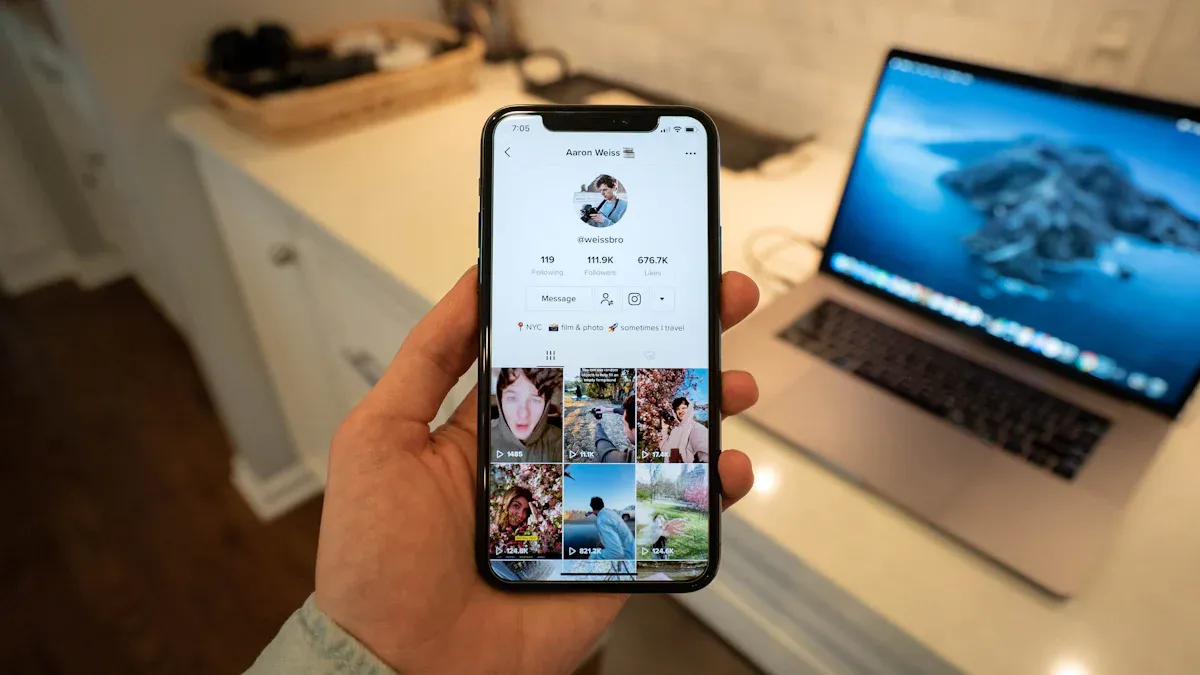
You can be a TikTok Shop seller in the US if you follow TikTok’s rules and give the right papers. TikTok Shop checks your ID, business details, and if you live in the US. Many new sellers have problems like W-9 forms that do not match, wrong addresses, or selling things that are not allowed.
Common mistakes include:
Business details do not match on all papers
Not picking a qualified U.S. representative
Selling banned items or writing bad product descriptions
Make sure you meet all TikTok seller US rules before you apply.
Key Takeaways
You need to be at least 18 years old. You must live in the US. Your TikTok account should have 5,000 followers or more to be a TikTok seller.
Pick if you want to sell as a person or a business. Give clear documents like your ID, tax forms, and proof of where you live. These must match to stop any delays.
Keep your TikTok account active. Always follow the rules. This helps you avoid bans or strikes that can stop your shop from getting approved.
Sign up on TikTok Seller Center. Upload the right documents. Link your bank account. Connect your TikTok Business Account to begin selling.
Only sell products that are allowed. Use the seller checklist to avoid errors. This will help your TikTok Shop grow well.
TikTok Seller US: Who Qualifies
Individual vs. Business
You can join as an individual or a business. Each choice has different steps and needs. If you are an individual, you must have a TikTok Business Account. You can change your personal account or make a new one. You also need to give TikTok your real phone number and email. This helps TikTok contact you and check your info.
If you sign up as a business, you need more documents. You must show your Employer Identification Number (EIN) and business license. You also need proof your business is in the United States. Your business name, address, and bank account must all match. Here is what you need as a business:
Business registration with your legal name and address
EIN or Federal Tax ID
Business bank account
Authorization letter if you do not own the company
Tip: Make sure your business info matches on every paper. TikTok will check this when they review your application.
Age and Residency
You must be at least 18 years old to qualify. TikTok will ask you to prove your age. You can use Facial Age Estimation, Credit Card Authorization, or a selfie with your ID. You also need to show you live in the US. TikTok accepts a U.S. passport, driver’s license, or state ID. Sometimes, you may need a utility bill or bank statement with your address.
Here is what you need as an individual:
Government ID like a U.S. passport, driver’s license, or state ID
Proof of your current U.S. address
Legal name and date of birth
If you are a business, you must also give your company’s registration and EIN. All your documents must be real and match your application. Meeting these rules helps you get approved as a tiktok seller us and keeps your shop open.
TikTok Shop Requirements
Account Status
You need to check your account before opening a tiktok shop. Your TikTok account must not have any bans or strikes. You must be 18 years old or older. TikTok will check your age when you sign up. You also need at least 5,000 followers on your account. If you have less than 5,000 followers, you cannot apply yet. Government, politician, and political party accounts cannot join the shop. Your account must follow all TikTok Shop Content Policies and Community Guidelines. If you lost ecommerce permissions or are linked to a banned account, you cannot join.
Tip: Keep your account active and follow all rules. This will help you avoid problems when you apply for tiktok shop.
Here’s a quick list of what you need:
You must be 18 or older
You need at least 5,000 followers
You must have a US phone number and email
Your account must not have bans or strikes
You cannot be a government or political account
You cannot have past ecommerce bans
Documentation Needed
TikTok needs documents to prove who you are and where you live. The documents you need depend on if you are an individual or a business. Your documents must be clear and match your application details. If your name or address is different on your papers, TikTok may delay or reject your application.
Here’s a table to help you see what you need:
Seller Type | Required Documents |
|---|---|
Individual | - Government-issued photo ID (passport or driver's license) |
Business | - Business registration certificate |
TikTok uses computers and real people to check your documents. They look for clear photos, matching names, and real addresses. If your documents are blurry or do not match, TikTok may ask you to send them again. Most individual accounts get checked in one or two days. Business accounts may take two or three weeks.
Note: Always check your documents before you upload them. This helps you get your shop approved faster.
Set Up a TikTok Shop: Step-by-Step
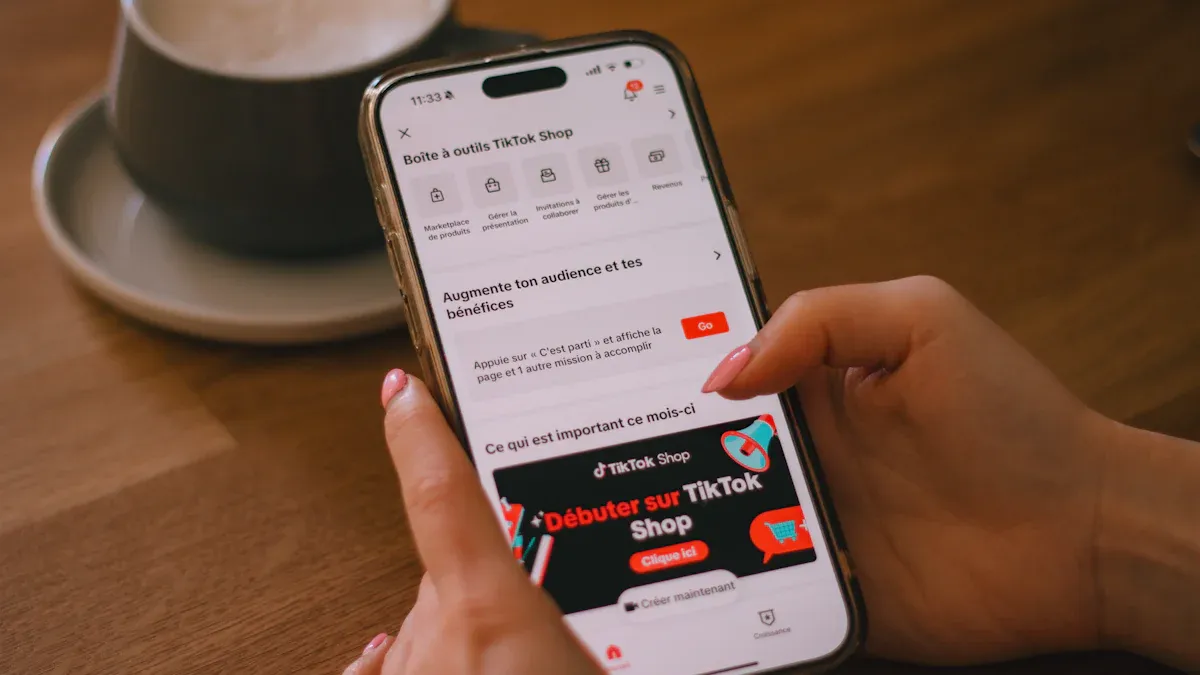
Ready to open your own shop on TikTok? Let’s walk through each step so you can set up a TikTok Shop and start selling your products to millions of users.
Register on Seller Center
You need to start by registering on the TikTok Seller Center. This is where you create your seller account and give TikTok all the details they need. Here’s how you do it:
Go to the TikTok Seller Center website for the US.
Sign up using your phone number and email, or use your existing TikTok account. You need a separate seller account, even if you already have a regular TikTok account.
Choose your business type. Pick “individual” if you are selling as yourself, or “business” if you have a company.
Fill in your seller information. If you are an individual, upload a US passport or driver’s license and your taxpayer ID. If you are a business, upload your company registration documents and a US passport or driver’s license for the business owner.
Add your shop details. Pick a unique shop name, enter your business info, and select the main category for your products.
Submit your registration form. TikTok will review your account, which usually takes one to two days.
Complete account verification within seven days. TikTok will send you a link to verify your ID.
Link your bank account. Make sure the name matches your registration details so you can get paid.
Tip: Double-check your documents and details before you submit. If your info does not match or your documents are blurry, TikTok may delay or reject your application.
Common problems during registration include mismatched names, expired IDs, or missing documents. Make sure everything matches and is up to date. If you use the wrong Seller Center link or your IP address does not match your country, you might get stuck.
Connect Your Account
After you finish registration, you need to connect your TikTok account to your shop. This lets you tag products in your videos and manage your shop from one place.
Switch your TikTok account to a Business Account. Go to Settings > Manage Account > Switch to Business Account.
Prepare your verification documents. You need a government-issued ID, your address, your full name, and your date of birth. If you are a business, you also need your company’s EIN and business address.
Register on the Seller Center using your business email or phone number.
Complete the captcha and OTP verification steps.
Upload your ID documents and tax info, like your W9 form and TIN.
Set up your shipping details and link your bank account.
Connect your TikTok Shop to your TikTok account. This lets you add products to your videos, LIVEs, and your shop tab.
If you use Shopify, you can connect your store to TikTok Shop. Here’s a quick look at how Shopify integration works:
Step | What You Do |
|---|---|
Install TikTok App | Add the TikTok sales channel from the Shopify App Store. |
Connect Accounts | Link your TikTok for Business account in Shopify admin. |
Register for TikTok Shop | Submit your documents and register through the seller portal. |
Sync Products | Sync your product catalog, inventory, and orders between Shopify and TikTok. |
Manage Orders | Handle TikTok Shop orders right from Shopify admin. |
Marketing Integration | Create TikTok ads and use shoppable videos and live shopping features. |
Note: Your store must have a real US address, a return policy, and follow TikTok’s product rules.
Add Products
Now you can add products to your TikTok Shop. This is where you show off what you want to sell. You need to follow TikTok’s rules about what you can and cannot list.
Go to your Seller Center dashboard and click “Add Product.”
Fill in the product name, description, price, and upload clear photos.
Choose the right category for your product.
Upload any required certificates or testing reports if your product is restricted (like electronics or beauty items).
Double-check that your product follows TikTok’s rules. You cannot sell things like alcohol, tobacco, homemade food, medicines, or anything banned by TikTok Shop in the US.
Submit your product for review.
TikTok reviews most products within 24 hours. If your product is approved, it will show up in your shop and you can start tagging it in your videos.
Warning: If you try to sell banned products, TikTok may remove your listing or even close your shop.
The whole application review for your TikTok Shop usually takes three to five days. After you get approved, you can start adding products and selling right away.
Set up a TikTok Shop the right way, and you’ll be ready to reach new customers and grow your business. Keep your documents ready, follow the steps, and always check TikTok’s latest rules for sellers.
Seller vs. Creator Roles

When you join TikTok Shop, you can be a seller or a creator. Each one has different tools and ways to make money. Sellers and creators do not have the same jobs. Let’s look at how they are different and how you can earn money by selling or joining the affiliate program.
Selling Products
Sellers run their own shop on TikTok. They list products, set prices, and handle orders. Sellers must keep their shop active and follow all rules. Here is a simple chart that shows how sellers and creators are not the same:
Aspect | TikTok Shop Creators | TikTok Shop Sellers |
|---|---|---|
Account Type | Use personal creator accounts | Use TikTok for Business accounts |
Purpose | Build personal brand and earn commissions | Sell own products and drive direct sales |
Functionality | Promote products via in-feed videos and live streams | Manage storefronts, product listings, inventory, and sync with Shopify/Amazon |
Monetization | Earn commissions through affiliate program | Generate revenue from direct product sales |
Content Focus | Create authentic user-generated content | Create product videos and ads to attract leads and increase conversions |
Platform Permissions | Promote products, participate in affiliate sales | Manage product listings, run ads, host live shopping events |
If you want to sell, you must register your shop and upload your items. Your product listings should be clear and honest. You also need to keep track of your inventory and answer customer questions. Sellers are in charge of shipping and returns, too.
Affiliate Program
If you like making videos more than running a shop, you can join the affiliate program as a tiktok shop creator. This is good for people who love sharing products in videos. Here is how tiktok shop for creators works:
Join the affiliate program using Creator Tools or the TikTok website.
You need at least 5,000 followers in the US.
After approval, you can look at products and pick your favorites.
Make videos, livestreams, or unboxings to show these products.
You earn a commission when someone buys from your link.
You do not need to ship, handle returns, or talk to customers. Sellers do that part.
This way, you can focus on making fun videos while sellers take care of business. Sellers and creators help each other grow on tiktok. You can choose to run a shop or just share cool things with your followers.
TikTok Shop Seller Checklist
Are you ready to make your tiktok shop better? Use this checklist to help your application and keep your shop working well. You want to stop mistakes that can slow down your approval or cause trouble later. Check these things before you send your application:
Make sure you live in a country where tiktok shop works. If you are a US seller, you must live in the United States.
Get all your ID papers. If you are an individual, use a government ID. If you are a business, use your business license.
Check your bank account details. They must match your application. This helps you get paid on time.
Look at your products. Only list items that follow tiktok shop rules. Do not add banned or restricted products.
Know your tax duties. Fill out your W-9 form the right way. Keep your tax info up to date.
Never use fake or changed documents. This can get your shop banned.
Stay up to date with new features and commission changes. The US platform changes a lot, so keep learning.
Here is a simple table to help you plan your tasks as a tiktok shop seller:
Checklist Category | Essential Items for US TikTok Shop Sellers |
|---|---|
Product Listing & Inventory | Add many products at once; track your stock; set alerts for restocking |
Order Processing & Customer Care | Track your orders; use automatic FAQs; answer buyer questions fast |
Sales Analytics | Watch your sales, profit, and conversion rates; see which content works best |
Campaign Management | Run quick sales; work with influencers; check your campaign results |
Content Optimization | Use popular hashtags; post when your followers are online |
Shipping & Customer Service | Ship orders fast; give great customer service to build trust |
Influencer Collaborations | Find creators who fit your brand; set clear goals and fees; use their reach for more views |
Staying Updated | Learn about new tiktok shop features and commission rules |
Tip: If you check every detail in your application and shop, you can avoid mistakes and get approved faster. Sellers who follow the rules usually get approved quickly.
Keep this checklist close when you set up your shop and add new products. You will feel more ready and confident to grow your tiktok shop business.
You have learned the main steps to start a shop on TikTok. First, make sure you can join. Next, collect all your needed papers. Then, follow each step in the Seller Center. Look at the checklist before you send your form. This helps you avoid mistakes like missing info or wrong details. If you need more help, TikTok Shop Academy has easy guides and videos. Always check for new rules so your shop works well. Are you ready to begin?
FAQ
How long does TikTok take to approve my shop?
Most shops get approved in 1–5 days. Business accounts may take a bit longer. Check your email for updates. If TikTok needs more info, they will ask you.
What if TikTok rejects my application?
Don’t worry! You can fix your documents and try again. Make sure your name, address, and ID match. Double-check for clear photos. TikTok will tell you what went wrong.
Can I sell any product on TikTok Shop?
No, you can’t sell everything. TikTok bans some items like alcohol, tobacco, weapons, and medicine.
Tip: Always check TikTok’s product rules before you add new items.
Do I need a business license to sell as an individual?
No, you don’t need a business license if you sell as an individual. You only need a valid government ID, proof of address, and your tax info.
Business sellers must show a business license.
Individuals do not.
See Also
Top Trending TikTok Products Popular Across The United States
Simple Registration Guide To Launch Your TikTok Shop Business
