Rewatch TikTok Live Free& Stream Playback Tool

Rewatch TikTok Live Free
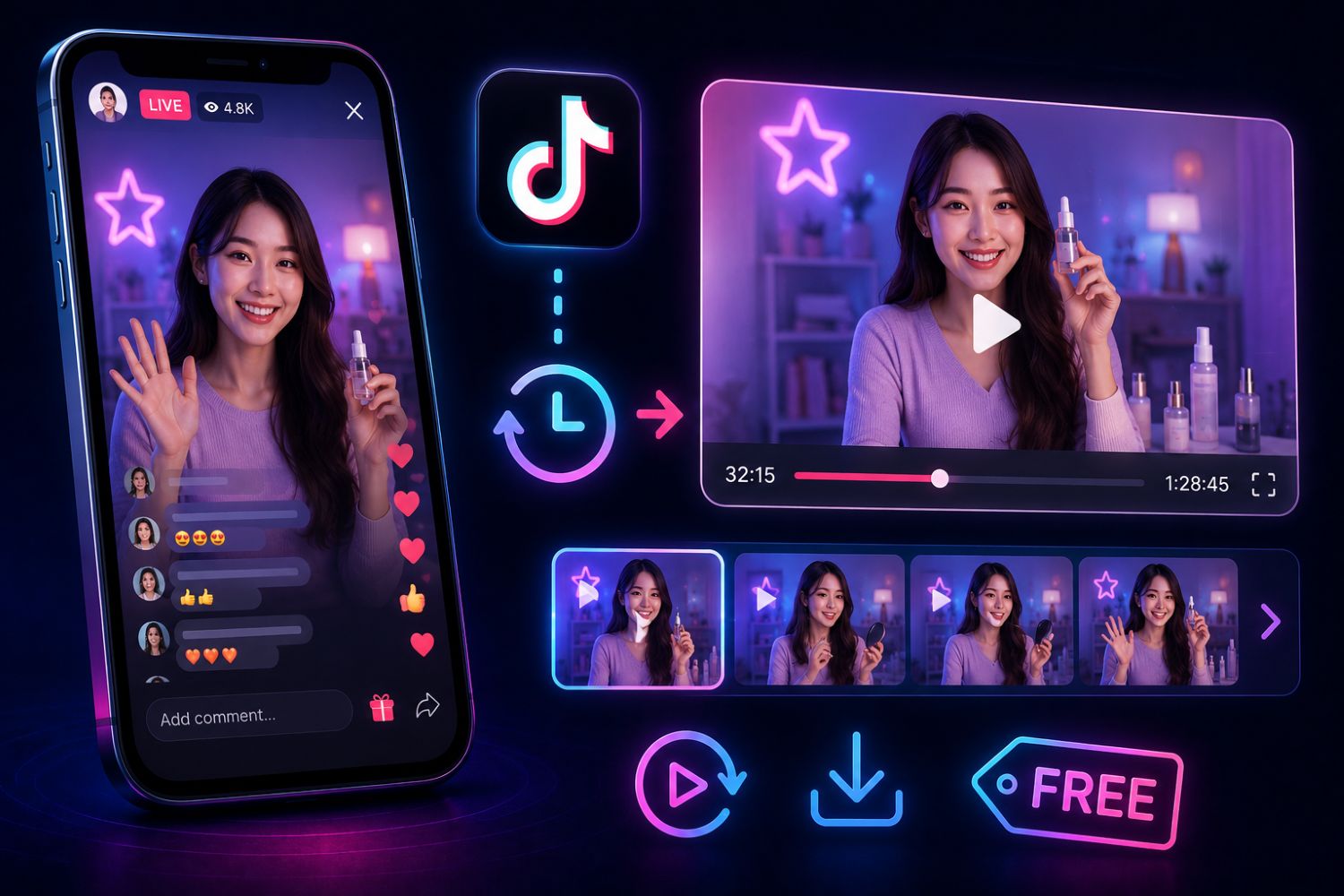
If you want to rewatch TikTok Live free, the most useful approach is not only watching the replay. For TikTok Shop sellers, brands and agencies, the real value is understanding what happened inside the live room: which products were promoted, when traffic changed, what the host said, how viewers reacted and what competitors did well.
A tool like EchoTik Live Monitor helps users monitor TikTok live rooms in the cloud and review live stream data afterward, including traffic, products, audience signals and sales pitch analysis. This makes live replay more useful for product research, competitor tracking and live selling improvement.
Outline
What Does “Rewatch TikTok Live Free” Really Mean?
Why TikTok Live Replay Alone Is Not Enough
May 2026 TikTok Live Review Snapshot
What You Should Analyze After a TikTok Live
Step-by-Step Workflow: How to Review TikTok Live with EchoTik
How to Study Competitor Live Rooms
How TikTok Shop Sellers Can Use Live Replay Data
How EchoTik Helps Turn Live Data Into Action
Common Mistakes to Avoid
FAQ
Final Thoughts
What Does “Rewatch TikTok Live Free” Really Mean?
When people search for “rewatch TikTok live free,” they usually want one of three things.
Some users simply missed a live stream and want to watch it again. Some sellers want to study how competitors run their live rooms. Some agencies and TikTok Shop operators want to review live performance without manually watching the entire session again.
The first use case is casual. The second and third are business-critical.
For TikTok Shop teams, a live stream is not just content. It is a live selling environment. Products are introduced, objections are answered, comments appear, traffic rises and falls, and hosts test different talking points in real time.
That means the question should not stop at:
“Can I rewatch the live?”
The better question is:
“What can I learn from this live stream that improves my next product, script, creator partnership or competitor strategy?”
That is where EchoTik becomes useful. Instead of relying only on human memory or manual notes, EchoTik helps users monitor live rooms and review structured live data after the session.
Why TikTok Live Replay Alone Is Not Enough
Watching a live replay can help, but it has limits.
If you only rewatch the video, you may see what the host said. But you may still miss the data behind the moment.
For example:
When did traffic rise?
Which product was being discussed at that moment?
Did the host use a specific selling point?
Were viewers asking product questions?
Did the live room focus on education, urgency or discounts?
Did the competitor repeat the same product pitch?
Which part of the live stream deserves to be copied, improved or avoided?
A raw replay gives you footage.
A live analytics workflow gives you insight.
This is why sellers and agencies need more than a basic replay. They need a way to connect live room traffic, product activity, audience response and sales pitch patterns.
EchoTik’s Live Monitor is designed for that kind of analysis. It helps users monitor TikTok live rooms in the cloud and review the live stream with data, not just eyesight.
May 2026 TikTok Live Review Snapshot
For May 2026, TikTok Live review should focus on current-month live commerce behavior. Do not base your live selling strategy only on old examples. Live formats, product demand and audience reactions can shift quickly.
Use EchoTik to review these current-month live signals.
May 2026 Live Signal | What to Check in EchoTik | Why It Matters | Best Next Action |
|---|---|---|---|
Live room traffic | Minute-level traffic movement | Shows when viewers entered, stayed or dropped | Match traffic changes with products and scripts |
Product list | Products shown during the live | Reveals what competitors are pushing this month | Build product and competitor watchlists |
Host talking points | Sales pitch and product explanation | Shows what language may influence buyers | Improve your live script |
Audience behavior | Viewer activity and engagement signals | Shows what questions or moments matter | Turn questions into content and FAQ |
Competitor live strategy | Live frequency, product order and pitch style | Reveals how competitors structure selling | Build a competitor live review file |
Live product momentum | Products repeatedly appearing in live rooms | Shows which products need demonstration | Prioritize demo-style content |
Traffic-to-product timing | Product shown during traffic changes | Helps identify stronger product moments | Adjust product order in your live plan |
This table is not meant to invent fixed numbers. It is a current-month analysis framework. The actual data should come from your EchoTik live monitoring tasks and your target market.
What You Should Analyze After a TikTok Live
A good live review should be more detailed than “the live did well” or “the live did not work.”
Traffic Movement
Traffic tells you when the room gained or lost attention. Review the live timeline and identify the moments when traffic changed. Then ask what was happening at that time.
Was the host introducing a product?
Answering a question?
Creating urgency?
Switching products?
Running a demo?
Product Sequence
Product order matters. A competitor may open with a traffic-friendly product, then move into higher-value items once the audience is warm.
Review:
Which products appeared first
Which products were repeated
Which products received more explanation
Which products were tied to urgency or bundles
Which products appeared when traffic changed
Sales Pitch
The host’s language is one of the most valuable parts of a live replay.
Study:
Opening lines
Product benefit explanation
Objection handling
Comparison language
Urgency framing
Trust-building language
Repeated phrases
Audience Questions
Viewer questions reveal friction. If people keep asking about product use, shipping, quality, size, color, comparison or results, those questions should become your next content and live script ideas.
Competitor Patterns
One live stream is useful. A repeated pattern is more useful.
If a competitor uses the same product order, hook, demo or pitch style across several live rooms, that is worth studying.
Step-by-Step Workflow: How to Review TikTok Live with EchoTik
Step 1: Choose the Live Room You Want to Study
Start with a clear target.
You can monitor:
Your own TikTok live room
A competitor’s live room
A creator promoting similar products
A shop in your category
A fast-growing live seller in your target market
EchoTik’s help center notes that Live Monitor can be used to monitor TikTok accounts and extract live-related data. You can learn the setup path from How to use Live Monitor.
Step 2: Set the Monitoring Task
Use EchoTik Live Monitor to set up the monitoring task.
The workflow is simple:
Search for the account you want to monitor
Set the monitoring duration
Set the notification method
Let the system monitor the live room in the cloud
This is useful because live rooms often happen at inconvenient times. Instead of manually watching late at night or assigning someone to take notes, you can let the monitor collect structured data.
Step 3: Review the Live Timeline
After the monitoring task is complete, review the timeline.
Look for:
Traffic changes
Product transitions
Audience activity
Selling points
Stronger and weaker moments
This turns the live stream into a reviewable performance record.
Step 4: Match Traffic Changes with Products
The most important live review question is:
“What was happening when the room changed?”
If traffic increased while a product was being demonstrated, that product or pitch may deserve closer attention. If traffic dropped during a long explanation, the script may need to be shortened or clarified.
EchoTik’s help article on live room traffic analysis explains that traffic is a key operational objective for TikTok live rooms and can be analyzed through live monitoring.
Step 5: Extract Product and Script Insights
Do not only record what was sold. Record how it was sold.
For each product, note:
Product position in the live
Main benefit explained
Host demonstration method
Viewer questions
Objections handled
Repeated phrases
Urgency or trust signals
This creates a live selling playbook for your team.
Step 6: Compare Against Competitor Live Rooms
Review competitor live rooms the same way.
Compare:
Product order
Host style
Pitch rhythm
Audience questions
Product categories
Live frequency
Repeated talking points
The goal is not to copy competitors. The goal is to identify what is working in your category this month.
Step 7: Turn the Review Into Action
After reviewing the live, create action items.
Possible actions:
Rewrite your live opening script
Change product order
Add a stronger demo
Prepare answers for repeated questions
Build short videos from live questions
Add products to a watchlist
Contact creators who perform well in live settings
Monitor the same competitor again
This is how “rewatch TikTok Live” becomes a growth workflow.
How to Study Competitor Live Rooms
Competitor live rooms are one of the best sources of practical market intelligence.
A competitor’s live can show:
Which products they are prioritizing
How they explain product value
What audience objections appear
Whether they use education, urgency or entertainment
Which products need more demonstration
How often they repeat the same pitch
Whether their live strategy supports short video content
For TikTok Shop sellers, this matters because live commerce is not only about being online. It is about product selection, host training, script design, audience understanding and timing.
Use EchoTik’s TikTok e-commerce analysis together with live monitoring to connect live room insights with broader product and shop trends.
If a product appears in competitor live rooms, short videos and product rankings at the same time, that signal is stronger than a product appearing in only one place.
How TikTok Shop Sellers Can Use Live Replay Data
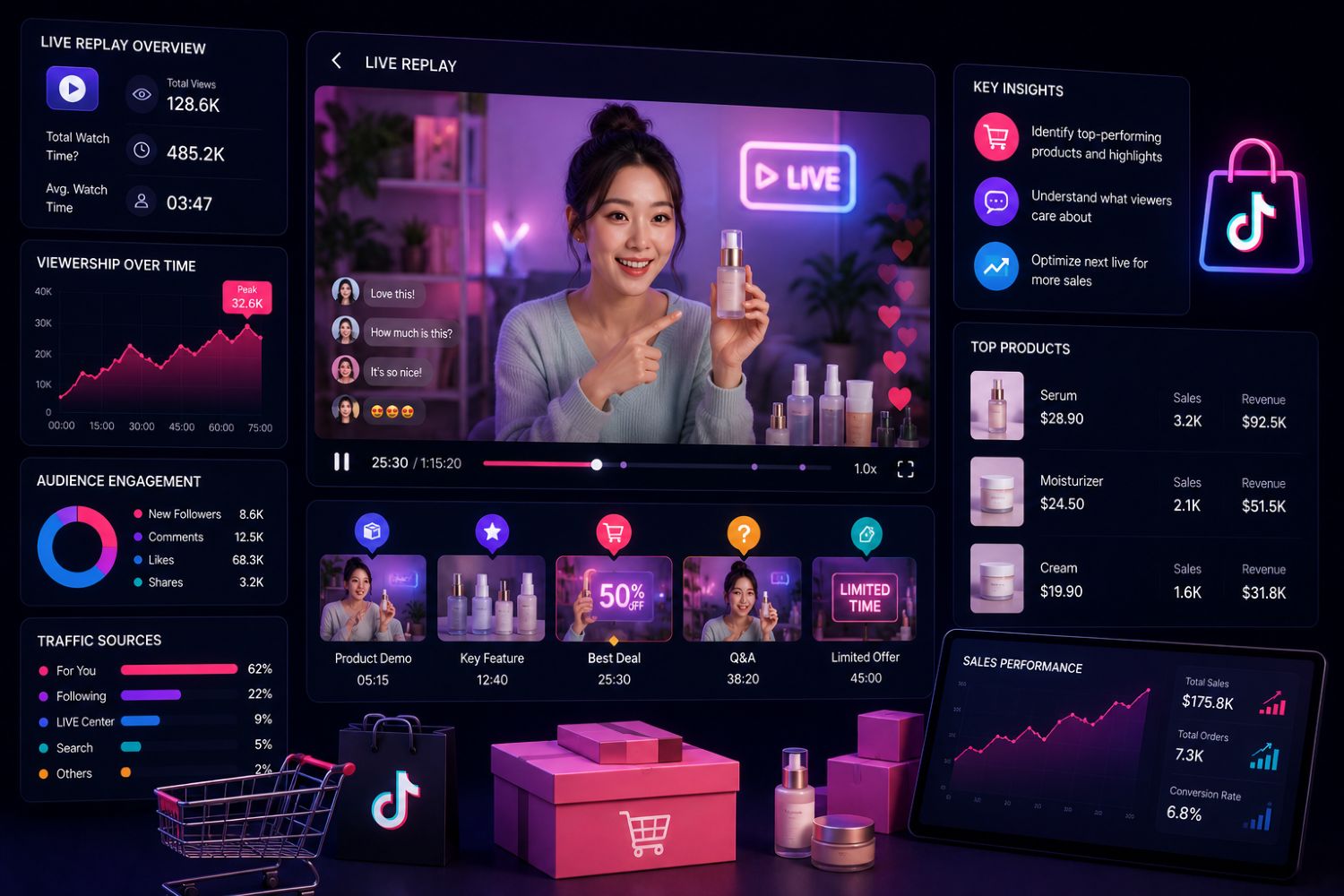
For sellers, live replay and live monitoring data can improve several parts of the business.
Product Selection
If multiple competitors are repeatedly featuring similar products in live rooms, the category may be active this month. Add those products to your validation list.
For broader product research, EchoTik’s article on Best TikTok Shop Product Research Tools can support the next step after live discovery.
Host Training
A live replay helps train hosts. Instead of giving vague feedback, you can show exactly where the host lost attention, handled questions well or explained a product clearly.
Script Optimization
Use repeated audience questions to improve scripts. If people keep asking the same thing, the host should address it earlier.
Short Video Ideas
Live questions are content gold. Turn them into short videos, product demos, FAQs and comparison clips.
Competitor Monitoring
If a competitor changes product order, script style or live frequency, that can signal a market shift.
How EchoTik Helps Turn Live Data Into Action
EchoTik Live Monitor is built for users who do not want to rely only on manual live watching.
According to EchoTik’s live monitor page, users can monitor TikTok live rooms in the cloud and review minute-level data related to traffic, products, audience and sales pitch. The tool is designed to help users understand the “secrets” of strong live rooms by replacing manual observation with structured live data.
EchoTik can help with:
Cloud monitoring
Minute-level live data
Product list extraction
Traffic review
Audience signal analysis
Sales pitch review
Competitor live room analysis
Exportable data for further review
For teams that need structured TikTok data at scale, EchoTik also provides a TikTok Data API, which can support deeper product, creator, shop, video and live data workflows.
Common Mistakes to Avoid
Only Watching the Replay
Watching is useful, but without structured notes and data, you may miss the reason behind live performance.
Reviewing Only Your Own Live Room
Your own live data matters, but competitor live rooms can reveal category-level patterns.
Ignoring Product Order
Product sequence can affect traffic, retention and conversion behavior.
Treating Every Traffic Spike as Success
A traffic change is a signal, not a final answer. Match it with product, script and audience behavior.
Copying Competitors Directly
Competitor analysis should inspire better decisions, not imitation.
Using Old Live Examples
TikTok Live changes quickly. Use current-month data before adjusting your strategy.
Not Turning Live Questions Into Content
Viewer questions from live rooms can become short videos, FAQs, product page copy and future live scripts.
FAQ
Can you rewatch TikTok Live for free?
Sometimes users can access live replays depending on TikTok’s available features, account settings and whether the creator makes replay access available. For business use, a better approach is to monitor live room data so you can review performance afterward.
What is the best way to rewatch TikTok Live for business analysis?
The best approach is to use a live monitoring workflow. With EchoTik Live Monitor, users can monitor live rooms and review traffic, product, audience and sales pitch data afterward.
Is EchoTik a TikTok Live replay downloader?
No. EchoTik should be used as a TikTok live analytics and monitoring platform, not as a tool for unauthorized replay downloading. Its value is in structured live data, product insights and competitor analysis.
How can I analyze a competitor’s TikTok Live?
Use EchoTik to monitor the competitor’s live room, review traffic changes, product lists, audience behavior and sales pitch patterns, then compare those insights with your own live strategy.
What should TikTok Shop sellers look for in live replays?
Sellers should review product order, host scripts, viewer questions, traffic changes, product demonstrations, audience objections and competitor selling patterns.
Can EchoTik help with TikTok Live traffic analysis?
Yes. EchoTik’s help center explains how to check and analyze live room traffic through the live monitor function. You can read more here: How to check and analyze the live room traffic.
Can I use live data for product research?
Yes. Live data can reveal which products need demonstration, which products competitors are pushing and which audience questions appear repeatedly. Combine live insights with TikTok e-commerce analysis for stronger product research.
Final Thoughts
“Rewatch TikTok Live free” is a useful search phrase, but for sellers, brands and agencies, the real opportunity is bigger than replay.
You do not just need to watch the live again.
You need to understand why the live worked.
Which products created attention?
Which talking points kept people watching?
Which audience questions appeared repeatedly?
Which competitor scripts are being reused?
Which moments should influence your next live, product page or short video?
That is the difference between replay and analysis.
EchoTik helps TikTok Shop teams turn live streams into structured learning. Use it to monitor live rooms, analyze traffic, review product activity, study competitors and build better live selling strategies.
Start with:
