TikTok Analytics Not Showing? 11 Causes and Fixes for 2026

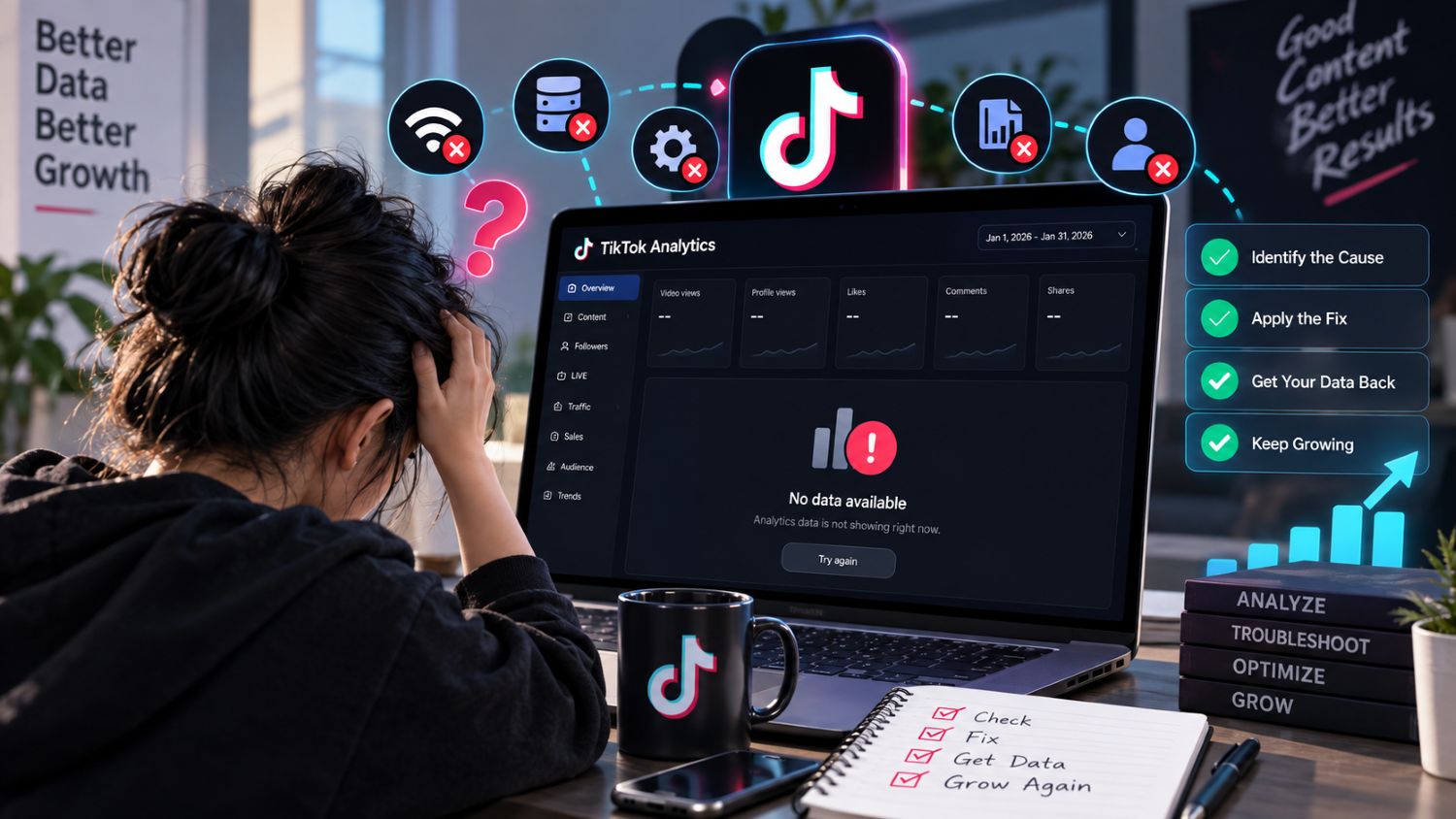
TikTok Analytics Not Showing? Causes and Fixes
You open TikTok analytics, but the numbers are missing, blank, or clearly behind.
It’s frustrating, especially when a video is getting views and you need to know what is working.
Most cases are not permanent. The issue usually comes from the wrong account, a filter, a reporting delay, an app problem, or missing team permissions.
Use this guide to narrow it down fast.
Quick Diagnosis: Why TikTok Analytics May Be Missing
First, figure out what is actually missing.
Is the whole analytics page unavailable? Is one video missing data? Or are only a few metrics not updating?
Start with these checks:
Confirm you are logged into the correct TikTok account.
Change the date range to a recent period.
Check the same account on both mobile and desktop.
Look at another video to see whether the issue affects all content.
Refresh the page and reopen TikTok Studio.
This helps you avoid spending time on the wrong fix.
Check Your TikTok Account and Analytics Eligibility
TikTok analytics are tied to the account you are viewing.
If you manage several accounts, it is easy to open the wrong profile and assume the data disappeared. Check the username before you troubleshoot anything else.
Analytics screens can also look different based on account setup, region, available features, and whether you are viewing organic account data or business assets.
The important point is simple: compare the same account, the same date range, and the same metric before deciding something is missing.
TikTok Studio vs Business Suite Analytics
TikTok Studio is usually where creators and sellers review organic video performance, audience activity, and content trends.
Business Center and other business reporting areas are built around business assets, ads, permissions, and team access.
These views may not show the same layout or metrics. That does not always mean the data is wrong.
If a teammate cannot see a report that the account owner can see, permissions may be the reason. TikTok Business Center uses role-based access, so analytics visibility can depend on the role assigned to that account or asset. TikTok’s Business Center permissions guide explains how this access is managed.
New Account or Video Data Delays
Fresh videos do not always show complete data right away.
TikTok may need time to process views, engagement, audience data, and product activity. A video can be gaining views while some reports still look incomplete.
Do not make a major decision from the first few hours of reporting.
Wait, check again later, and compare the numbers with another recent post. If the data begins to fill in, it was likely a reporting delay.
Incorrect Date Range and Filters
A wrong date range is one of the most common reasons TikTok analytics appear empty.
You may be looking at today when the video was posted yesterday. You may also have a custom date range, content filter, traffic-source filter, or time zone setting affecting the report.
Try these simple fixes:
Switch to the last 7 or 28 days.
Remove filters one at a time.
Check whether the report is showing videos, LIVE content, or shop activity.
Compare the same date range on mobile and desktop.
A date filter can make a healthy account look inactive.
App Cache and Version Problems
Sometimes the problem is the app, not the account.
An outdated app, a stalled session, or a browser issue can prevent analytics from loading correctly.
Try this before assuming the data is gone:
Close and reopen TikTok Studio.
Update the TikTok app.
Sign out and sign back in.
Try a different browser on desktop.
Check your connection.
These steps will not change TikTok’s source data. They simply rule out a display problem on your device.
Desktop Analytics vs Mobile Analytics
TikTok analytics can look different on desktop and mobile.
Mobile is often faster for checking a single video. Desktop can be easier when reviewing longer date ranges, exporting reports, or managing several business assets.
Do not compare two screens by appearance alone.
Match the account, reporting period, and metric name first. Then see if there is a real gap.
Business Center and Team Permission Problems
This issue is common for agencies, brands, and teams.
A person may have access to post content but not access to full analytics. Another teammate may be able to view reports but not edit account settings.
TikTok lets Business Center admins assign different levels of account and asset access. That means a limited role may not see the same reporting as an admin or account owner. TikTok’s guide to Business Center roles is useful when reviewing team access.
If analytics are missing for only one team member, ask an admin to review their role before changing anything else.
Why Some Metrics Disappear or Change
Not every number is final the moment it appears.
TikTok may update reporting as data is processed. Filters may also change what you see. A metric can look lower because you are viewing a shorter period, a different content type, or a different reporting surface.
Do not treat every change as a platform error.
Check the date range first. Then compare the metric with the same report from the previous day.
What to Do When TikTok Analytics Is Still Not Working
If the problem is still there, collect a few details before contacting support.
Write down:
TikTok username
Video link, if the issue affects one post
Date range selected
Missing metric
Device and app version
Whether the issue appears on mobile, desktop, or both
Screenshots of the problem
This gives support or your account admin something specific to investigate.
It also helps your team avoid vague messages like “analytics are broken.”
When a Third-Party Analytics Tool Helps
A third-party platform will not repair missing data inside TikTok Studio.
But it can help when you need a longer view of performance, competitor research, creator tracking, product research, or reports that are easier to compare over time.
If you need longer data history, competitor tracking or additional reporting, compare the best TikTok analytics tools for different use cases.
Use native TikTok analytics as the source of truth for your own account. Use external tools to add context and speed up research.
Frequently Asked Questions
Why can’t I see TikTok analytics?
You may be in the wrong account, using the wrong date range, viewing a delayed report, or missing the right team permissions.
Why is TikTok Studio analytics not showing?
Start by reopening the app, checking for updates, and testing the same account on desktop. Then check the date range and filters.
Why are TikTok analytics not updating?
Recent videos and metrics may take time to process. Recheck later before assuming there is a permanent reporting issue.
Can team permissions affect TikTok analytics?
Yes. Business Center roles can limit which account data and reports a team member can view.
Why do mobile and desktop numbers look different?
The screens may use different layouts or filters. Compare the same account, date range, and metric before treating it as a data mismatch.
Can a third-party analytics tool replace TikTok Studio?
No. It can add useful research and reporting, but it does not replace TikTok’s native account data.
