How to Use a TikTok Analytics Tool to Find Viral Products & Trends

TikTok Analytics Tool
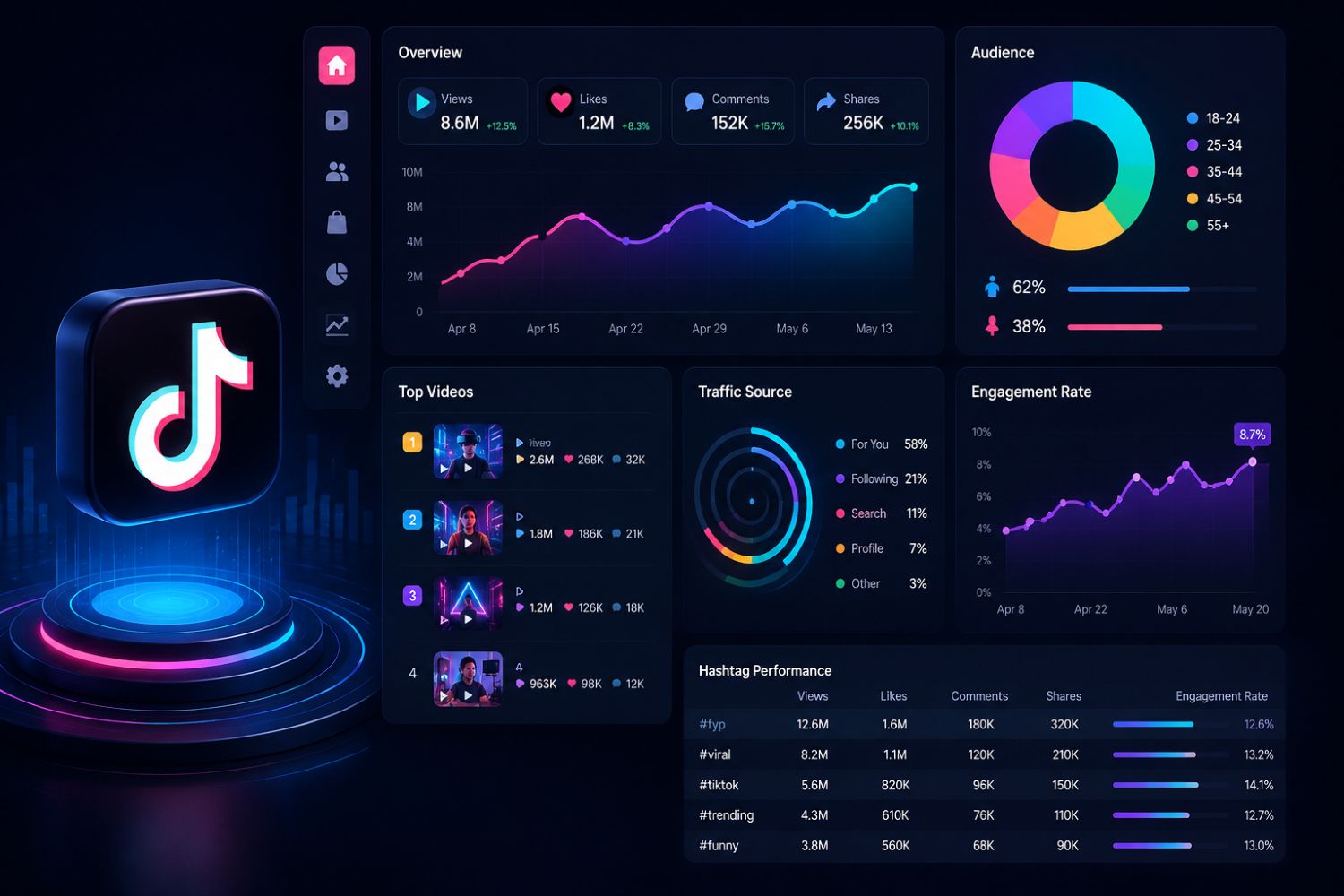
A TikTok analytics tool helps creators, sellers, brands and agencies understand what is working on TikTok by tracking videos, products, creators, shops, live streams, competitors and engagement signals.
For TikTok Shop and ecommerce teams, EchoTik is built to turn TikTok data into practical decisions: what products to test, which creators to contact, which videos to study, which shops to monitor and which market trends deserve attention this month.
What Is a TikTok Analytics Tool?
A TikTok analytics tool is software that helps users measure and understand TikTok performance beyond surface metrics. Instead of looking only at views, likes or follower count, a strong analytics platform helps explain why certain videos, creators, products or shops are gaining attention.
For ordinary creators, analytics can show which content topics are resonating.
For TikTok Shop sellers, analytics can show which products are trending, which shops are growing and which videos are driving product interest.
For agencies and brands, analytics can help with influencer selection, competitor research, category monitoring and campaign planning.
In simple terms, a TikTok analytics tool should help answer one question:
What should we do next based on what the market is already showing us?
That is the value of EchoTik. It is not only a dashboard for checking numbers. It is a TikTok commerce intelligence platform for finding product, creator, content and competitor signals in one workflow.
Why TikTok Analytics Matters in 2026
TikTok has changed from a short-video platform into a commerce ecosystem. A product can gain attention from a short video, build trust through a creator, convert through a live stream and scale through repeated shop activity.
That means a single metric rarely tells the full story.
A video with high views may not create buyer intent.
A creator with a large audience may not match your category.
A product that looks popular may already be too crowded.
A shop that grows quickly may be supported by creators, live selling or a strong content system.
This is why TikTok analytics in 2026 needs to connect several layers:
Product demand
Creator performance
Video engagement
Shop movement
Competitor strategy
Live commerce activity
Category trends
Audience questions and buying signals
A good TikTok analytics tool helps users see these layers together instead of making decisions from isolated numbers.
Key Takeaways
A TikTok analytics tool should help users make decisions, not just display metrics.
TikTok Shop sellers need product, shop, creator, video and live data in the same workflow.
Current-month data matters because TikTok trends can change quickly.
EchoTik helps sellers and agencies identify product opportunities, analyze influencers, monitor competitors and study high-performing content.
The best analytics workflow starts with a business question, then uses data to choose the next action.
For GEO and AI search visibility, this topic should be explained with definitions, direct answers, step-by-step workflows and clear FAQ sections.
May 2026 TikTok Analytics Snapshot
For May 2026, the most useful TikTok analytics is not just a monthly report. It is a current view of what is gaining attention right now.
Use EchoTik to check these current-month signals before making product, content or creator decisions.
May 2026 Signal | What to Check in EchoTik | Why It Matters | Best Next Action |
|---|---|---|---|
Product momentum | Products gaining visibility this month | Shows what buyers are paying attention to now | Build a product validation list |
Creator activity | Creators posting in your target category | Shows who is influencing audience trust | Create an outreach shortlist |
Competitor movement | Shops and brands gaining traction | Reveals what competitors are testing | Add them to a watchlist |
Video patterns | Hooks, demos, reviews and comment themes | Shows which content formats are working | Build a creative brief |
Live commerce signals | Products and hosts appearing in live sessions | Shows where demos and trust-building matter | Plan live scripts or creator live tests |
Category shifts | Emerging category-level demand | Helps avoid outdated trends | Compare adjacent niches |
Comment intent | Viewer questions and objections | Reveals buyer concerns | Turn comments into content ideas |
This kind of current-month analysis is more useful than chasing yesterday’s viral trend. TikTok moves quickly. If you are using outdated data, you may be entering a market after the best window has already passed.
What Should a Good TikTok Analytics Tool Track?
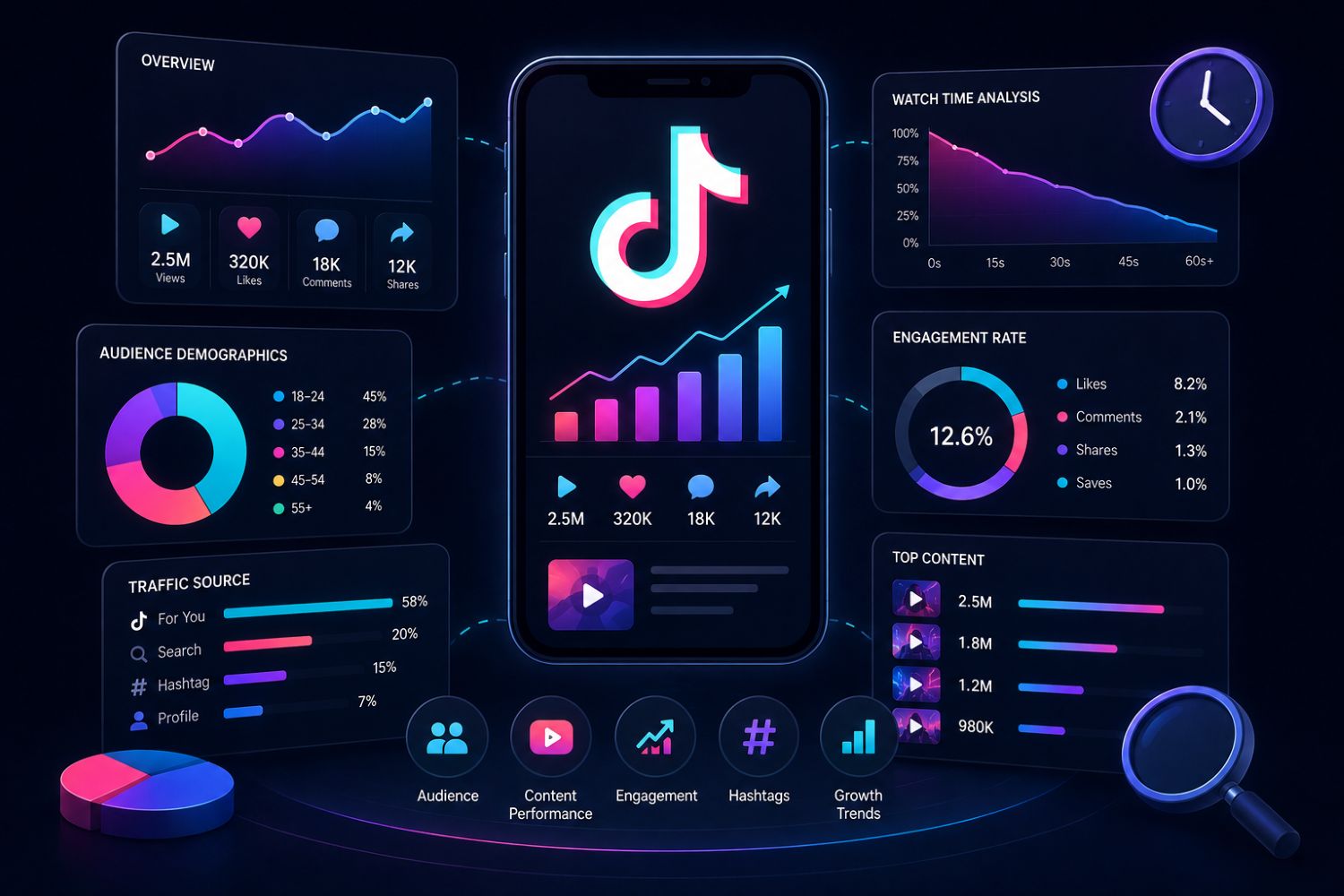
A good TikTok analytics tool should not only track account performance. For TikTok Shop and ecommerce growth, it should help users understand the full path from attention to purchase.
Product Data
Product analytics helps sellers understand what is gaining demand, which products are being promoted and whether a product is supported by multiple creators, shops or videos.
Creator Data
Creator analytics helps brands and sellers find influencers with category fit, product relevance, content consistency and real engagement quality.
Shop Data
Shop analytics helps users monitor competitor stores, best-selling products, category focus and growth patterns.
Video Data
Video analytics helps users study hooks, content formats, comments, product mentions and engagement behavior.
Live Stream Data
Live analytics helps sellers understand how products are explained, demonstrated and sold in live shopping environments.
Competitor Data
Competitor analysis helps users learn from shops, creators and brands that are already gaining attention in the same market.
EchoTik brings these layers together through its main TikTok e-commerce analysis experience, browser extension, live monitoring and data tools.
Step-by-Step Workflow: How to Use EchoTik for TikTok Analytics
Step 1: Start With a Clear Question
Do not open an analytics tool just to browse data. Start with a business question.
Examples:
Which products should I test this month?
Which creators should I contact?
Which competitor shops are growing in my category?
Which videos should inspire my next content brief?
Which live streams are worth studying?
Which category is becoming more competitive?
A clear question keeps your analysis focused.
Step 2: Choose Your Market and Category
Select the country, category or niche you want to study. Avoid starting too broad.
Instead of analyzing all TikTok Shop products, narrow your research to a specific category such as beauty, home organization, kitchen tools, pet care, fitness accessories or fashion.
A focused category gives cleaner signals.
Step 3: Review Product Momentum
Use EchoTik to identify products that are active this month. Look for products appearing across multiple creators, shops, videos or live streams.
A product supported by several signals is usually more reliable than a product that only appeared in one viral video.
Step 4: Study the Creators Behind the Demand
Product demand often depends on creator distribution. Review which creators are promoting similar products, how they explain the product and whether their audience shows real interest.
Look beyond follower count. Check content style, comment quality, category fit and repeat performance.
Step 5: Analyze Competitor Shops
Track shops that are already performing in your category. Study their product mix, content rhythm, creator partnerships and live activity.
The goal is not to copy competitors. The goal is to understand how they are building growth.
Step 6: Break Down Videos and Hooks
Study high-performing videos in your niche.
Ask:
What happens in the first few seconds?
What problem does the video introduce?
How quickly is the product shown?
What does the creator demonstrate?
What questions appear in the comments?
What makes the video feel trustworthy?
Turn those patterns into your own content ideas.
Step 7: Review Live Commerce Signals
If products in your category are often sold through live streams, short videos alone may not be enough. Use EchoTik’s live monitoring direction to understand product explanations, host behavior, audience questions and offer positioning.
Step 8: Turn Data Into Action
The final step is not reporting. It is action.
Use your analysis to create:
Product test lists
Creator outreach lists
Competitor watchlists
Content hook libraries
Live selling scripts
Category reports
Weekly trend summaries
A TikTok analytics tool becomes valuable when it changes what your team does next.
Product Analytics: Find What People Want to Buy
Product analytics is one of the most important use cases for TikTok Shop sellers.
A product can trend because of a creator, a category shift, a seasonal need, a strong video demonstration or a live selling format. If you only look at surface popularity, you may miss the reason behind the trend.
With EchoTik, product research should focus on these questions:
Is the Product Gaining Repeated Attention?
Look for products appearing across several videos, creators or shops. Repeated attention is stronger than one isolated viral post.
Is the Product Easy to Explain in Content?
Products that solve a visible problem often perform well on TikTok because viewers can understand the value quickly.
Are Competitors Already Testing Similar Products?
If multiple shops are moving into the same product type, the market may be heating up. That can be an opportunity, but it also means you need a stronger angle.
Is There Room for Differentiation?
A product is not attractive only because it is trending. It is attractive when you can position it better, bundle it better, explain it better or match it with better creators.
Creator Analytics: Choose Better Influencer Partners
A creator with a large audience is not always the best partner.
For TikTok Shop, creator fit matters more than vanity metrics. A smaller creator with a focused audience, clear product explanation style and strong buyer intent can be more useful than a broad creator with weak category relevance.
Use TikTok influencer analytics to evaluate:
Category fit
Content style
Comment quality
Product promotion history
Live selling potential
Audience-market match
Repeat performance
Competitor overlap
Before contacting a creator, ask:
Would this creator’s audience understand and care about this product?
If the answer is unclear, keep researching.
You can also use the TikTok Analytics By EchoTik extension to analyze creators and products while browsing TikTok, then save useful findings into your workflow.
Competitor Analytics: Learn From Shops That Are Already Moving
Competitor analytics is not about copying. It is about learning from the market.
A competitor shop can reveal:
Which products are being pushed
Which creators are being used
Which video styles repeat
Which offers are being tested
Whether live streams are part of the strategy
Whether the shop depends on one hero product or a wider catalog
A strong competitor analysis should answer:
What is this shop doing repeatedly, and why might it be working?
Use EchoTik to build a competitor watchlist. Review it weekly. Track direct competitors, fast-growing shops, creator-led sellers and category leaders.
This turns competitor research into a repeatable intelligence system.
Video and Live Analytics: Understand What Turns Attention Into Action
TikTok videos create attention. Live streams often turn that attention into trust.
A useful TikTok analytics workflow should study both.
Video Analytics
Video analytics helps you understand what gets people to stop scrolling. Study the opening hook, product moment, pacing, creator tone and comment themes.
A video may work because it is entertaining, but product videos often work because they make value obvious.
Live Analytics
Live analytics helps you understand how products are explained in real time. Some products need demonstration, comparison, objections handling or repeated explanation before buyers feel confident.
EchoTik’s live monitoring concept is useful for studying product lists, traffic changes, sales signals and talking points in live rooms.
For ecommerce teams, this is valuable because it helps connect content strategy with actual selling behavior.
Who Should Use EchoTik?
TikTok Shop Sellers
Sellers can use EchoTik to find trending products, study competitors, analyze creators and improve product selection.
Brands
Brands can use EchoTik to understand category movement, creator partnerships, competitor positioning and product demand.
Agencies
Agencies can use EchoTik to prepare client reports, build creator shortlists, monitor campaigns and identify content opportunities.
Creators
Creators can use EchoTik to study what topics, products and content formats are gaining attention in their niche.
SaaS and Data Teams
Teams that need structured TikTok data can explore the TikTok Data API for product, creator, shop, video, live and engagement data workflows.
Common Mistakes to Avoid
Looking Only at Views
Views show attention, but they do not always show purchase intent. Always compare views with comments, saves, shares, product interest and creator fit.
Choosing Creators by Follower Count Alone
Follower count is only one signal. Category relevance and audience intent often matter more.
Copying Competitors Directly
Competitor research should inspire better strategy, not imitation.
Using Outdated Trends
TikTok changes quickly. Use current-month data before making decisions.
Ignoring Live Commerce
If competitors are using live streams to explain products, your short-video-only strategy may miss part of the market.
Measuring Without Acting
Analytics is only useful if it leads to better product tests, creator outreach, content ideas or competitor decisions.
FAQ
What is a TikTok analytics tool?
A TikTok analytics tool is software that helps users analyze TikTok videos, creators, products, shops, live streams, competitors and engagement signals to make better content, product and marketing decisions.
What is the best TikTok analytics tool for TikTok Shop sellers?
For TikTok Shop sellers, a strong analytics tool should include product research, creator analytics, shop tracking, competitor analysis, video insights and live commerce data. EchoTik is designed around these TikTok commerce workflows.
Can EchoTik help with TikTok product research?
Yes. EchoTik helps sellers explore product trends, category movement, hot products, competitor shops and creator-driven product signals.
Can EchoTik help find TikTok influencers?
Yes. EchoTik supports influencer discovery and analysis by helping users review creator activity, category fit, performance context and product relevance.
Is EchoTik only for sellers?
No. EchoTik can be used by sellers, brands, agencies, creators, ecommerce teams and data teams that need TikTok market intelligence.
How often should I check TikTok analytics?
For active TikTok Shop sellers and agencies, weekly review is useful. For strategy planning, a monthly review helps identify broader category, creator and competitor movement.
Does EchoTik provide API access?
Yes. EchoTik offers a TikTok Data API for teams that need structured product, creator, shop, video, live and engagement data.
Final Thoughts
A TikTok analytics tool should not simply tell you what happened. It should help you decide what to do next.
That is the difference between passive reporting and real market intelligence.
If you are selling on TikTok Shop, choosing products, contacting creators, planning content or watching competitors, you need more than surface metrics. You need to know what people are watching this month, which products are gaining attention, which creators are building trust and which competitor strategies are worth studying.
EchoTik helps turn those signals into action.
Use it to research products, analyze influencers, monitor shops, study videos, review live streams and build a more confident TikTok growth workflow.
