TikTok analytics tool

A tiktok analytics tool lets you see how your posts do on tiktok. Here is what these tools can do:
Definition of TikTok Analytics Tool | Primary Functions |
|---|---|
Tools that help you watch how your posts do on TikTok. | 1. Watching how posts do |
Analytics are important because tiktok has the most active users. Also, 71% of people find new things to buy there. When you use analytics, you can find trends and learn about your viewers. You can use this data to make your posts better. Think about what you want to do with your tiktok fans. The right data can help you reach your goals.
Key Takeaways
Use TikTok analytics tools to learn about your audience. Knowing their age, interests, and how they interact helps you make content they enjoy.
Check your content performance numbers often. This helps you see which videos get the most views and likes. Then you can change your plan to do better.
Use data to find the best times to post. Posting when your audience is online can help you get more views and likes.
tiktok analytics tool
Why use it
If you want to get bigger on tiktok, you need to know what helps and what does not. A tiktok analytics tool lets you see which videos get lots of views and why. You can check your tiktok engagement rates and compare them with other social networks. This helps you find trends that work on different apps. Using analytics saves you time because you do not have to guess what your fans like. The tool gives you the data you need to make good choices.
Looking at data from tiktok analytics about your followers' age, interests, and how they interact helps you make content that fits what they want and need.
You can use these tools to:
Learn more about your audience and make content they like.
Find out which videos get the most likes, comments, and shares.
Track how quickly your follower count goes up.
See which trends are popular now.
Make reporting simple so you can spend more time creating.
For brands and marketers, tiktok analytics tools help you make smart choices using data. You can see which posts do best and when your audience is online. This helps you plan when to post for the best results. You can also track when people mention your brand, see how often your logo shows up, and watch hashtags. This helps you learn what people think about your brand and how to make your marketing better.
Here is a quick look at the main benefits:
Benefit | Description |
|---|---|
Maximize Content Strategy | Looking at how your posts do helps you improve your themes and decide how often to post. |
Enhance Audience Engagement | Analytics give you clues about what your audience likes, so you can connect with them better. |
Data-Driven Decision Making | Having all your analytics in one place helps you make smart choices for your strategy on every app. |
By using a tiktok analytics tool, you can spot trends fast and change your content. This helps you get more views and maybe go viral. The dashboard shows you which sounds, memes, and styles are popular, so you can join in and get noticed.
Key features
A good tiktok analytics tool has many features to help you see how you are doing. Here are some of the most important ones:
Follower insights: See who follows you, where they live, and what they like.
Engagement metrics: Track likes, comments, shares, and views to see which videos your fans enjoy.
Content performance: Check which videos get the most views and how long people watch.
Competitor analysis: See what other creators or brands do. Learn from what works for them and what does not.
Reporting: Make custom dashboards and reports to share your results with your team or clients.
Here is a table showing some key tiktok metrics you can track:
Metric | Description |
|---|---|
Follower Growth | Shows how your follower count changes over time. |
Engagement Rate | Measures likes, comments, and shares compared to views. |
Video Views | Counts how many times people watch your videos. |
Audience Demographics | Tells you about your viewers' age, gender, and location. |
You can also track:
Impressions – how many times your videos show up on screens.
Engagement rate – how much your fans interact with your posts.
Follower growth – how quickly your audience gets bigger.
A tiktok analytics tool helps you check out your competitors too. You can see what works for them and find things they miss. This helps you get new followers who might not like other creators. You can also compare your results with others to see how you are doing.
Reporting is another big feature. Many tools let you make custom dashboards, export your results, and use templates for quick checks. Some even use AI to guess what trends will be big and help you plan your next post. You can split your content to see which types of videos do best. This makes it easy to track how you are doing.
When you use tiktok analytics tools, you get important data like post reach, engagement rate, average watch time, video completion rate, and conversion rate. These numbers show you how well your content connects with your fans and how good your campaigns are. You can also see how much money you make from ads and how valuable your regular posts are.
Engagement metrics like likes, comments, shares, and views are very important for tiktok metrics tracking. Videos with lots of comments and shares often go viral. If you see high engagement, you know your content is working.
A tiktok analytics tool gives you everything you need to track how you are doing and check your tiktok metrics. You can see what works, fix what does not, and keep growing your audience.
tiktok analytics tools
Top options
There are many tiktok analytics tools you can use. Each one helps you track your tiktok and learn about your audience in different ways. Here are some popular tools you can try:
Pentos lets you watch your tiktok and see what your competition does. You can check video analytics, sounds, and hashtags.
Iconosquare gives you a dashboard for tiktok analytics and other social media.
SocialBee helps you plan posts and see how your tiktok content does.
Social Status is good for tracking tiktok performance and checking your competition.
Upfluence has a free Chrome extension for analytics, influencer tracking, and campaign checks.
Socialinsider gives you advanced analytics, old data, and lets you compare with others.
TikTok’s own analytics is a good place to start for checking your tiktok metrics.
Here is a quick look at how some tools are different:
Tool | Features | Pricing |
|---|---|---|
Upfluence | Influencer tracking, sales impact, audience | |
Socialinsider | Advanced analytics, competitor analysis | From $99/mo |
Some tools, like HypeAuditor and Socialinsider, have free engagement rate calculators. Pipiads is special for tiktok shop analytics. Brandwatch helps you look closely at content performance and engagement.
How to use
It is easy to start with a tiktok analytics tool. Here is a simple guide:
Make sure you have a Creator or Business account and at least one public video.
Open tiktok, go to your profile, and tap ‘Creator tools’ or ‘Business Suite’ to find analytics.
On desktop, use TikTok Studio and pick ‘Analytics’ or ‘Insights.’
Export your data as a CSV file if you want to use it in other tools.
Choose a dashboard tool that shows audience metrics and works with other platforms.
Connect your tiktok account to the tool for automatic data updates.
Set up automatic updates so your analytics stay current.
When you check your analytics, look at tiktok metrics like video views, engagement, and follower growth. These numbers help you see trends and make your tiktok performance better. Use the data to plan your next posts, get more engagement, and grow your audience. If you want to track tiktok metrics on other social media, some tools let you do that too. This way, you can see all your marketing and performance in one place.
tiktok analytics
Tips for success
You want to get the most out of your tiktok analytics tool, right? Here are some tips to help you use analytics for better tiktok performance and audience growth.
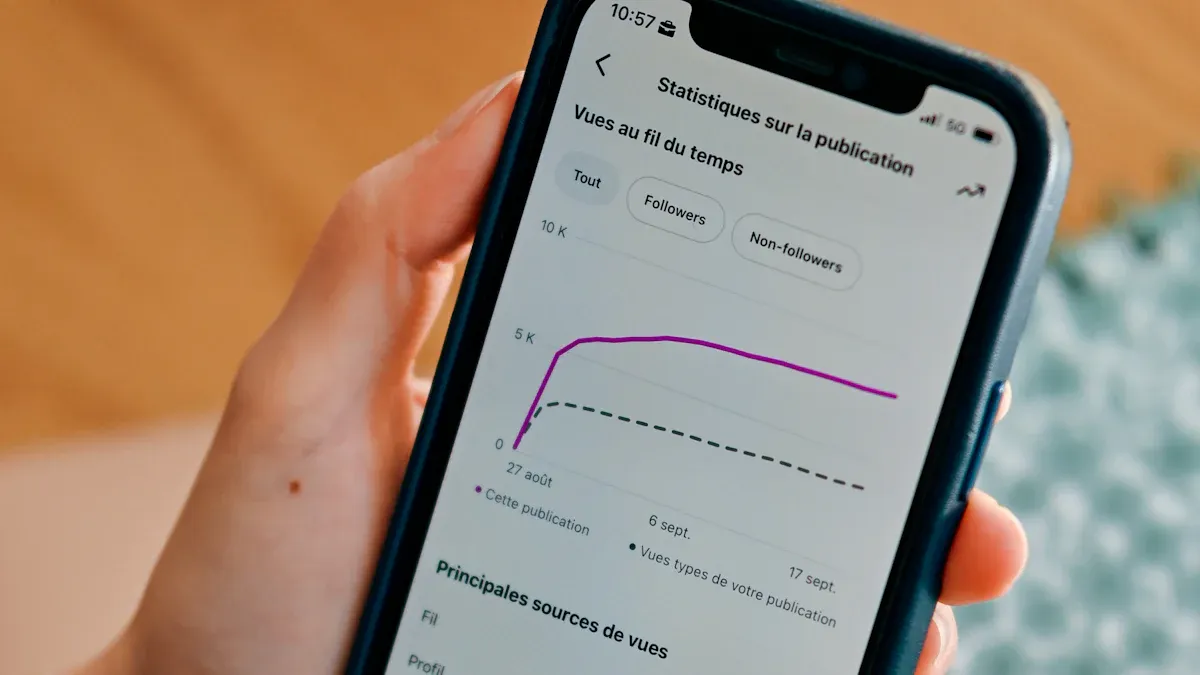
Check your content performance often. Look at metrics like average watch time, likes, and shares. This helps you see what your audience enjoys and what keeps them watching.
Pay attention to your audience demographics. Find out the age, gender, and location of your viewers. When you know who watches your videos, you can make content that fits them.
Review engagement metrics like comments and shares. These numbers show you which videos spark the most reactions.
Spot your top-performing videos. Try to use the same style, length, or audio in new posts. This can boost your video engagement and help you grow faster.
Use analytics to find the best time to post. When you share videos while your audience is active, you get more views and better performance tracking.
Tip: The analytics dashboard shows you what content people like, skip, or rewatch. Use this feedback to plan your next videos.
For content planning, look at your top videos. Notice what they have in common, like music, text, or how long they are. Try new ideas based on what your audience likes. You can also test new audience groups if you see a trend in your tiktok data.
When you work on tiktok marketing, use these strategies to optimize your campaigns:
Strategy | Description |
|---|---|
Reach the right audience with Custom and Lookalike Audiences. | |
Creative Testing | Try different video styles to see what gets the best engagement. |
Performance Measurement | Track results with TikTok Pixel and offline conversions. |
Here are some steps for better tiktok performance analysis:
Track and review your metrics often.
Use your data to make smart choices and improve your results.
Avoid common mistakes. Don’t focus only on follower numbers. Look at who actually engages with your content. Don’t just watch for viral spikes. Keep working on steady audience growth and engagement.
You can grow your TikTok faster when you use analytics tools. These tools show you what works, when your audience is active, and which videos get the most love.
What to Look For | Why It Matters |
|---|---|
Follower Demographics | Helps you make content for your fans |
Trending Videos | Shows you what’s popular now |
Data-driven choices help you get better results and reach more people. Try different tools and see which one fits your style best.
TikTok analytics tools keep getting smarter, so you can always find new ways to improve your content and connect with your audience.
FAQ
How often should you check your TikTok analytics?
You should check your analytics at least once a week. This helps you spot trends and see what works best for your audience.
Can you use TikTok analytics for free?
Yes! TikTok’s built-in analytics are free if you have a Creator or Business account. Many third-party tools also offer free versions or trials.
What’s the most important TikTok metric to watch?
Watch your engagement rate. High likes, comments, and shares mean people enjoy your videos. This metric shows how well your content connects with viewers.
See Also
Essential Tools For Analyzing Your TikTok Performance
Top Free Tools To Analyze Your TikTok Insights
Steps To Access Analytics Data On TikTok
Comprehensive Guide To The Best TikTok Analytics Tools
Comparing EchoTik Data Tool With Conventional TikTok Analytics
