TikTok Likes Not Showing? 9 Reasons and Fixes for 2026

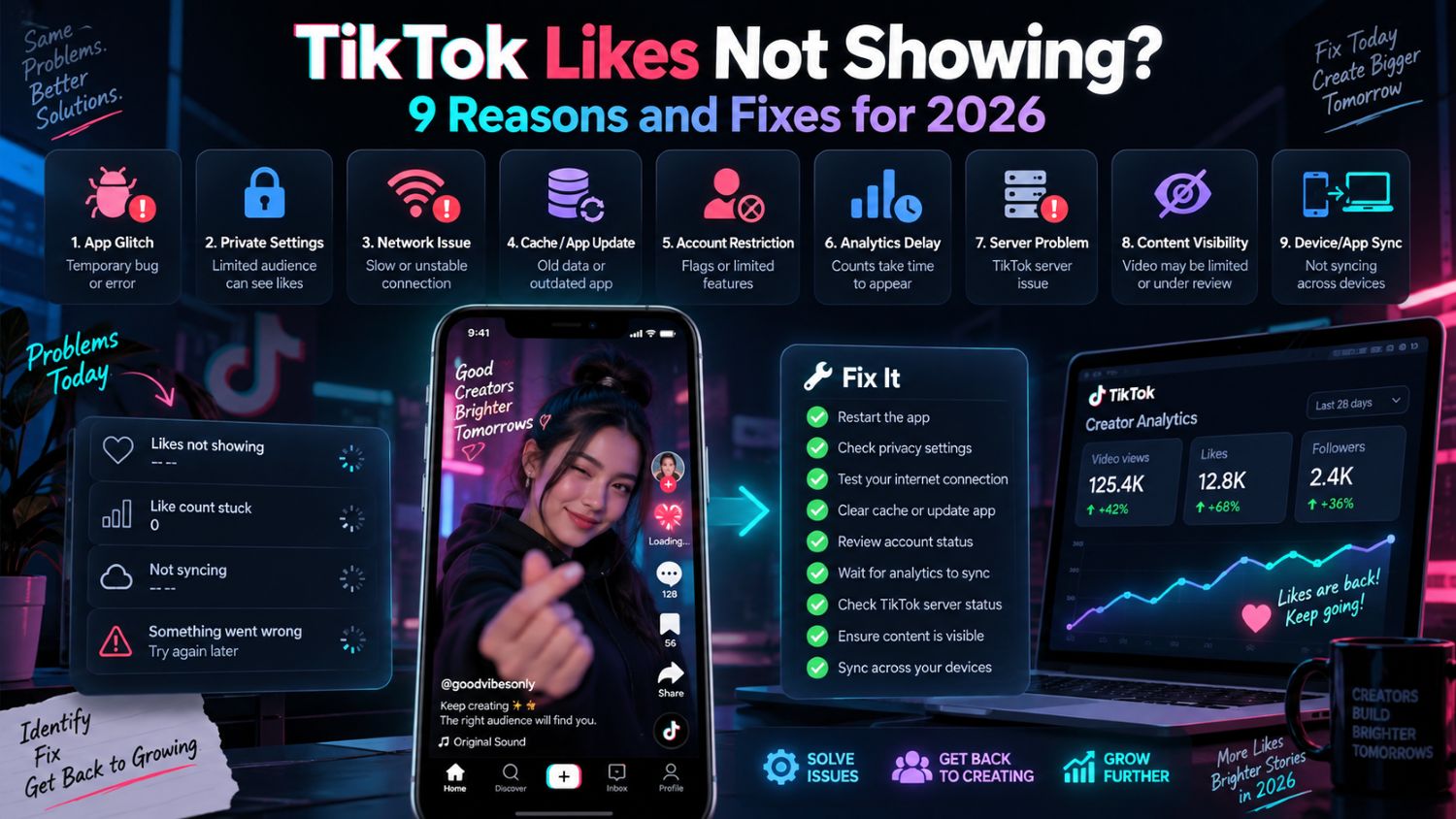
Why Are My TikTok Likes Not Showing?
You open a post that just received a few like notifications, but the number on the video barely changes. Or you like several videos, visit your profile, and the Liked Videos tab looks empty.
Those two situations get lumped together a lot, but they are not the same issue.
The first is usually about a public like count being slow, out of sync, or changing after TikTok processes activity. The second is often just a privacy setting.
Before you change anything, check which problem you actually have.
First, Check What Is Missing
If the issue is your Liked Videos tab, TikTok may already be doing exactly what you told it to do.
Liked videos are hidden from other people by default on new accounts. Go to Profile > Menu > Settings and privacy > Privacy > Liked videos. Public accounts can choose Everyone or Only you. Private accounts can choose Followers or Only you. TikTok’s liking settings guide shows the current options.
That setting only controls the list on your profile. It does not remove your like from someone else’s video.
If the problem is a count on your own post, open the video from another account or a browser. If the number looks normal there but not on your phone, the video is probably fine. Your app may simply be showing an old version of the page.
Do a Quick Reality Check Before You Panic
A slow count is annoying, but it does not automatically mean TikTok removed your likes.
Try the basics: close the app, reopen it, update TikTok, and switch between Wi‑Fi and mobile data. If the count still looks off, clear the app cache in Settings and privacy. That clears temporary app files; it does not delete your posts, followers, drafts, or actual engagement.
Then check whether other parts of TikTok are acting strange. If search is slow, comments are not loading, messages are delayed, or several people are seeing the same issue, it may be bigger than your account. TikTok has posted service-related updates through its technical issues page.
Do not delete and repost a video just because the likes are slow for an hour. You may throw away a post that was still being tested or simply had a delayed count.
When a Like Count Drops or Never Catches Up
Sometimes people remove their own likes. Sometimes TikTok reviews activity and the number settles lower than it first appeared.
That is one reason purchased likes are a bad bet. They can make a post look busy for a moment, but they do not create the kind of activity that helps a video hold attention. If the count later falls, you are left with nothing useful to learn from the post.
For sustainable growth methods, read our guide to growing TikTok likes without risky shortcuts.
If views keep rising but likes barely move, look at the video before assuming something is broken. TikTok may be showing it to people who are curious enough to watch but not interested enough to react. This happens a lot when the opening is unclear, the product appears too late, or the video gives viewers no real reason to share, comment, or save it.
For a single post that looks genuinely abnormal, check whether it is still public from another account. You can also open TikTok Studio > Account check to see whether TikTok has flagged an issue with your posts or account features. TikTok’s account-status instructions show where to find it.
Look Past the Heart Count
A high like count feels good, but it does not tell the whole story—especially for a shop.
A product post with fewer likes can still be doing useful work if the comments are full of sizing questions, price questions, or people asking where to buy it. Another post may pull in lots of likes because it is entertaining, while sending almost no one to the product page.
Check a few posts together rather than judging the account from one count. Watch for comments, shares, product clicks, and whether viewers are actually taking the next step.
Use the EchoTik analytics dashboard to study videos, creators and content patterns that generate real engagement.
A Couple of Common Questions
Why are my TikTok likes not showing on my profile?
Your liked videos may be set to private. Check Settings and privacy > Privacy > Liked videos and change the audience setting if you want others to see them.
Can TikTok likes disappear?
Yes. A person can remove their own like, and counts can change after TikTok processes engagement. If the number moves down after using a like service, do not assume it was a technical glitch.
