TikTok Seller Account: Setup & Spy Competitor GMV

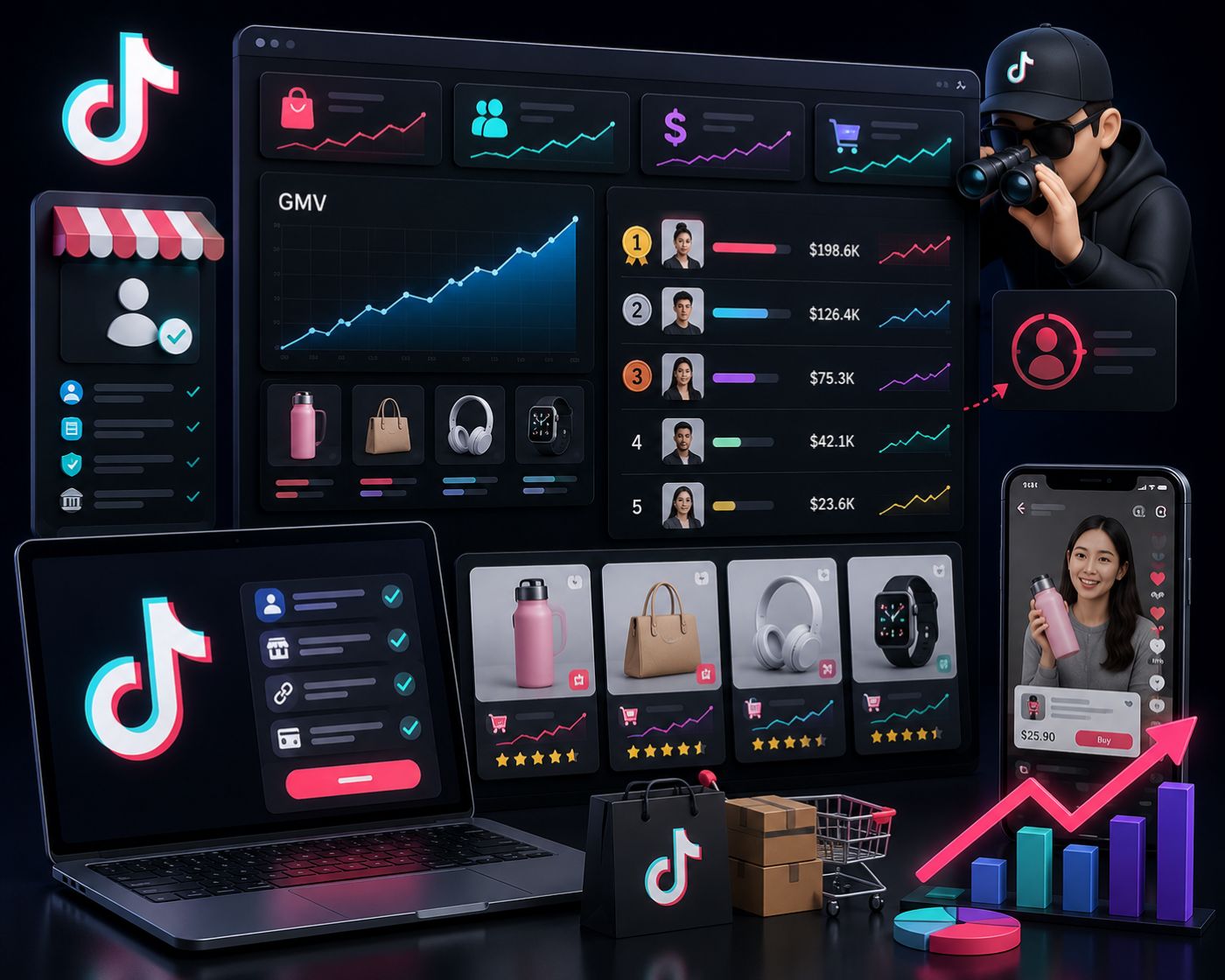
A TikTok seller account lets merchants sell products through TikTok Shop, manage store settings, upload products, process orders, handle customer service, review performance, and connect selling activity with content and creators.
But opening a seller account is not the same as building a profitable TikTok Shop business. A seller account helps you operate the store. A data platform like EchoTik TikTok E-commerce Analysis helps you understand what to sell, which creators to work with, which competitor shops to monitor, and which live commerce signals matter this month.
In short:
TikTok seller account = shop operations.
EchoTik = product, creator, shop, video, and live market intelligence.
Outline
What Is a TikTok Seller Account?
Why a TikTok Seller Account Matters in 2026
Key Takeaways
May 2026 Seller Account Data Checklist
What You Need Before Creating a TikTok Seller Account
Step-by-Step Workflow: How to Build a Smarter Seller Account
What to Check After Your Seller Account Is Approved
Why Seller Account Data Alone Is Not Enough
How EchoTik Helps TikTok Sellers Grow
Product Research Before Listing
Creator, Competitor, and Live Stream Analysis
Common Mistakes to Avoid
FAQ
Final Thoughts
What Is a TikTok Seller Account?
A TikTok seller account is the account sellers use to access TikTok Shop selling tools. It is usually managed through Seller Center, where sellers can set up their shop, verify documents, add products, manage orders, handle returns, review performance, and follow platform policies.
TikTok’s official Seller Center setup guide says sellers can sign in to Seller Center or sign up with a TikTok account, email, or phone number. It also explains that sellers need to provide business documents, banking information, a valid phone number, and email address. Requirements can vary by market, so sellers should always check the official Seller Center rules for their region.
For a new seller, the account feels like the big first milestone. And it is.
But serious operators know the account is only the infrastructure.
The real business questions come after approval:
What products should I list first?
Which product categories are active this month?
Which competitors are already moving?
Which creators can explain my product well?
Which live rooms are shaping buyer behavior?
Which products carry policy or quality risk?
That is where EchoTik’s product research workflow becomes useful. It helps sellers avoid building a shop around guesswork.
Why a TikTok Seller Account Matters in 2026
TikTok Shop is no longer just a place to list products. It is a content-commerce system.
A product can gain demand because a creator explains it clearly.
A shop can grow because it repeats one strong video format.
A live room can convert because the host handles objections well.
A category can become crowded before new sellers even finish setup.
This means sellers need two systems:
A seller account to manage operations.
A market intelligence workflow to choose better products and campaigns.
Without the first, you cannot operate.
Without the second, you may operate in the wrong direction.
That is why a TikTok seller account should not be treated as a passive admin panel. It should become the base of a weekly growth system: check operations, review product performance, study competitors, analyze creators, monitor live signals, then decide what to change.
Key Takeaways
A TikTok seller account is used to manage TikTok Shop selling activity through Seller Center.
Account setup requires market-specific verification, business details, contact information, and banking setup.
A seller account shows internal shop activity, but it does not fully explain the external market.
EchoTik helps sellers research products, creators, shops, videos, and live streams before making growth decisions.
The strongest seller workflow is: validate demand first, list carefully, track competitors, study creators, and optimize weekly.
Product research should happen before listing, not after poor performance.
May 2026 Seller Account Data Checklist
Use this May 2026 checklist to review last month’s seller account readiness and prepare your June growth plan. This is not a revenue table. It is an operational and market intelligence checklist for sellers who want cleaner decisions.
May 2026 Data Layer | What to Review | Why It Matters | Best Next Action |
|---|---|---|---|
Account status | Verification, shop approval, policy notices, pending tasks | Account issues can block growth before marketing starts | Fix setup or compliance issues first |
Product listings | Approval status, product title, images, category, attributes | Weak listings reduce trust and may trigger policy problems | Rewrite listings around buyer questions |
Product demand | Products gaining attention across videos, shops, creators, and live rooms | Shows what buyers are responding to this month | Build a product validation list in EchoTik |
Competitor shops | Shops pushing similar products or entering your category | Reveals market pressure and positioning gaps | Create a competitor watchlist |
Creator activity | Creators posting around your product category | Shows who may influence buyer trust | Build a creator outreach shortlist |
Video signals | Hooks, demos, reviews, comments, and product mentions | Shows how products are explained successfully | Build short-video briefs |
Live stream signals | Product order, host scripts, audience questions, traffic changes | Reveals real-time buyer hesitation | Improve live scripts and demos |
Policy risk | Prohibited categories, restricted claims, quality or safety concerns | Prevents listing removals and account health issues | Review policy before scaling |
Buyer comments | Questions about use, fit, quality, comparison, or shipping | Reveals what product pages and videos should answer | Turn comments into FAQ and content |
Weekly actions | Product tests, creator outreach, listing fixes, competitor reviews | Data has value only when it changes execution | Create a weekly seller action report |
This checklist is designed for operators, not hobby sellers. The point is to connect your seller account with market signals, not just log in and check orders.
What You Need Before Creating a TikTok Seller Account
Before creating a TikTok seller account, prepare both official setup materials and your business strategy.
Seller Eligibility and Market Availability
TikTok’s official setup guide lists Seller Center availability by market and notes that sellers should choose their country during setup. Availability and rules can change, so confirm the current requirements for your region before applying.
Verification Documents
Depending on whether you register as an individual or business, you may need identity documents, business registration documents, or other official proof that you are eligible to sell.
Banking and Contact Information
TikTok’s guide says sellers need banking information, a valid email, and phone number. The bank account name may need to match the registered individual or business name.
Shop Category and Product Direction
Do not create a seller account and then randomly decide what to sell. Choose a category you can research, source, explain, and promote.
Market Research Before Listing
Before uploading products, use EchoTik TikTok E-commerce Analysis to check whether your category has current product, creator, shop, and live activity.
Step-by-Step Workflow: How to Build a Smarter Seller Account
Step 1: Choose a Focused Product Category
Do not start with “I want to sell on TikTok.” Start with a focused category.
Examples:
Beauty tools
Home organization
Pet products
Kitchen accessories
Fashion add-ons
Fitness products
Lifestyle gifts
A narrow category makes research cleaner and execution easier.
Step 2: Validate Demand Before Account Execution
Before spending time on product uploads, review whether the category is active.
Use EchoTik to check:
Trending products
Competitor shops
Product-linked videos
Creator activity
Live room signals
Category movement
A product that appears across multiple signals is stronger than one that only appeared in a single viral video.
Step 3: Set Up the Seller Account Correctly
Follow the official Seller Center setup process for your market. TikTok’s guide says sellers should sign in or sign up, choose a country, select business type, verify information, set warehouse or pickup address, provide return address, agree to terms, verify documents, and link a bank account.
This is not glamorous work, but it protects your account foundation.
Step 4: Build Listings Around Real Buyer Questions
Do not copy supplier descriptions blindly.
Use buyer comments, competitor videos, and creator content to understand what people ask before purchasing:
How does it work?
Who is it for?
What size or variation should I choose?
Is it different from similar products?
Does it need demonstration?
What problem does it solve?
A strong listing reduces buyer hesitation.
Step 5: Create a Creator Shortlist
Creators are not just traffic. They are trust builders.
Use the EchoTik Browser Extension to support product and creator research while browsing. Evaluate creators by category fit, product history, content style, audience intent, and live potential.
Step 6: Monitor Competitor Shops Weekly
A seller account shows your own shop. It does not fully show the market.
Track:
Which competitors are growing
Which products they push
Which creators they use
Which video hooks repeat
Which live rooms they run
Which product bundles appear
Which categories they expand into
Competitor analysis helps you avoid operating blind.
Step 7: Review Live Commerce Signals
If your product requires explanation, live commerce matters.
Use EchoTik Live Monitor to study live rooms, product order, traffic changes, host scripts, and audience questions.
Live data often reveals what product pages miss: buyer hesitation.
Step 8: Turn Research Into Weekly Actions
End every week with clear actions:
Product listing updates
New product tests
Creator outreach targets
Competitor watchlist changes
Short-video hook ideas
Live script improvements
Policy risk checks
If your seller account review does not create action, it is just reporting.
What to Check After Your Seller Account Is Approved
Account Health
Review verification, policy notices, warnings, restrictions, and unresolved tasks.
Product Listing Status
Check whether listings are approved, active, complete, and accurate.
Inventory and Fulfillment
A product trend is useless if inventory or fulfillment fails.
Customer Service Signals
Customer questions and returns are product intelligence. Use them to improve listings and videos.
Shop Performance
Seller Center gives internal data. Use it to understand your shop, but compare it with broader market behavior through EchoTik.
Product and Competitor Movement
Use Best TikTok Shop Product Research Tools as a supporting guide for building a repeatable product research process.
Why Seller Account Data Alone Is Not Enough
Seller Center tells you what happened inside your shop.
It does not fully explain:
Why competitors are growing
Which creators are driving product demand
Which product trends are still active
Which live rooms are shaping buyer expectations
Which video hooks are working in your category
Which products may become crowded soon
That external layer is where many sellers fail. They keep adjusting internal operations while the market has already moved.
A seller account is necessary.
Market intelligence is the advantage.
How EchoTik Helps TikTok Sellers Grow
EchoTik helps sellers make better decisions before and after listing products.
With EchoTik, sellers can research:
Trending products
Product rankings
Competitor shops
Creator activity
Product-linked videos
Live stream signals
Category movement
Market opportunities
For teams that need structured TikTok commerce data, EchoTik TikTok Data API supports product, creator, shop, video, and live data workflows.
For live commerce operators, EchoTik Live Monitor helps sellers study product order, host scripts, traffic changes, and viewer questions.
EchoTik is not a replacement for your seller account. It is the intelligence layer that helps your seller account make better moves.
Product Research Before Listing
Before adding products to your seller account, ask four questions.
Is There Current Demand?
Check whether the product is active this month across videos, shops, creators, and live rooms.
Is the Product Easy to Explain?
TikTok content rewards visible value. If viewers cannot understand the benefit quickly, you need stronger demos or live selling.
Are Competitors Already Crowded?
Competitor activity proves interest, but too much sameness weakens the opportunity.
Is the Product Safe to List?
Some products are restricted, prohibited, or claim-sensitive. Review policy before listing. Use this internal guide for compliance context: Prohibited Products List on TikTok Shop 2026.
Creator, Competitor, and Live Stream Analysis
A strong TikTok seller account strategy connects three external signals.
Creator Signals
Which creators understand your category? Which ones produce buyer questions, not just views? Which creators can explain the product naturally?
Competitor Signals
Which shops are moving fast? Which products do they repeat? Which video styles are becoming common? Which categories are getting crowded?
Live Signals
Which products are being demonstrated in live rooms? What objections do viewers ask? Which host talking points repeat?
Together, these signals show whether a product can scale through TikTok’s content-commerce system.
Common Mistakes to Avoid
Treating Account Approval as the Finish Line
Approval only gives access. Growth still depends on product, content, creators, and operations.
Listing Products Without Research
Do not upload products only because suppliers have them. Validate demand first.
Choosing Creators by Follower Count
Follower count is not enough. Category fit and buyer intent matter more.
Ignoring Competitors
Competitors show where the market is moving.
Skipping Live Room Analysis
Some products need demonstration and trust-building. Live data can reveal buyer friction.
Looking Only at Internal Shop Data
Your seller account shows your shop. EchoTik helps show the market around it.
FAQ
What is a TikTok seller account?
A TikTok seller account is the account sellers use to manage TikTok Shop operations through Seller Center, including shop setup, product listings, orders, customer service, performance, and policy tasks.
How do I create a TikTok seller account?
TikTok’s official setup guide says sellers can sign in to Seller Center or sign up with a TikTok account, email, or phone number, then choose a country, verify information, set addresses, upload documents, and link a bank account.
Is a TikTok seller account the same as a TikTok account?
No. A normal TikTok account is for content and user activity. A TikTok seller account is used to manage selling operations through TikTok Shop Seller Center.
What should I do before listing products?
Before listing, research product demand, competitor shops, creators, videos, live rooms, and policy risk using tools like EchoTik TikTok E-commerce Analysis.
Can EchoTik help TikTok sellers find products?
Yes. EchoTik helps sellers analyze trending products, competitor shops, creator activity, product-linked videos, live signals, and category movement.
Can EchoTik help with TikTok seller account growth?
Yes. EchoTik helps sellers make better growth decisions by connecting product research, creator analysis, competitor monitoring, and live stream intelligence.
Does EchoTik offer TikTok Shop data through API?
Yes. EchoTik TikTok Data API supports structured TikTok commerce data workflows across products, creators, shops, videos, and live streams.
Final Thoughts
A TikTok seller account gives you access to the selling system. But access is not the same as strategy.
The sellers who win do not just open accounts and upload products. They validate demand, study competitors, analyze creators, review live rooms, improve listings, and make decisions from current market signals.
Use your seller account to operate the shop.
Use EchoTik to understand the market.
Start with:
