How to Log In and Register for TikTok Shop Seller Center in 2025

You want fast access to the tiktok shop tiktok seller center. Millions already use tiktok shop seller center, with around 15 million sellers worldwide. You can join them as a seller and manage your shop easily. Tiktok makes access simple, whether you use the app or website. Support helps you if you get stuck.
Key Takeaways
You can log in to TikTok Shop Seller Center with your email, phone number, or TikTok account. You can do this on the website or app. Use the QR code for quicker access. Reset your password if you forget it.
To register, you need to make a TikTok business account. You must give your business details and documents. Finish the verification step. Follow your region’s rules. Link your TikTok for Business account to get more features.
Keep your documents clear and up to date to stop delays. If you have trouble logging in or registering, try clearing your cache. Update the app or check your information to keep your shop working well.
TikTok Shop Seller Center Access
Login Methods
You have several ways to log in to the tiktok shop seller center. The login process is simple, whether you use the web or the app. You can use your email, phone number, or your tiktok account credentials. Here’s how you can access your dashboard and start selling products directly:
Web Version (Desktop Users)
Go to the official tiktok shop seller center website for your country.
Enter your registered email or phone number and your password.
Complete any required authentication, like entering a code sent to your email or phone.
Once you finish verification, you will access your seller dashboard.
You can now manage your tiktok shop seller account, add products, and check your orders.
Mobile App (TikTok App Users)
Open the tiktok app on your phone.
Tap on your profile and select "TikTok Shop."
Log in using your tiktok credentials if the app asks.
You will see your tiktok shop seller center dashboard inside the app.
Manage your shop, view orders, and update products right from your phone.
Tip: If you want to connect your tiktok account to the seller center, scan the QR code shown on the web dashboard using your tiktok app. This step helps with authentication and makes your login process even faster.
You can always log in to tiktok seller center using the method that works best for you. The login process is quick, and you can access your dashboard anytime. If you forget your credentials, use the password reset option on the login page.
Register for TikTok Seller Shop Center
If you are new and want to set up a tiktok shop seller account, you need to complete the registration process. The tiktok seller shop center makes it easy for you to start selling. Here’s a step-by-step guide for the specific registration process:
Create a tiktok business account. This account gives you access to business features and analytics.
Go to the tiktok shop seller center and start the registration.
Choose your country. The platform will show you the rules for your region.
Select your business type. You can register as an individual, sole proprietorship, corporation, or partnership.
Enter your business details and upload the required verification documents. These may include your business registration, tax ID, and proof of identity.
Agree to the tiktok shop tiktok seller center terms and conditions.
Complete the verification process. The system will check your documents and send you a confirmation.
Set up your payment and shipping details. Link your bank account to receive payments.
Once your account is approved, you can access your dashboard and start adding products.
Note: If you want to sell in another country, like the US, you may need a local business entity, a valid bank account, and extra documents. Always check the tiktok shop seller centre for your region’s requirements.
Linking TikTok For Business Accounts
After you log in to tiktok seller shop center, you can link your tiktok for business account. This step unlocks more features for your shop. Here’s how you do it:
Go to "My Account" in your dashboard.
Click on "Linked Accounts" and choose to link your tiktok for business account.
Scan the QR code with your tiktok app for authentication.
Approve the request in your app and confirm the link in the seller center.
Once linked, your shop icon will show on your tiktok profile, and you can manage your shop, track orders, and use marketing tools.
The tiktok shop seller center dashboard lets you control everything in one place. You can add products, check your sales, and use tiktok ads to reach more buyers. The dashboard also helps you track your shop’s performance and manage your orders.
Pro Tip: Always keep your credentials safe and update your verification documents if your business details change. This keeps your account secure and your shop running smoothly.
You can access the tiktok shop tiktok seller center anytime. The login process and registration steps are designed to be easy, so you can focus on selling and growing your business.
Set Up a TikTok Shop: Requirements & Troubleshooting
Required Information & Documents
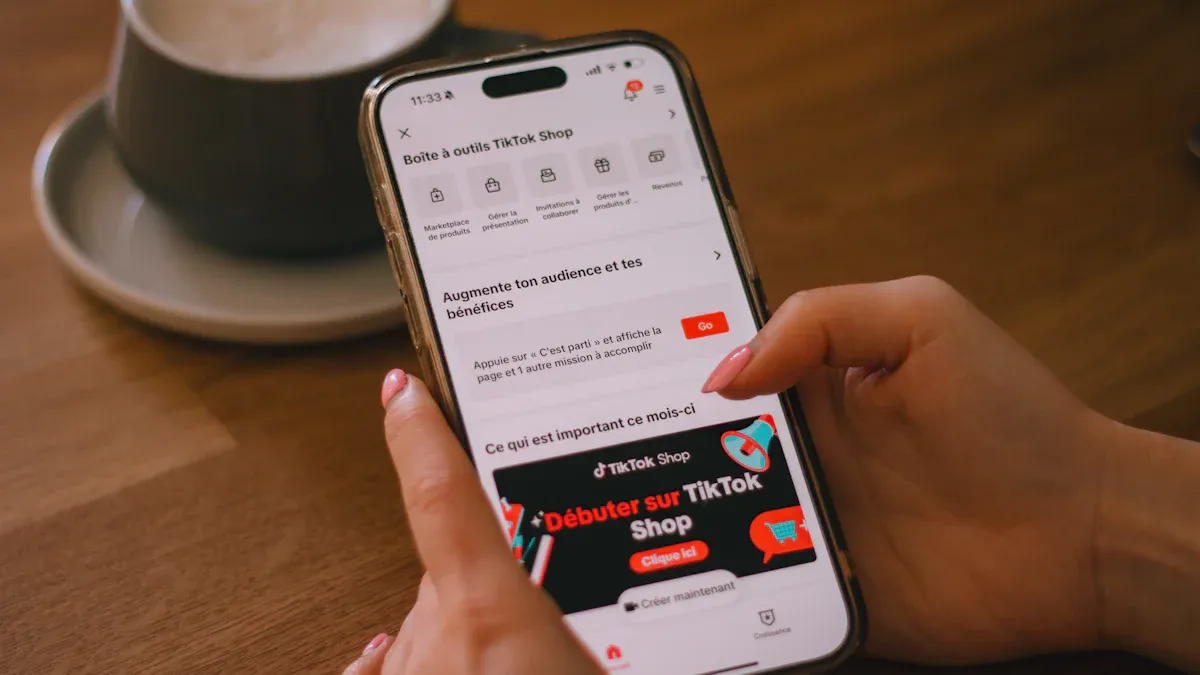
To set up a tiktok shop, you must meet some rules. You need to be 18 or older. Your account should be in good standing. If you are a creator, you need 5,000 followers or more. The tiktok shop seller center asks for different things based on your region and if you sign up as a person or a business.
Account Type | |
|---|---|
Individual Seller | Government-issued ID, legal name, date of birth, residential address, last 4 digits of SSN or ITIN, active bank account |
Business Seller | Business registration, EIN, business license, legal business name, business address, representative’s ID, bank account |
Your bank account must match your registration details. For US sellers, the bank account name must match your tiktok shop seller account and tax records. If you want to sell in the US from another country, you need a US-based representative and extra tax forms. Always check the tiktok shop seller center for the latest rules in your area.
Common Login and Registration Issues
You might have problems when setting up your account. Some common login problems are forgetting your password, not getting codes, or device issues. If you have trouble logging in, clear your browser cache, update the tiktok app, or try another device. Registration can be delayed if your documents are missing or unclear. Make sure your photos are easy to see and your paperwork matches your account.
Geo-restrictions can stop you if your account is not in a supported country. If you see errors, check your information and try again. Never use fake documents or list banned products, or your account could be suspended. Always follow the tiktok shop seller center rules to set up your account and keep your shop open.
You can log in or register for TikTok Shop Seller Center with just a few steps. The process feels smooth, especially with built-in integrations and quick document checks.
After setup, try linking your store, optimizing listings, and exploring seller tools.
Need help? Use the in-app support, live chat, or join seller communities for answers.
FAQ
How long does TikTok Shop Seller Center approval take?
You usually get approved within 1-3 business days. Sometimes, it takes longer if you need to fix your documents or add more details.
Tip: Check your email for updates from TikTok.
Can you change your business type after registration?
No, you cannot switch your business type once you finish registration. You need to create a new account if you want to change it.
What should you do if you forget your TikTok Shop password?
Click “Forgot Password?” on the login page.
Follow the steps to reset your password.
Use your email or phone to get a reset link.
See Also
Simple Registration Guide To Launch Your TikTok Shop Business
