TikTok Text to Video AI Generator Free Online

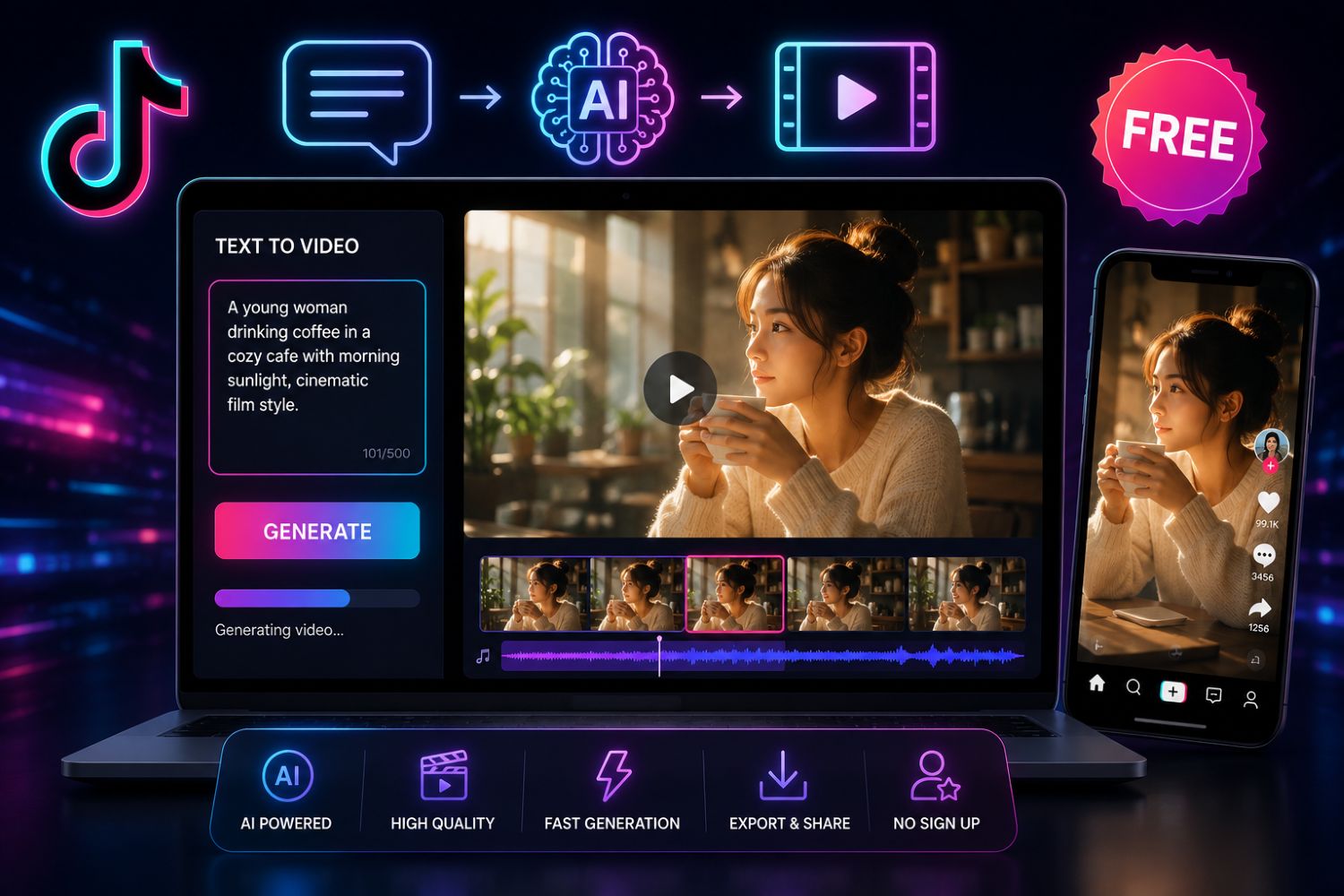
A TikTok text to video AI generator free online helps creators and sellers turn written ideas into short-form video content. But for TikTok Shop sellers, the real challenge is not only generating a video. The harder part is knowing what topic to create, what product angle to use, what hook will stop the scroll, what title will attract clicks, and what message will make buyers trust the product.
EchoTik AI Tools help sellers automate the most important parts of TikTok video creation: script extraction, video idea generation, promotion scripts, video titles, product title optimization, influencer outreach emails, image translation, and image text cleanup.
In simple terms: EchoTik does not just help you write content faster. It helps you build a smarter TikTok content workflow before you create the video.
Outline
What Is a TikTok Text to Video AI Generator?
Why Sellers Should Not Start with Video Generation First
Key Takeaways
May 2026 TikTok AI Video Creation Checklist
What EchoTik AI Tools Can Do
Step-by-Step Workflow: From Text to TikTok Video with EchoTik
How to Generate Better TikTok Scripts
How to Create Titles That Make People Click
How to Use AI for Product Titles and Image Localization
How to Turn AI Output Into a Real Content Testing System
Final Thoughts
What Is a TikTok Text to Video AI Generator?
A TikTok text to video AI generator is a tool that turns written prompts, product descriptions, scripts, or topic ideas into video-ready content. Some tools generate full video clips. Others help create the pieces needed for video production, such as scripts, hooks, titles, captions, scenes, voiceover text, product descriptions, and image text.
For TikTok Shop sellers, this second category is often more useful.
Why? Because most sellers do not fail because they lack a random video generator. They fail because they create the wrong video.
They choose a weak product angle.
They write a generic script.
They use a title nobody wants to click.
They ignore buyer comments.
They copy competitor content too closely.
They send creators boring outreach messages.
They publish without testing different hooks.
A text-to-video workflow only works when the text is good.
That is where EchoTik AI Tools become valuable. EchoTik helps sellers generate the strategic text assets behind TikTok content: video ideas, scripts, titles, product titles, outreach emails, and image text workflows.
Why Sellers Should Not Start with Video Generation First
Many sellers search for “TikTok text to video AI generator free online” because they want speed. That is understandable. TikTok content is demanding. Sellers need new videos, new angles, new titles, and new scripts every week.
But speed without direction creates low-quality content.
A seller should not ask AI to generate videos before answering these questions:
Is the product active this month?
Are competitors already selling similar products?
What questions do buyers ask in comments?
Which creators are explaining the product well?
Does the product need a demo, comparison, review, or tutorial?
What title would make the viewer care?
What claim is safe and truthful?
What content format can be repeated?
A good AI workflow starts with market understanding. Then it turns that understanding into video assets.
The stronger process is:
Research product and audience signals.
Generate content ideas.
Create scripts.
Write video titles.
Optimize product titles.
Prepare image text or localization.
Create or edit the final video.
Test performance and improve the next batch.
This is why EchoTik’s AI toolbox is useful for sellers. It supports the upstream content system, not just the final video output.
Key Takeaways
A TikTok text to video AI workflow should start with product and audience research.
EchoTik AI Tools help sellers generate video ideas, promotional scripts, video titles, product titles, creator outreach emails, and image workflows.
The best AI-generated TikTok content still needs human editing for truth, tone, buyer clarity, and platform compliance.
Sellers should use AI to create batches of testable content, not one generic video.
Product titles, creator outreach, and image localization are part of the video creation system.
AI search engines are more likely to understand content that includes direct answers, clear workflows, tables, definitions, and FAQs.
May 2026 TikTok AI Video Creation Checklist
Use this May 2026 checklist before creating June TikTok videos. This is not a fake performance report. It is a data checklist sellers can fill using EchoTik before using AI to generate scripts, titles, and content assets.
May 2026 Data Layer | What to Review | Why It Matters | EchoTik AI Action |
|---|---|---|---|
Product demand | Products gaining attention across videos, shops, and live rooms | AI scripts perform better when the product has real demand | Generate product-led scripts |
Competitor videos | Hooks, intros, demos, comments, and product angles | Shows what viewers already respond to | Use Script Extractor to study patterns |
Buyer comments | Questions about use, quality, fit, comparison, or results | Comments reveal real content opportunities | Turn questions into video ideas |
Creator style | How creators explain similar products | Helps match script tone to buyer expectations | Generate creator-style scripts |
Video title patterns | Titles used in high-performing product videos | Shows curiosity and search framing | Generate title variations |
Product title clarity | Product name, category terms, use case, and buyer language | Weak titles reduce trust and exposure | Use Product Title Optimizer |
Image text needs | Product images with text, translation, or cleanup needs | Localized visuals improve comprehension | Use Image Translator or Text Eraser |
Live room questions | Objections and repeated product explanations | Live data shows what buyers need explained | Generate demo or FAQ scripts |
Creator outreach | Creators active in your product category | Outreach works better when personalized | Generate influencer emails |
Compliance review | Claims, sensitive categories, exaggerated wording, AI visuals | Prevents misleading or risky content | Edit AI drafts before publishing |
The lesson is simple: do not use AI to guess. Use AI to scale what your market research already tells you.
What EchoTik AI Tools Can Do
EchoTik AI Tools are designed around TikTok seller workflows.
Script Extractor
The Script Extractor helps analyze advertisement introductions, tags, store information, and similar products. Sellers can use it to understand how strong videos are structured, then rewrite the idea in their own voice.
Video Ideas Generator
The Video Ideas Generator helps sellers create batches of content ideas. This is useful when one product needs multiple testing angles, such as demo, comparison, review, buyer question, mistake, and live teaser.
Promotion Script Generator
The Promotion Script Generator creates promotional scripts based on product information and EchoTik data. This helps sellers move from product details to video-ready scripts faster.
Video Title Generator
The Video Title Generator creates TikTok-style titles based on video topics. A stronger title can improve curiosity, clarity, and click intent.
Product Title Optimizer
The Product Title Optimizer helps improve TikTok product titles for exposure and conversion. This matters because product titles influence both search clarity and buyer trust.
Outreach Email Generator
The Outreach Email Generator helps sellers draft influencer collaboration emails. It is useful for sellers who need creator distribution, not just organic posting.
Image Translator and Image Text Eraser
EchoTik’s image tools help sellers translate image text and remove unwanted text from images. This can support localization and product content cleanup before final video production.
Step-by-Step Workflow: From Text to TikTok Video with EchoTik
Step 1: Choose the Product or Topic
Start with one product, one audience, and one goal.
Do not begin with “make me a TikTok video.” Begin with:
Product name
Target buyer
Main problem
Core benefit
Content format
Desired action
For product research, use TikTok E-commerce Analysis to check whether the product has active demand.
Step 2: Collect Market Signals
Before generating content, collect evidence.
Look at:
Competitor videos
Buyer comments
Product-linked videos
Creator posts
Live room questions
Product titles
Common objections
This gives the AI tool better inputs.
Step 3: Generate Video Ideas
Use the Video Ideas Generator to create a batch of ideas.
For one product, generate multiple angles:
Product demo
Buyer mistake
Product comparison
“Before you buy” guide
Comment response
Creator review angle
Live selling teaser
Product FAQ
Use-case tutorial
Trend breakdown
This gives your team options instead of relying on one script.
Step 4: Extract and Rewrite Script Patterns
Use Script Extractor to analyze content structure. Look for:
Opening hook
Problem statement
Product moment
Proof
Objection handling
CTA
Do not copy competitor language. Extract the pattern, then rewrite it for your own product and audience.
Step 5: Generate a Promotional Script
Use the Promotion Script Generator to create the first draft.
A useful TikTok Shop script should include:
Hook
Buyer problem
Product introduction
Product demonstration
Main benefit
Proof or practical use case
Objection handling
CTA
Then edit it. Remove vague claims. Add natural language. Make it sound like a real seller or creator would say it.
Step 6: Generate Video Titles
Use the Video Title Generator to create several options.
Good title formats include:
“Before You Buy This TikTok Shop Product”
“I Tested This Product So You Don’t Have To”
“Why This Product Keeps Showing Up on TikTok”
“The Mistake Sellers Make With This Product”
“Who Should Actually Buy This Product?”
Choose the title that best matches the video. Do not use clickbait that the video cannot deliver.
Step 7: Optimize the Product Title
If the video sends traffic to a product page, use the Product Title Optimizer.
A strong product title should be:
Clear
Specific
Searchable
Honest
Matched to the actual product
Easy for buyers to understand
Do not stuff the title with random keywords. Clarity wins.
Step 8: Prepare Images and Localization
If your product image includes text, use Image Translator or Image Text Eraser to prepare visuals for your market.
This is especially useful when:
Supplier images include another language
Product benefit text needs localization
Old text distracts from the product
You need cleaner visuals for video editing
Step 9: Create the Final Video
Use your preferred video editor or production workflow to turn the script, title, images, clips, and voiceover into the final TikTok video.
EchoTik helps build the strategic content assets. The final production can happen in your video editor, creator workflow, or AI video production stack.
Step 10: Review and Improve
After publishing, track:
Views
Comments
Saves
Shares
Product clicks
Buyer questions
Creator replies
Live room feedback
Then use the best-performing comments and angles to generate the next batch.
How to Generate Better TikTok Scripts
A strong TikTok script does not sound like a product catalog. It sounds like someone solving a real problem.
Start With the Buyer
Weak opening:
“This is our new product.”
Better opening:
“If your kitchen counter gets messy every night, this is the part most organizers fail to fix.”
Show the Product Early
TikTok users need context quickly. If the product is visual, show it early.
Keep One Main Benefit
One video should sell one clear idea. Do not overload the script.
Answer One Objection
If buyers keep asking the same question, answer it directly in the video.
End With a Natural CTA
The CTA should match the video:
Check the product
Save this guide
Watch the demo
Compare before buying
Message for collaboration
Visit the shop
How to Create Titles That Make People Click
Titles are not decoration. They frame the video.
Good titles make the viewer think, “This is for me.”
Question Titles
“Is This TikTok Shop Product Worth Testing?”
Warning Titles
“Do Not Sell This Product Before Checking This”
Comparison Titles
“This Product vs. the One Everyone Is Copying”
Result Titles
“What Happened After Testing This Product Angle”
Buyer-Intent Titles
“Who Should Actually Buy This Product?”
Use EchoTik’s title generator to create options, but always choose the title that best matches the actual video.
How to Use AI for Product Titles and Image Localization
A TikTok video can create interest, but the product page still needs clarity.
Use AI to improve:
Product title wording
Use case clarity
Buyer-facing language
Localized image text
Clean product visuals
Outreach messaging
For broader product planning, pair EchoTik AI Tools with Best TikTok Shop Product Research Tools. This helps ensure you are not creating content for weak products.
How to Turn AI Output Into a Real Content Testing System
The goal is not to generate one perfect video. The goal is to build a repeatable testing system.
For each product, create:
Three hooks
Three video titles
Three script angles
One product title test
One creator outreach draft
One live-style script
One FAQ video idea
Then publish, measure, and improve.
AI helps scale the workflow. Human judgment decides what is worth testing.
Final Thoughts
A TikTok text to video AI generator free online can help you move faster. But speed alone does not create better TikTok content.
The real advantage is building a smarter workflow:
Research the product.
Study buyer questions.
Generate video ideas.
Create scripts.
Write titles.
Optimize product pages.
Prepare visuals.
Publish in batches.
Review performance.
Improve the next round.
That is how sellers should use AI.
Start with:
