How to Validate TikTok Product Demand Before You Scale

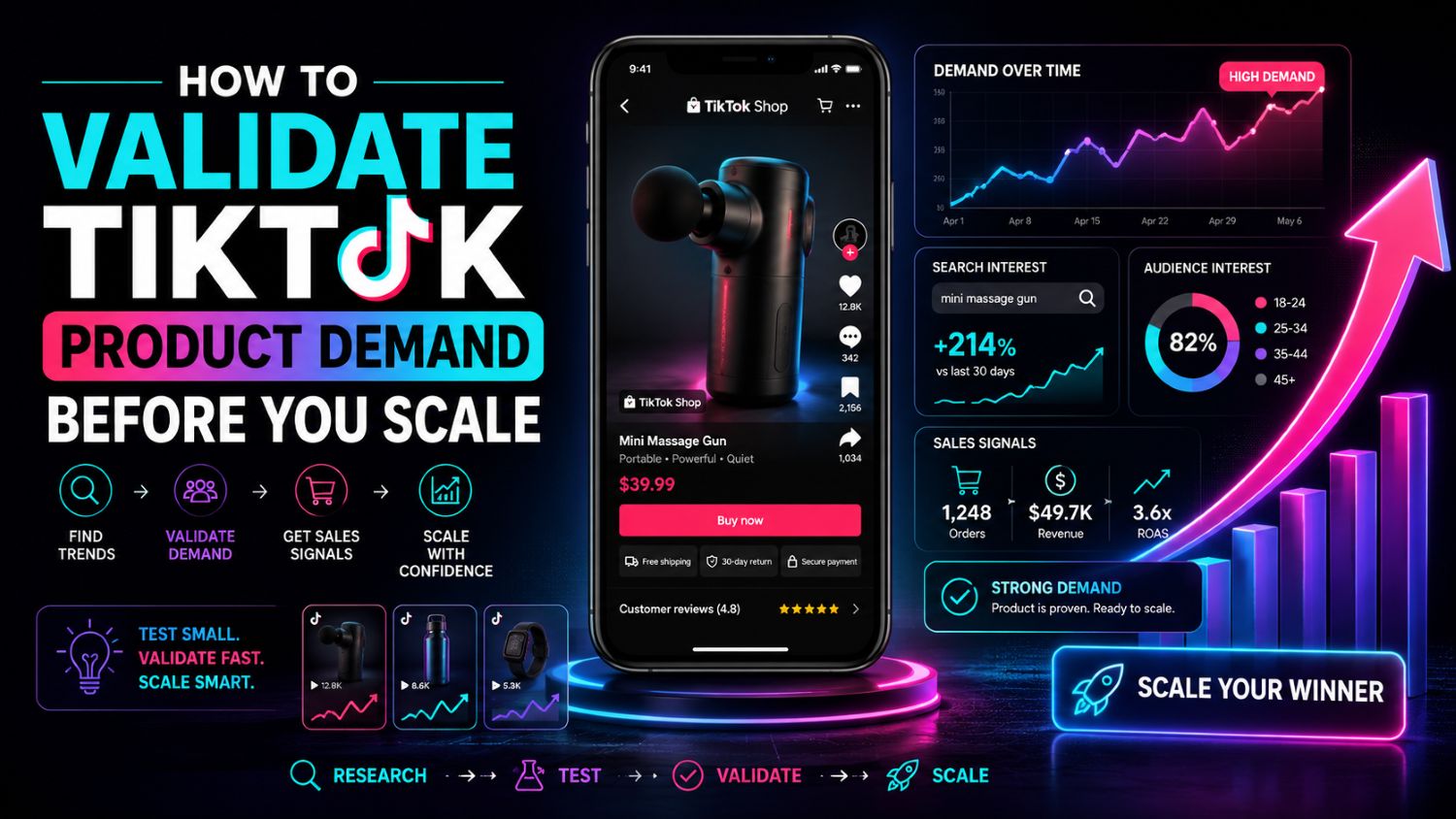
Scaling too early is one of the most expensive mistakes on TikTok Shop.
A product can get views and still fail.
A video can go viral and still not convert.
A creator can sell once and never repeat it.
Before you increase inventory, creator outreach, paid ads, or live-stream resources, you need to validate real product demand. EchoTik helps sellers do that by connecting product data, creator signals, videos, comments, shops, and live performance into one research workflow.
The Short Answer
Validate TikTok product demand by checking whether product momentum, creator activity, buyer-intent comments, competitor shop behavior, and live-room performance are moving together; if only one signal is strong, stay cautious, but if three or more signals align, the product may be ready for a controlled scale test.
Why Views Are Not Enough
Views are attention.
Demand is intent.
A product video can get high views because it is funny, strange, or visually satisfying. That does not mean viewers are ready to buy.
Before scaling, you need to ask better questions:
Are viewers asking where to buy?
Are creators making repeat videos?
Are competitor shops adding similar products?
Are live rooms pushing the product?
Are buyers asking about size, shipping, ingredients, usage, or results?
That is why manual scrolling is not enough. You need data across the whole TikTok Shop funnel.
Step 1: Choose One Market and One Category
Do not validate a product globally at first.
Start narrow.
For example:
U.S. beauty
UK home appliances
Indonesia baby care
Thailand skincare
Mexico sports products
Each market behaves differently. The same product can work in the U.S. and fail in Thailand because creator style, price sensitivity, and buyer language are different.
Use EchoTik E-commerce Analysis to review categories, products, influencers, shops, and live data before choosing your test market.
Step 2: Check Product Momentum
A product is not worth scaling just because it appears on a ranking.
You need to know whether momentum is building.
Check:
Data Point | Good Signal |
|---|---|
Ranking movement | Product is moving up, not flat |
GMV trend | Sales signal is rising |
Price trend | No severe price collapse |
Associated videos | More creators are producing content |
Associated shops | More sellers are testing it |
Associated lives | Product appears in live rooms |
Category trend | The wider category is also active |
EchoTik’s Data API covers product details, price trends, associated creators, videos, lives, comment analysis, ranking analysis, and category insights.
That lets your team validate demand with data instead of relying on screenshots.
Step 3: Read Comments Like a Buyer Research Report
Comments are often more valuable than likes.
Likes tell you people reacted.
Comments tell you what buyers are thinking.
Look for buying-intent comments:
“Where can I buy this?”
“Does it work for oily skin?”
“Is this safe for kids?”
“What size should I get?”
“Does it ship to my country?”
“Can you show the result after a week?”
“Is there a discount?”
“Is this better than the old version?”
These comments reveal objections, use cases, and copywriting angles.
If a product has many views but no buyer questions, do not scale yet. The content may be entertaining, not commercial.
Step 4: Check Creator Fit
A product cannot scale on TikTok Shop without creators.
But not every creator helps.
You need creators who can explain the product naturally, not just creators with large follower counts.
Check:
Creator Signal | Why It Matters |
|---|---|
Recent video performance | Shows current influence |
Engagement trend | Shows whether the account is growing or fading |
Product-category history | Shows whether the audience matches |
Comment quality | Shows whether viewers trust the creator |
Live activity | Shows whether creator can sell beyond short video |
Repeat product content | Shows whether the product has content depth |
EchoTik’s creator data includes engagement trends, follower count, video lists, live lists, rankings, audience profiles, and GMV performance signals.
The goal is simple: find creators who can convert, not just creators who look popular.
Step 5: Analyze Competitor Shops
Competitor shops tell you how crowded the opportunity is.
Before scaling, ask:
Is one shop dominating the product?
Are many small shops entering?
Are competitors bundling the product?
Are prices dropping?
Are they using creators, ads, short videos, or live rooms?
Is the product a hero SKU or just a catalog filler?
A product with rising demand and manageable competition is worth testing.
A product with rising demand and heavy price pressure needs caution.
EchoTik shop data helps sellers review shop details, sales trends, product lists, associated creators, videos, and live streams.
Step 6: Validate Live-Commerce Potential
Some products look good in short videos but fail in live rooms.
That matters if you plan to scale through TikTok Live.
Use EchoTik Live Monitor to monitor competitor live rooms. EchoTik states that Live Monitor provides minute-by-minute live data and analyzes traffic, products, audience, and sales pitch.
Check:
Live Signal | What It Means |
|---|---|
Peak viewers | Attention potential |
Total viewers | Traffic scale |
Follower growth during live | Trust and retention |
Product sequence | How sellers position the item |
Sales pitch timing | Which words create action |
Live GMV signal | Commercial strength |
Repeat appearances | Whether sellers keep pushing it |
If a product appears in multiple live rooms and still holds traffic, it may have stronger scale potential.
Common Red Flags
Do not scale when you see these signals:
One viral video but no repeat creators
High views but weak buyer comments
Many shops selling the same product with heavy discounts
Creators using identical scripts
Strong GMV but no live-room traction
Product depends on one celebrity or one event
Comments show trust issues or quality concerns
Shipping, sizing, safety, or compliance questions are unresolved
These do not always mean the product is bad.
They mean you need more validation before spending more money.
How to Turn Validation Into a Scale Plan
Once the product passes the scorecard, do not scale everything at once.
Scale in layers.
First, test more videos.
Then test more creators.
Then test live-room scripts.
Then increase inventory.
Then increase ad budget.
Use EchoTik AI Tools to turn validated comments and product angles into video scripts, titles, and promotional copy.
The best content does not come from random AI prompts. It comes from real buyer questions and real market signals.
Final Takeaway
You should not scale a TikTok Shop product because it looks popular.
You should scale when the data shows real demand.
That means product momentum, creator activity, buyer comments, competitor shop behavior, and live-room signals are all pointing in the same direction.
Use EchoTik E-commerce Analysis to find product and category signals. Use EchoTik Data API to track products, creators, videos, shops, and trends at scale. Use EchoTik Live Monitor to validate live-commerce potential.
CTA: Try EchoTik before you scale your next TikTok Shop product. Data first. Inventory second. Budget last.
