TikTok Shops Analytics

TikTok Shops Analytics gives you strong tools to watch your shop’s progress. With TikTok shop analytics, you can see live data about sales, customer groups, and how much people interact. You can use this information to help your sales go up and learn what your audience enjoys. Look at the table below to see how important numbers help you make good choices:
Impact on Decision-Making | |
|---|---|
Engagement Rates | Shows how your audience reacts to your products. |
Sales Trends | Tracks which items sell the most over time. |
Customer Demographics | Helps you aim your marketing at the right people. |
Video Views and Watch Time | Shows which videos bring in more buyers. |
Follower Growth Patterns | Tells you how your brand gets bigger on TikTok. |
Key Takeaways
Check TikTok Shops Analytics every day. Look at important numbers like sales trends and customer demographics. This helps you learn about your audience. It also helps you make your shop better.
Pay attention to your conversion rate. A higher conversion rate means more visitors buy things. This shows your content and products connect with your audience.
Use real-time analytics to act fast when the market changes. This lets you change your plans quickly. You can also make your product listings better for more engagement and sales.
TikTok Shops Analytics Overview
Dashboard Features
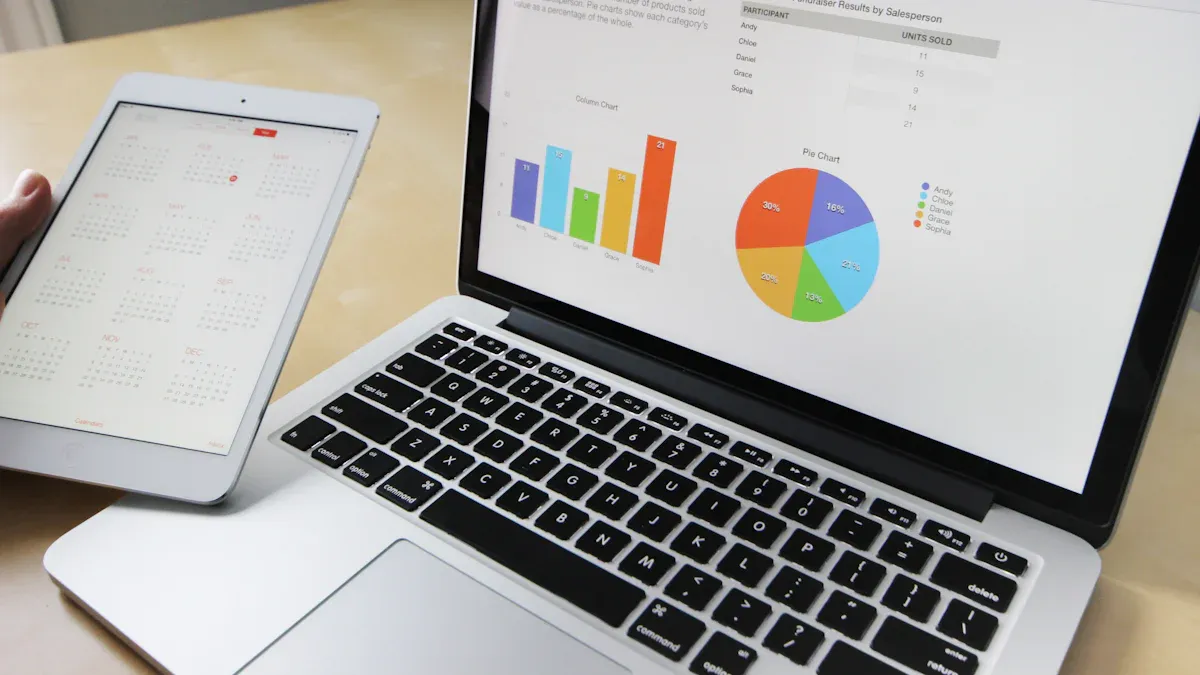
When you go to the TikTok Shop Seller Center, you see a dashboard. This dashboard shows how your shop is doing right now. You can check your total revenue, profit margins, and conversion rates. These tools help you know if your products sell well. You also see how people react to your content. The dashboard shows what customers do, so you can find out what works best.
Feature | Description |
|---|---|
Total Revenue | Tells you how much money you make from sales. |
Profit Margins | Lets you see how much profit you get from each product. |
Conversion Rates | Shows how many viewers become buyers from different places. |
Customer Behavior Trends | Shows how customers act with your products and videos. |
Real-time product analytics give you quick feedback. You can react fast when things change in the market. This is important because TikTok changes quickly. Old analytics use past data, but real-time analytics help you act now.
User Interface
The TikTok Shop analytics interface is easy to use. All your data is in one spot. The layout helps you see trends and learn about your audience. You can also use other analytics tools for more details. Many sellers use Kolodata, Pentos, Shoplus, and Tabcut. These tools help you check competitor prices, trending products, and engagement numbers. Some tools, like Hootsuite and Exolyt, focus on sales and video results. You can pick the tools that work best for you.
People shop differently in each region. In Southeast Asia, people buy cheap items often. In the U.S., people buy things quickly, and short videos help sell most products. You should change your marketing to fit your audience and local trends. TikTok shops analytics helps you by giving you the right data when you need it.
Shop Metrics in TikTok Shop Analytics
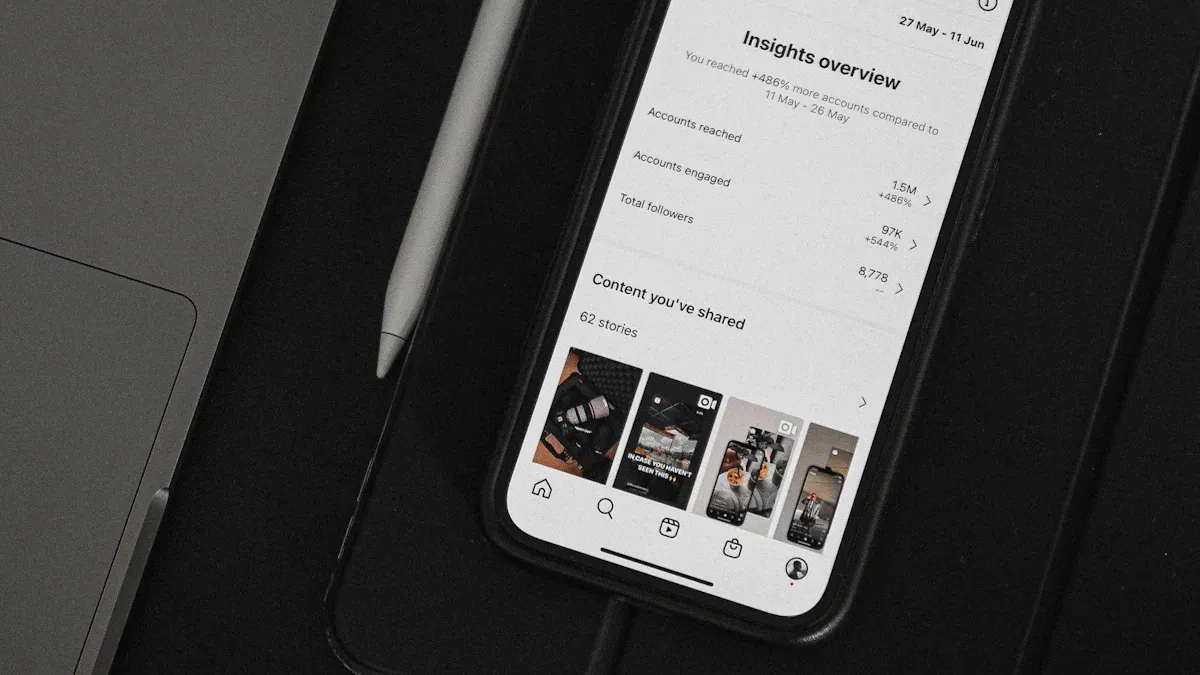
Knowing your shop’s metrics helps you grow on TikTok. TikTok shop analytics lets you check data about your audience, sales, and how products do. These numbers show what works and what needs fixing. Let’s see what each part means.
Traffic Data
Traffic data tells you how many people visit your shop. It also shows where they come from. You can see if people find you from TikTok videos, search, or ads. This helps you know which content brings the most visitors. You can compare traffic sources and change your plan if needed.
Tip: Look at your traffic data every day. You can see which videos or posts bring new viewers. This helps you focus on what your audience likes.
TikTok Insights and Creator Shop Analytics show you what topics are trending. They also tell you what people search for. You can use these tools to learn what your audience wants and plan your content.
Conversion Rate
Conversion rate tells you how many visitors buy something. TikTok shop analytics helps you see how well your shop turns visits into sales. A good conversion rate means your content and products fit your audience.
Here are some average conversion rates for TikTok Shops:
Fashion & Beauty: 4% to 6%
eCommerce & Tech: 3% to 6%
Health & Wellness: 2% to 4%
TikTok’s organic conversion rate: 3.4%
Beauty and fashion can reach up to 5%
You can compare your conversion rate with these numbers. If your rate is low, try changing your product videos or descriptions.
Sales Performance
Sales performance shows how much money you make and how your shop grows. TikTok shop analytics lets you track sales data like Gross Merchandise Value (GMV), Return on Ad Spend (ROAS), and Average Order Value (AOV). These numbers help you see which products sell best and which ads work.
Metric | What it Measures | Why it Matters | Tracking Method |
|---|---|---|---|
Gross Merchandise Value (GMV) | Total sales value before returns and cancellations | Main way to see growth | TikTok Shop Seller Center → Performance → GMV Overview |
Conversion Rate by Traffic Source | Purchase rate from different discovery methods | Shows which content types drive sales | Analytics → Traffic Sources → Conversion Analysis |
Return on Ad Spend (ROAS) | Revenue made for each dollar spent on TikTok Ads | Shows if ads make money | Track automated campaign ROAS separately from manual campaigns |
Average Order Value (AOV) | Average size of each order | Bigger AOV means better profits | N/A |
You can use this data to set goals and track your shop’s growth. Performance tracking helps you spot trends and make smart choices.
Customer Demographics
Customer demographics tell you who buys from your shop. TikTok shop analytics lets you learn about your audience’s age, location, and interests. This helps you aim your marketing and make content that fits your audience.
Gen Z adults (18-24) are 3.2 times more likely to shop on TikTok Shop than most shoppers.
The 25-34 age group is 1.8 times more likely to shop and is growing fastest.
Customers aged 35 and older are shopping more, with a 55% yearly increase.
Latin American markets see 85% yearly growth in TikTok users, while Eastern Europe has a 65% increase.
Older age groups (55-64 and over 65) are less likely to shop on TikTok Shop.
You can use audience insights to find new chances and change your marketing for different ages and places.
Product Analytics
Product analytics help you find your best-selling items and improve your shop. TikTok shop analytics lets you track product data like views, sales, and engagement. Products with real content and user demos often sell better. Fun videos and trending hashtags help more people see and buy your products.
Products with quick changes or cool results go viral more often.
User-made content, especially from Gen Z, helps spot and share trends.
TikTok Insights and Creator Shop Analytics show what your audience searches for, so you can make the right content.
Real-time data lets you change your plan fast.
Note: Use product analytics to try new ideas. You can see which products get the most attention and change your listings to match what people like.
You can use analytics to plan your content, make your shop better, and grow your sales. TikTok shops analytics gives you the data you need for performance tracking and audience insights. You can use these tools to make smart choices and do well on TikTok.
Analyzing TikTok Shop Data
Understanding how to use analytics helps you make better choices for your shop. When you start analyzing TikTok shop data, you can see what works and what needs to change. This section will show you how to access your analytics, spot important trends, and create custom reports for deeper insights.
Accessing Analytics
You can find your shop’s analytics in the TikTok Shop Seller Center. Follow these steps to get started:
Go to the analytics section. Here, you will see key metrics like sales sources and performance insights.
You will see data about your audience, sales, and product performance. This helps you with sales tracking and lets you react quickly to changes. You can check your analytics every day to stay updated.
Tip: Make it a habit to review your analytics at the same time each day. This helps you spot patterns and act fast.
Interpreting Trends
When you look at your analytics, you will notice patterns in your data. These trends show you what your audience likes and how they shop on TikTok. Many sellers use tools like FastMoss, Shoplus, and Tabcut to get even more details. These tools help you with product research and trend analysis.
Tool | Key Features | Best For |
|---|---|---|
FastMoss | Real-time data across 250 million creators and 200 million products | Merchants needing multi-device access |
Competitor Tracking | ||
Influencer Outreach | ||
Free Trial (7-day access) | ||
Tabcut | Mirrors over 90% of TikTok Shop’s market data | Sellers focusing on market trends |
Product Rankings | ||
Trend Analysis | ||
Affiliate Support |
Shoplus, FastMoss, and Tabcut help you find what products are trending and what your competitors are doing. For example:
A U.S. pet product seller used Shoplus to focus on trending dog toys and doubled their sales.
FastMoss users saw a 30% boost in ROI by matching their campaigns with viral trends.
Tabcut helped a Malaysian health seller increase sales by 25% by copying live stream schedules.
You can also spot common trends in TikTok shop analytics:
Over half of users (51.9%) are already selling through TikTok Shop.
About 26% plan to use TikTok Shop soon.
Many users (58.2%) find it hard to drive traffic, and 14.1% have low conversion rates.
The most popular items are personal accessories, household goods, fashion, cosmetics, and technology.
Almost a quarter of buyers (23%) find products by browsing TikTok Shop, while 25% discover them through ads.
Note: Watch for changes in what your audience buys. If you see more people buying a certain type of product, you can adjust your shop to match the trend.
Custom Reports
You can create custom reports in TikTok Shop Analytics to get the exact data you need. Custom reports help you track your audience, sales, and product performance in detail. Here is how you can make a custom report:
Go to the Analytics tab in TikTok Ads Manager.
Click on Custom reports.
Choose to create a new report or pick a template.
Select the metrics and details you want, such as account info, campaign data, and performance numbers.
Pick the report format (Pivot table or Trend line) and set the time range.
Save your report with a name. You can schedule it to run automatically or export it right away.
Custom reports let you focus on the data that matters most to your shop. You can use them to compare different campaigns, track your audience, and see which products drive the most sales.
Pro Tip: Use custom reports to check your progress each week. This helps you spot what works and what needs to change.
Analyzing TikTok shop data gives you the power to make smart decisions. With TikTok shop analytics, you can understand your audience, improve your sales, and keep up with trends. Tools like FastMoss, Shoplus, and Tabcut make it easier to find the right data and grow your shop.
Optimization Strategies
Product Listings
You can use TikTok Shops Analytics to make your product listings better. When you check click-through rates, add-to-cart actions, and conversion rates, you learn what your audience likes.
If you look at how similar products do on TikTok, you can see which ones get more clicks or sales. Predictive models can help you set up your listings in the best way. This means using good titles, the right keywords, clear images, and video thumbnails that catch people’s eyes.
Use analytics to watch how your product listings do on TikTok Shop. Important KPIs are views, clicks, conversion rates, and money earned. The data helps you find patterns that show what gets more engagement and sales.
Check your product listings often. Use feedback and performance numbers to make changes. You should always try to make your listings better.
Watching key performance metrics is very important. Track engagement rates, conversion rates, click-through rates, and sales data. This helps you find what needs to be improved.
Competitor analysis tools help you find new trends. You can change your listings to get more engagement and sales.
Marketing Campaigns
You can use TikTok Shop Analytics to make your marketing campaigns stronger. Here are some steps to help you get better results:
Find your best content themes and use them again for more engagement.
Post at busy times and aim at the right audience groups to get higher engagement.
Pick creators who fit your campaign goals by using analytics data.
Try different ad versions to see which ones get more engagement and sales.
Share your top TikTok content on other channels to reach more people.
Third-party tools show what your competitors are doing. You can spot new content trends and make your engagement strategy better.
Customer Engagement
You can boost engagement by using analytics to learn about your audience and change your approach. The table below lists some good strategies:
Strategy | Description |
|---|---|
Use analytics to track metrics | Watch video views, follower ages, and other key numbers to make content your audience likes. |
Experiment with content types | Try different content styles and posting times. Check results to improve your plan based on engagement. |
Engage with the community | Reply to comments, join trends, and ask for feedback. This builds a strong community and increases engagement. |
Stay agile | Change your strategy often to match new trends and audience likes for better engagement. |
Tailor content based on insights | Use analytics to find the best times to post and what people in different places like. This helps you get more engagement. |
You should check your engagement data after each TikTok LIVE session. This shows what works and helps you make changes for future sales. Using TikTok Shops Analytics and third-party tools helps you follow trends, get more engagement, and grow your sales.
Challenges
Data Issues
Sometimes, TikTok shop data is not always up to date. There can be missing information or delays in the numbers you see. This makes it tough to know how your shop is doing right now. You might notice some listings are gone or prices are not current. Sometimes, engagement numbers do not match what is really happening.
Trends on TikTok can change very fast. If you do not act quickly, your shop could miss out.
If you do not use tools to collect and check your data, you may only see old results.
If you do not have a way to get and check your data automatically, you will only see what happened before. On TikTok, timing is very important.
Limited Insights
TikTok gives you lots of numbers, but sometimes you cannot see everything you want. You may want to know more about your audience or why some products sell better.
If you do not have the right tools, you might miss some data. You could see old prices or engagement numbers that are not current.
It can also be hard to compare your shop to others or spot new trends before they go away. This can make it harder to keep up with changes and can hurt your sales.
Practical Solutions
You can solve these problems by using some smart ideas:
Watch important numbers to see if your content is working.
Use TikTok’s analytics to check things like click-through rates and cost per sale.
Try different ad ideas like video length, opening hooks, CTAs, and music to make ads work better.
Check how your audience acts and how your content does by using TikTok’s analytics.
Change your content plan when you learn new things from your numbers.
If you track engagement rate, conversion rate, and watch time, you can see what works best. When you look at TikTok shop data every day, you can act fast and help your shop grow.
You can help your business grow by using TikTok Shops Analytics every day. Sellers use reports that show what to do next, spot problems, and keep making things better:
Strategy | Description |
|---|---|
Look at profit numbers and make reports for each product’s margin. | |
Anomaly Detection | Set up alerts to know when performance changes. |
Ongoing Optimization | Check your data often to make sure it is right. |
Watching how products do and when you post helps you get more views and sales.
TikTok’s own tools and other analytics tools help you make smart choices and see your sales as they happen.
FAQ
How often should you check your TikTok Shop analytics?
You should check your analytics every day. This helps you spot trends and make quick changes to improve your shop’s performance.
Can you use third-party tools with TikTok Shop analytics?
Yes! You can use tools like FastMoss, Shoplus, and Tabcut. These tools help you find trends, track competitors, and get deeper insights.
What is the most important metric to watch?
Metric | Why It Matters |
|---|---|
Conversion Rate | Shows how many visitors buy. |
You should focus on conversion rate. This number tells you if your shop turns visitors into buyers.
See Also
Essential Tools For Analyzing TikTok Performance Effectively
Steps To Access TikTok Analytics For Your Account
Comprehensive Guide To Analyzing TikTok Shop Data Effectively
Top Free Tools For Analyzing TikTok Metrics
EchoTik.live: The Ultimate Analytics Tool For TikTok Sellers
