How Can I Become a Seller on TikTok Shop

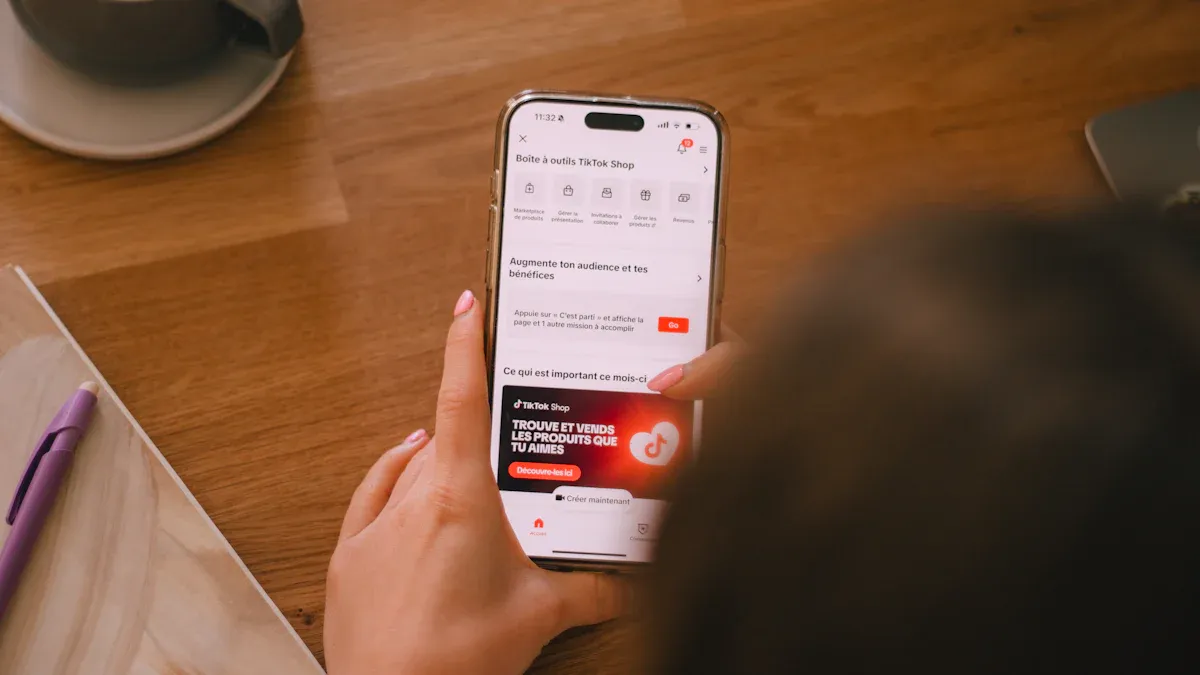
You can sign up your shop on TikTok online. The seller tiktok register system lets people and businesses join. There are no fees, so you keep your money. Careful steps help you not make mistakes. You get approved faster if you follow each step.
Key Takeaways
You do not need to pay to sell on TikTok Shop. Get your documents ready first. Follow each registration step closely. This helps you not make mistakes.
Your information must match your official documents. This makes approval faster. It also stops delays from happening.
TikTok Shop lets people and businesses sell. Check if you meet the age rules. Make sure you live in the right place before you apply.
Seller TikTok Register Requirements
Who Can Register
You can sign up for TikTok Shop if you are a person or a business. The seller tiktok register process lets both join. You must be 18 or older and live in the U.S. These are the main rules to join. You need a TikTok account and a working U.S. phone or email. Here is a simple list of what you need:
Seller Type | Requirements |
|---|---|
Individual Seller | 18+ years old, U.S. residency, valid ID, legal name, date of birth, SSN/ITIN, proof of address, U.S. bank account |
Business Seller | U.S. residency, EIN, business registration documents, business representative info, business address, business bank account |
What You Need to Prepare
Get your papers ready before you start the seller tiktok register steps. If you are an individual, you need a government ID, your SSN or ITIN, and proof of where you live. Businesses need an EIN, registration papers, and a business bank account. Your information must match your documents. If you type wrong details, TikTok might stop your account or hold your money. Here is a checklist:
Government-issued ID (driver’s license, passport, or state ID)
SSN or ITIN
Proof of address
U.S. bank account
For businesses: EIN, registration documents, business bank account
TikTok Shop Policies
When you use the seller tiktok register system, you agree to TikTok Shop’s rules. You cannot sell banned things like weapons, illegal drugs, or fake items. Some products need extra approval, like beauty items or electronics. If you break the rules, TikTok may limit your account or take down your products. If you keep breaking rules, you can get banned forever. Always read TikTok Shop’s rules before you add products.
Set Up a TikTok Shop: Step-by-Step
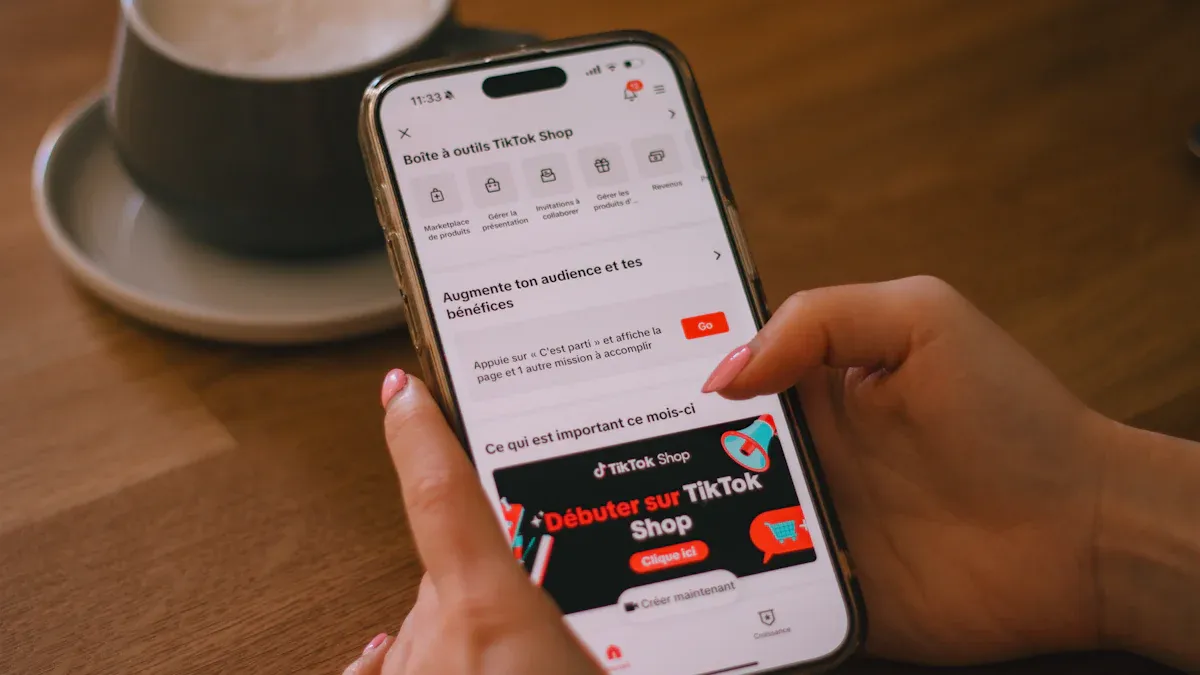
Setting up a TikTok Shop feels like opening your own storefront in a busy mall, but you do it all online. You get to reach millions of users and start selling products directly from your TikTok account. The setup process is simple, but you need to follow each step carefully. Let’s walk through it together, just like a real seller would.
Access Seller Center
You start by visiting the TikTok Shop Seller Center. The interface looks clean and modern, with clear buttons and easy navigation. You don’t need to be a tech expert to find your way around. Here’s how you get in:
Go to the TikTok Shop Seller Center website for your region.
Enter your registered email or phone number and password.
TikTok sends a code to your email or phone. Enter the code to verify your identity.
Once you log in, you see your seller dashboard. This is where you manage your shop, products, and orders.
You can also access the Seller Center from the TikTok app. Tap your profile, select TikTok Shop, and log in. You can manage your shop on the go, which is great if you like working from your phone.
Tip: If you ever get stuck, TikTok’s help center offers guides and live chat support. You don’t need to worry about getting lost.
Set Up TikTok Shop Account
Now you’re ready to set up a TikTok Shop account. The platform asks you to choose your country and account type. You pick whether you’re registering as an individual or a business. The interface guides you step by step, so you don’t miss anything.
Here’s a quick look at what you need to enter:
Requirement | Details |
|---|---|
Account Type | Choose individual or business. |
Regional Compliance | Confirm you’re eligible in your region. |
Business Type | Enter your legal business name and EIN if you have one. |
Shop Name | Pick a name for your TikTok Shop. |
Warehouse Address | Add your warehouse, pickup, and return addresses. |
Shipping Setting | Decide if you ship yourself or use TikTok’s platform. |
Bank Account | Link a bank account with your registered name. |
You also need to provide your business phone number, main product type, and contact details. The setup process feels smooth, and the instructions are clear. You don’t need a business license to get started, but you do need accurate information.
Submit Business Info
After you set up tiktok shop account details, you submit your business info. TikTok checks your legal name, address, and tax ID. If you’re a business, you add your EIN and registration documents. You also list any business partners and their details.
Note: Make sure your info matches your documents. If there’s a mismatch, TikTok may delay your approval.
Upload Documents
Next, you upload your documents. TikTok accepts .PNG and .JPG files, with a maximum size of 5MB. Your images should be clear, at least 600x600 pixels. You upload your government ID, proof of address, and bank account info. For businesses, you add your EIN and registration papers.
Criteria | Details |
|---|---|
.PNG, .JPG | |
Maximum File Size | 5MB |
Minimum Resolution | 600x600 pixels |
Maximum Resolution | 6000x6000 pixels |
The upload screen is simple. You drag and drop your files, and the system checks them for errors. If you upload the wrong format or a blurry image, TikTok asks you to try again.
Complete Verification
Verification is the last step. TikTok reviews your documents and checks your business info. They pair your entity record, EIN, and bank account name. You appoint a primary business representative, who uploads an ID and a selfie video. If you own 25% or more of the business, you enter your legal name, date of birth, nationality, and U.S. address.
The verification process usually takes 1-2 business days. Sometimes, you get approved in less than 24 hours. If TikTok finds any errors, they ask you to fix them. You don’t pay any fees to set up a tiktok shop. You only pay a small transaction fee (about 2.5%) when you make sales.
Quick Comparison Table: TikTok Shop vs. Other Platforms
Feature | TikTok Shop | Other Platforms |
|---|---|---|
Language Support | Multiple | Varies |
Real-Time Capability | Yes | Sometimes |
Collaboration Tools | Built-in | Add-ons |
Setup Cost | Free | Sometimes costly |
Approval Speed | 1-2 days | 2-7 days |
Selling Products Directly | Yes | Sometimes |
Why Choose TikTok Shop?
You get a fast, free setup process. The dashboard is easy to use, even for beginners. TikTok Shop supports real-time selling and collaboration, so you can work with creators and reach new buyers. You don’t need followers to start, and you can grow your audience as you go. The platform supports multiple languages and offers live support.
Some sellers worry about document uploads or approval delays. If you prepare your info and follow each step, you avoid most problems. TikTok Shop makes it easy to set up tiktok shop and start selling products directly to millions of users. You get a modern, mobile-friendly experience and a chance to build your brand.
Selection Criteria:
Accuracy of info
Language support
Real-time selling
Collaboration features
Fast approval
Free setup
If you want a simple way to set up a tiktok shop and reach new customers, TikTok Shop is a smart choice. The setup process is quick, and you get support every step of the way.
Tips for Fast Approval
Avoid Common Mistakes
You want your tiktok shop application to get approved quickly. Many people run into the same problems, but you can avoid them. Here are the most common mistakes that slow down or block approval:
Entering information that does not match your official documents. Double-check every detail for spelling and accuracy.
Applying from a country where tiktok shop is not available. Make sure you live in a supported region.
Giving up after one rejection. Sometimes, if you reapply with corrected details, you can get approved.
Tip: Always check that your business name, address, and bank account match across all your documents. This step helps you avoid delays.
Best Practices
You can speed up your tiktok shop approval by following some simple best practices. Try these steps:
Use high-quality scans or photos of your documents. Make sure all text is clear and easy to read.
Only upload documents that are current and not about to expire.
Keep your business name the same on every form and document.
If your documents are not in English, provide certified translations.
Follow the file size and naming rules set by tiktok.
If you already sell on platforms like Shopify or Amazon, link those storefronts to your application. This move shows tiktok that you have real experience and can handle orders. Before you submit, check that your EIN letters, utility bills, and bank account all show the same address. Make sure your tiktok profile details match your application. Taking these steps helps you get approved faster and start selling sooner.
Here is what you need to do to sign up as a TikTok Shop seller:
Make your TikTok Shop account.
Make sure you meet every account rule.
Upload your papers and finish the check.
Get your papers ready before you start. This helps you not get slowed down and makes approval easier. Check your details again before you send them in. Begin today and use TikTok’s chance to sell.
FAQ
How long does TikTok Shop approval take?
You usually get approved in one to two days. Sometimes, TikTok reviews your documents faster. If you fix mistakes quickly, you speed up the process.
Can you sell anything on TikTok Shop marketplace?
No, you cannot sell banned items. TikTok Shop marketplace has strict rules. You need to check the product list before you add anything to your shop.
What happens if TikTok rejects your application?
TikTok sends you a message with the reason. You can fix your details and try again. Many sellers get approved after correcting their information.
See Also
Simple Steps To Launch Your Business On TikTok Shop
Strategies For Setting Prices On TikTok Shop Products
EchoTik |Tips For Efficient Order Management In TikTok Shop
EchoTik |Three Effective Ways To Locate TikTok E-Commerce Accounts
TikTok Shop Closes Indonesia Station, EchoTik Aids Sellers With Inventory Issues
