Tiktok shop register

If you want to sell things on TikTok, you might find the steps to TikTok shop register a bit confusing. You're not alone in feeling this way. I spent a lot of time figuring out the easiest way to register for TikTok shop, and I'm here to help you with the process. You just need to meet a few requirements and gather some simple documents. After that, you can follow the steps to sign up. Many people join TikTok shop for its low prices and appreciate the honest reviews. Customers want to see clear pricing as well.
Key Takeaways
You need to be 18 or older to register for TikTok Shop. You must live in the US or UK. Make sure you fit these rules before you begin.
Get your documents ready, like a government ID and proof you live where you say. You also need your bank account details. Having these things helps you sign up faster.
Go to the TikTok Seller Center to make your account. Type your information carefully. Upload clear pictures of your documents so you do not get slowed down.
If you have trouble, check your documents again. You can ask TikTok support for help. They can fix most problems fast.
When you get approved, connect your bank account. You can start adding products to your shop. Talk to your audience to help your sales and get more followers.
TikTok shop requirements
Eligibility criteria
You have to follow some simple rules before you sign up. You must be 18 years old or older. You need to live in the United States or United Kingdom. Tiktok shop lets you join as a person or a business. If you want to sell as a business, your company must be registered in the country you choose. These rules help keep everyone safe and fair.
Tip: If you are not 18 yet, ask your parent or guardian to help you make a business account.
Required documents
Getting your papers ready helps you register faster. You will need:
A government ID, like a driver’s license or passport
Proof you live in the US (for US sellers)
A business certificate (if you sign up as a company)
Bank account details for getting paid
The papers you need can be different based on your country and if you sign up as a person or a business. Here is a table to compare:
Country | Individual Requirements | Company Requirements |
|---|---|---|
United Kingdom | UK driver’s license and UK address | UK business, proof of UK address or lease |
United States | US passport or driver’s license, proof you live in the US | US business, real business papers from a US government office |
If you forget a paper, tiktok shop may take longer to approve you. Check your papers before you send them.
Account setup
Making your tiktok shop account is easy. First, make a seller account on TikTok Seller Center. Type in your personal or business info, upload your papers, and add your bank account. Tiktok shop will check your info. If you follow the steps and send clear papers, you will get approved faster. You can change your account info later if you need to.
Note: If you have problems, you can ask tiktok shop support for help. They usually answer fast.
Tiktok shop register process
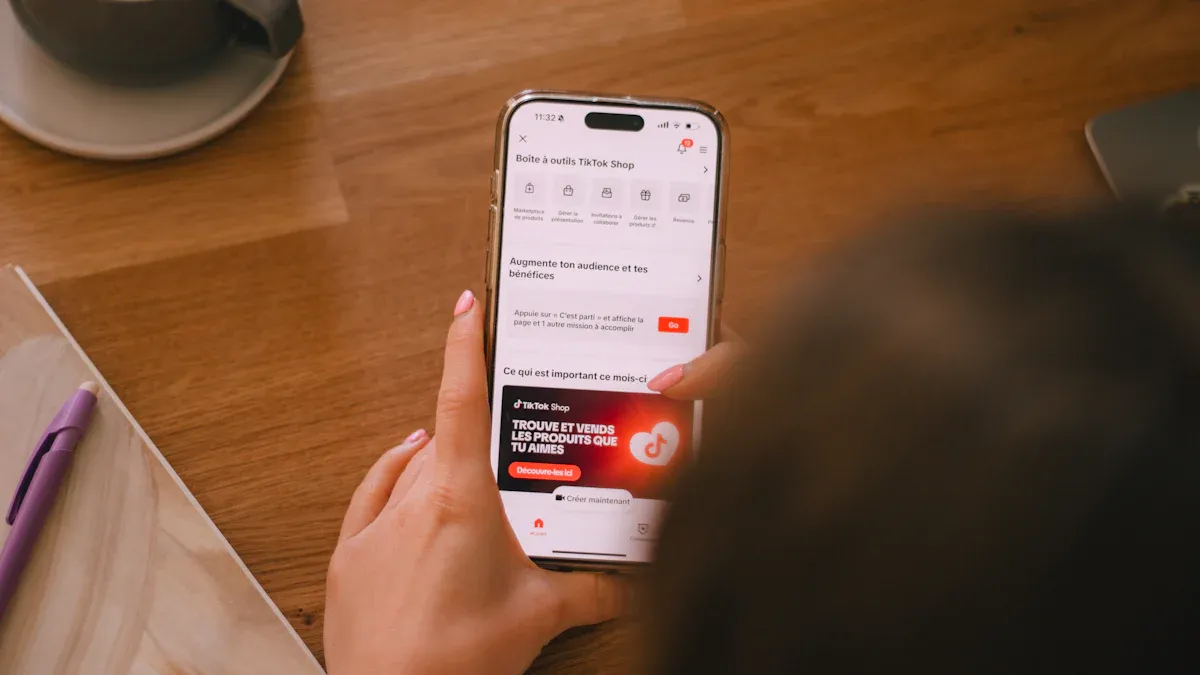
Ready to start selling? The tiktok shop register process feels pretty straightforward once you know what to expect. I’ll walk you through each step, sharing what works well and what can trip you up. You’ll use the seller center for everything, so get comfortable with it.
Accessing seller center
You begin by heading to the TikTok Shop Seller Centre website. The interface looks clean and modern, but sometimes it loads slowly on older devices. Here’s how you get started:
Open your browser and go to the seller center homepage.
Log in with your TikTok account. If you don’t have one, you’ll need to create it first.
Choose if you’re signing up as an individual or a business. The options are clear, but double-check before you click.
Note: If you use an outdated TikTok app or an older phone, you might run into glitches. Devices with Android 8 or iOS 13 and below sometimes don’t show all features. Download TikTok from the official app store to avoid problems.
You’ll notice that tiktok shop register is only available in certain regions. If you’re not in the US or UK, you may not see the option to sign up.
Set up a tiktok shop account
Once you’re inside the seller center, you start to set up a tiktok shop account. The process feels like filling out a simple online form, but you need to pay attention to details. Here’s what you do:
Enter your legal name and contact info. Make sure it matches your documents.
Add your business information if you’re registering as a company. You’ll need tax documents for this step.
Link your bank account. This part is important for getting paid. The seller center asks for your bank details, so have them ready.
Review everything before you submit. Mistakes here can slow down your approval.
Tip: Signing up with accurate info saves you time. If your name or address doesn’t match your ID, you’ll get stuck in review.
You might notice that the seller center asks for a minimum follower count for some shop features. If you’re just starting out, focus on getting your paperwork right first.
Submitting documents
Uploading your documents is the next step in the tiktok shop register process. The seller center makes it easy, but you need to follow a few best practices:
Prepare your documents before signing up. Gather your ID, business certificate, and bank info.
Upload high-resolution images. Use a scanner app if you can. Blurry photos often get rejected.
Double-check that your name matches across all documents and application fields.
Use accepted file formats. The seller center supports PDF, JPEG, and PNG files, each under 10 MB.
Format | Size Limit |
|---|---|
Less than 10 MB | |
JPEG (JPG) | Less than 10 MB |
PNG | Less than 10 MB |
Alert: If you rush and upload low-quality images, you’ll probably face delays. Take a few extra minutes to get it right.
The seller center interface guides you through each upload, but sometimes the upload button doesn’t respond on older browsers. If that happens, try switching to Chrome or updating your browser.
Application review
After you finish signing up and submit your documents, the seller center starts the review. You’ll see a status update in your dashboard. Most approvals take a few days if everything matches. If there’s a mismatch or missing info, it can take weeks or even months.
You might feel anxious waiting, but the seller center sends notifications when your application moves forward. If you get stuck, you can contact TikTok support. They usually reply quickly, but sometimes you’ll need to follow up.
Note: The fastest way to get approved is to make sure your documents are clear and your info matches exactly. If you run into trouble, don’t panic. Most issues come from small mistakes, and you can fix them by updating your application.
Once you’re approved, you can upload products to your seller center catalogue and sync your shop with your TikTok account. You’ll be able to tag products in your videos and start selling.
The tiktok shop register process has a few minor drawbacks, like occasional slow loading and strict document checks, but overall it’s user-friendly. If you take your time and follow each step, you’ll get your shop up and running without much hassle.
Troubleshooting registration
Common issues
You might run into a few bumps when you try to register for TikTok Shop. Most people face similar problems, so you are not alone. Here are some of the most common issues:
Document rejection: Sometimes, TikTok Shop does not accept your ID or business papers. This usually happens if the image is blurry or the info does not match what you entered.
Bank account linking problems: You may see errors when you try to connect your bank. Banks with extra security steps or mismatched names can cause trouble.
Slow application review: Waiting for approval can feel long. If you do not hear back after a week, something might be missing.
Region restrictions: If you live outside the US or UK, you may not see the option to register.
Technical glitches: The Seller Center sometimes freezes or does not load, especially on older devices or browsers.
Tip: Double-check your documents and info before you submit. This simple step helps you avoid most problems.
Solutions and support
You can fix most registration issues with a few easy steps. Here is what you can do:
Resubmit clear documents: Use a scanner app or a good camera. Make sure your name and address match everywhere.
Check your bank details: Enter your account info exactly as your bank shows it. If you see errors, try a different bank card.
Update your browser or app: Use the latest version of Chrome or Safari. If the Seller Center does not load, clear your cache or try another device.
Contact TikTok Shop support: If you get stuck, reach out through the Seller Center help chat or email. Support usually replies within two business days.
Problem | Quick Fix |
|---|---|
Document rejected | Upload a clearer image |
Bank not linking | Try another card or check details |
Slow review | Contact support after 7 days |
Region not supported | Wait for TikTok Shop to expand |
Note: If you feel frustrated, take a short break and come back with fresh eyes. Most issues have simple solutions, and support is there to help you.
Tips for approval
Best practices
You want your TikTok Shop application to go well. Here are some tips to help you get approved faster: Learn how TikTok Shop checks your application. The system looks to see if you follow all the rules. Always check your documents before you sign up. Your name, address, and business info should match everywhere. Keep your business details current. TikTok checks if your business is real, like if you have a website or social media. Try to sign up when fewer people are online. The review team can look at your application more closely. Always upload clear, good-quality scans of your documents.
If you want to see different ways to sign up, look at this table:
Method | Accuracy | Language Support | Real-Time Updates | Collaboration |
|---|---|---|---|---|
TikTok Seller Center | High | English, others | Yes | Limited |
Third-party agencies | Varies | Multiple | Sometimes | Yes |
TikTok Seller Center gives you the most control and fast updates. Third-party agencies can help with language or paperwork, but you may lose some control and accuracy.
Avoiding mistakes
Many people make the same mistakes when they sign up. You can avoid waiting longer if you watch out for these problems:
Common Mistake | Risk | How to Avoid |
|---|---|---|
Brand or company name mismatch | Reviewers say no if names do not match | Copy the brand name exactly from your papers |
Outdated trademark contact | TikTok cannot check your business | Update your contact info before you sign up |
Poor document quality or wrong file type | Reviews are slow or get rejected | Upload clear, original PDFs or images |
Incomplete banking information | Payment setup does not work | Enter all account and routing numbers correctly |
Using “No brand” for branded items | Seen as misuse | Use the right brand name if your product has a logo |
Take your time to check your business details and documents. If you hurry, you might miss something important.
After registration
Once you get approved, you can start working on your shop. Here’s what to do next: Link your bank account in the Seller Center. This step is needed to get paid. Add your products. Go to 'Manage Products' and fill in all the details, like product name, category, and shipping info. Look at the resources TikTok gives you. You get help from their team, guides, and tips to help your shop grow.
You can always ask TikTok support if you have questions. They help with tech problems and rules, so you never feel stuck after you sign up with a TikTok account.
You now know how to register for TikTok Shop and what to expect along the way. Many sellers love how easy it feels to connect shopping with social content, discover unique products, and create engaging videos.
Benefit | Description |
|---|---|
Ease of Use | Shopping and content blend smoothly, making it simple to find and buy products. |
Unique Products | You can offer or find trendy items that stand out. |
Engaging Content | Videos help you show off products in creative ways. |
Plenty of brands have seen big results:
One shop grew from 2,500 to 47,800 followers in six months.
Sales jumped from $1,200 to $89,000 per month.
Consistent posting and community engagement made a difference.
You can start your own journey today. Take it step by step, and remember, support is always there if you need it.
FAQ
How long does TikTok Shop registration take?
You usually get approved in two to five days. If your documents have mistakes or missing info, you might wait longer. Check your dashboard for updates. TikTok sends you a message when your shop is ready.
Can you register for TikTok Shop without a business?
Yes, you can sign up as an individual. You only need a government ID and a bank account. If you want to sell branded products, you may need extra paperwork.
What if TikTok rejects your documents?
If TikTok rejects your documents, don’t worry. You can upload better images or fix your info. Use a scanner app for clear pictures. Make sure your name matches everywhere.
Do you need followers to open a TikTok Shop?
You don’t need followers to register. Some features, like product tagging, work better with more followers. Focus on setting up your shop first. Grow your audience over time.
Is TikTok Shop available in every country?
Country | TikTok Shop Status |
|---|---|
USA | ✅ Available |
UK | ✅ Available |
Others | 🚫 Not yet |
TikTok Shop works in the US and UK. Other countries may get access soon.
See Also
Simple Steps To Launch Your Business On TikTok Shop
EchoTik |Tips For Efficient Order Management In TikTok Shop
TikTok Shop|How To Upload A Single Product Easily
Premiere|In-Depth Analysis Of TikTok US Shop Trends And Categories
TikTok Shop Shuts Down In Indonesia, EchoTik Aids Sellers With Inventory Issues
