How to Access TikTok Shop Toolkit Step by Step

Wondering how to access tiktok shop toolkit? You just need your tiktok app. Open it and check your profile if you want to know how to access tiktok shop toolkit. Tap around and see how to access tiktok shop toolkit. You will figure out how to access tiktok shop toolkit on tiktok in minutes!
Key Takeaways
Open the app to get to the TikTok Shop Toolkit. Go to your profile and tap the shopping cart icon. - Make sure you meet all the rules for TikTok Shop. You must be the right age, live in the right place, and have ID. - If you have problems, try updating the app. You can also check your bank info to fix payment issues.
How to Access TikTok Shop Toolkit?

Getting started with the tiktok shop toolkit is easier than you might think. You just need your phone and the tiktok app. Let’s walk through each step so you can find the toolkit and start exploring all the shop features.
Go to TikTok Profile
First, you need to reach your tiktok profile. Here’s how you do it:
Open the tiktok app on your device.
Look at the bottom right corner of your screen. You will see a person icon.
Tap that icon. Now you are on your profile page. This is where you see your videos, drafts, and bio.
Tip: Make sure you have the latest version of the tiktok app. Sometimes, older versions do not show all the shop features.
Click Shopping Cart Icon
Once you are on your profile, you will notice a shopping cart icon. This icon is your gateway to the tiktok shop. When you tap it, you can view and buy products right inside the app. The shopping cart icon also lets you check out live shopping events, shoppable videos, and the main shop tab.
The shopping cart icon helps you:
Browse trending products.
See what’s new in the tiktok shop.
Join live shopping sessions and buy products in real time.
Enter TikTok Shop
After you tap the shopping cart icon, you enter the tiktok shop. Here, you can explore all the products available for sale. You can also access the Creator Center if you want to sell your own products or manage your shop. The tiktok shop toolkit gives you tools to set up your shop, track orders, and manage your products.
Before you dive in, make sure you meet the official requirements for using the tiktok shop toolkit. Here’s a quick look:
Requirement | Details |
|---|---|
Age & Residency | You must be at least 18 and a legal U.S. resident. |
Identification | You need a valid government ID, like a driver’s license or passport. |
Contact Info | You need a working U.S. phone number and email address. |
Bank Account | You must have an active bank account for payouts. |
Tax Info | You need the last 4 digits of your SSN or ITIN, or an EIN for business. |
Seller Account Types | You can choose between Individual and Business accounts. |
Note: Individual sellers need personal ID and basic info. Business sellers must provide a business name, EIN, and registration documents.
When you enter the tiktok shop, you might run into some common problems. Sometimes, payment methods do not work, or the app crashes. If you see errors about payments or the app does not load, try updating your tiktok app or restarting your phone.
Type of Issue | Description |
|---|---|
Payment and Transaction Problems | You might see declined cards, missing payment methods, or payment errors. |
Technical and App-Related Issues | The app might crash, not load the shop, or fail to show order history. |
If you follow these steps, you will find the tiktok shop toolkit and start exploring all the shop features. You can browse products, join live shopping, and even set up your own shop if you want to sell. The tiktok shop makes it easy to discover new products and connect with buyers and sellers.
TikTok Shop Seller Account Setup
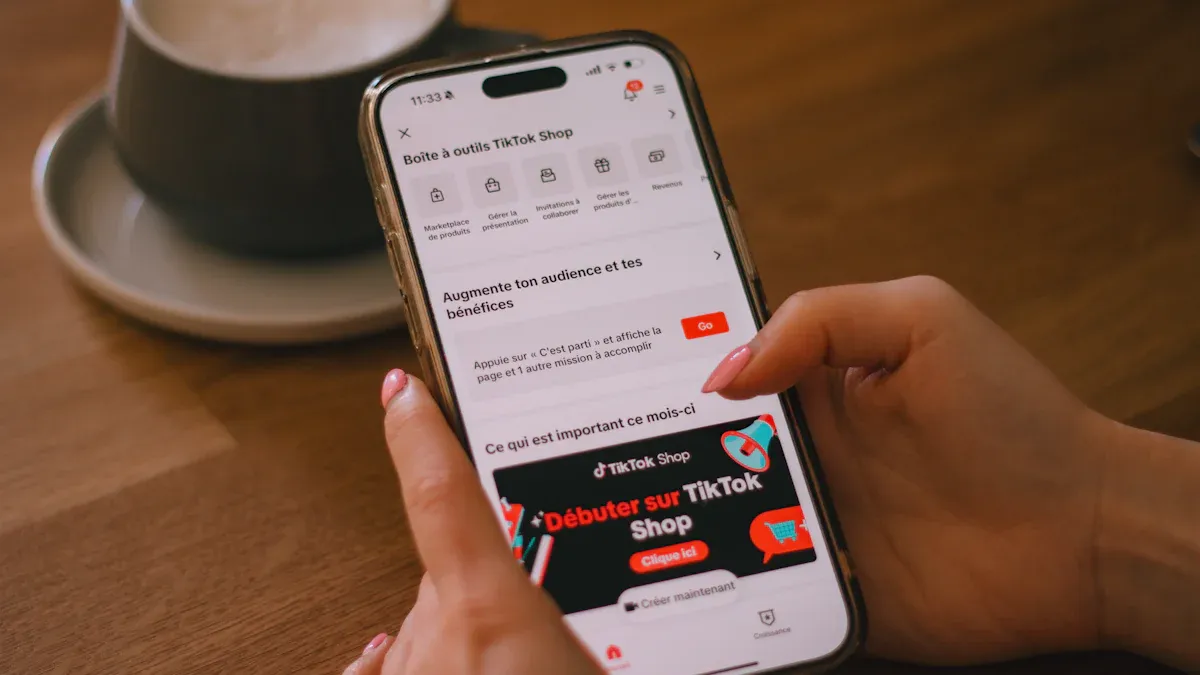
Ready to become a seller on tiktok shop? You just need to follow a few simple steps to set up your tiktok shop seller account. This process helps you start selling your products and reach more buyers on tiktok.
Register on Seller Center
Start by heading to the tiktok seller center. You need to meet some basic requirements before you can register. Here’s a quick look at what you need:
Criteria | Details |
|---|---|
Age Requirement | You must be at least 18 years old. |
Residency Requirement | You need a valid U.S. passport, driver’s license, or proof of residency. |
Individual Sellers | Provide a U.S. Government ID, SSN or ITIN, and bank account info. |
Business Sellers | Show business registration, tax info, and government documentation. |
Prohibitions | No cross-border sellers, governments, or political parties allowed. |
Most people finish registration in about 24 to 48 hours. You can get started with your shop right after approval.
Submit Business Documents
You need to upload your documents to verify your identity and business. If you are an individual seller, you will use your government ID and tax info. Business sellers must show business registration and tax documents. Make sure your documents are clear and match your tiktok shop account details. This step keeps your shop safe and builds trust with buyers.
Link Bank Account
Now it’s time to connect your bank account to your tiktok shop seller account. Here’s how you do it:
Set up your tiktok business account and finish verification.
Go to your profile, open settings, and find tiktok shop.
Enter your payment and bank account details.
Link your bank account for tiktok shop payouts.
Start selling your products and track your shop earnings.
Tiktok uses strong security for bank linking. They might send a small deposit to check your account. You should turn on two-factor authentication and check your bank account often. Always use a secure network when updating your shop info. Change your tiktok shop password every few months to keep your seller account safe.
Once you finish these steps, your tiktok shop is ready. You can add products, manage your shop, and start selling to millions of tiktok users.
Troubleshooting
Running into problems with your tiktok shop setup? You are not alone. Many sellers face small bumps when they try to get started. Let’s look at some common issues and how you can fix them.
Verification Issues
Sometimes, tiktok shop will not verify your account right away. You might see errors or get rejected. Here are some of the most common reasons:
You picked the wrong business type. For example, a Single-Member LLC does not always meet tiktok’s W-9 rules for direct sellers.
You made a mistake with your U.S. Primary Business Representative. Each person can only manage five accounts. If you choose the wrong one, you could lose data.
Your Ultimate Beneficial Owner information does not match. If your ITIN or EIN is wrong, tiktok will reject your verification.
Double-check your details before you submit them to tiktok shop. This step saves you time and stress.
Bank Account Problems
Bank account issues can slow down your tiktok shop launch. Here are some problems you might see and what they mean:
Problem Type | Description |
|---|---|
OTP Code Issues | You may not get the code or it may expire. Update your contact info if this happens. |
Beneficiary Name Mismatch | The name on your bank account must match your legal name from onboarding. |
Unsupported Bank/Country/Currency | If your bank or currency is not supported, tiktok shop will not accept it. |
Inactive Old Account | Keep your old account active until all payouts finish processing. |
If you see a problem, check your bank info and try again. Sometimes, a small fix gets your tiktok shop working.
Contact TikTok Support
If you still cannot solve your tiktok shop issue, you can reach out to tiktok support. Here are some ways to get help:
You can send an email or visit the help center. Tiktok support can answer questions about your shop, account, or payments. Do not give up if you hit a roadblock. Many sellers fix their tiktok shop problems with a quick message or by checking the help center.
You can set up your tiktok shop toolkit in just a few steps:
Choose your business type.
Add your shop’s address.
Agree to terms and conditions.
Upload your documents.
Link your bank account.
Benefit | Description |
|---|---|
You get a clear roadmap for your tiktok shop. | |
Adherence to Rules | You meet all tiktok requirements easily. |
Shop Optimization | You boost your tiktok shop’s visibility. |
Start your tiktok shop journey today. When you follow each step, you avoid confusion and set yourself up for success.
FAQ
How do you update your tiktok shop information?
You can update your tiktok shop info by going to your profile, tapping settings, and choosing the shop section. Make sure you save your changes before leaving.
Can you use tiktok shop if you have a personal account?
Yes, you can use tiktok shop with a personal account. You just need to meet the age and residency requirements. Upgrade to a business account for more features.
What should you do if your tiktok shop toolkit does not show up?
Try updating your tiktok app first. If you still do not see the tiktok shop toolkit, log out and log back in. Sometimes, tiktok rolls out features slowly.
If you keep having trouble, check the tiktok help center for updates or contact support. They can help you get access to the tiktok shop toolkit.
See Also
Mastering Order Management Within Your TikTok Shop
Simple Steps to Launch Your TikTok Shop Business
Three Effective Methods to Locate TikTok E-Commerce Accounts
Introducing TikTok Shop U.S. Pricing Calculator With Upgrades
